Pink Folder Icons for Mac & Windows (Cute, Pastel & Aesthetic)
The prettiest pink folder icons for Mac and Windows in 2026 — soft pastels, coral, rose and candy sets, hand-picked. Includes free packs and a 60-second install guide.
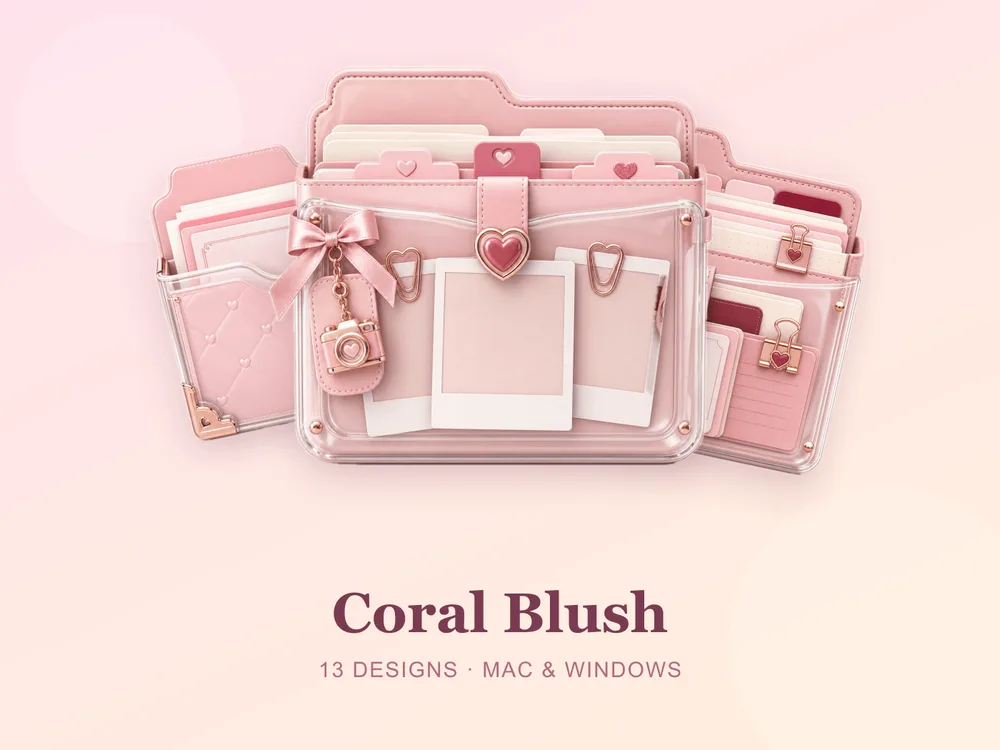
A pink desktop is one of the easiest ways to make your screen feel like yours. Swap the flat blue Mac folder (or the manila Windows one) for a soft pink set and the whole desktop instantly reads warmer, calmer and more put-together — without you redesigning anything.
This is our hand-picked roundup of the best pink folder icons for 2026, from gentle pastels to glossy candy tones. Every set is a complete, matching pack with .icns files for Mac and .ico/.png for Windows, so the look stays consistent across your whole desktop.
What makes a pink folder icon set actually good
Not every "pink" icon pack looks good once it's on your screen. The ones worth using share three things:
- One palette, not five. A great set sticks to a coherent range of pinks — blush, coral, rose — so a folder of them looks designed, not random.
- Soft, not harsh. The most pleasant pink desktops lean muted and pastel. Neon pink reads loud at 512px on a Retina screen.
- Enough variants. You need a few tones or labels to actually organise a real desktop, not a single repeated icon.
Best soft & pastel pink sets
If you want the gentle, dreamy look people search for most:
- Kawaii Beauty — soft pastel folders with a sweet, rounded look. Free for every member.
- Pastel Jelly — translucent jelly-style icons in muted pinks and pastels.
- Candy Folders — glossy candy-coloured folders that pop on a light desktop.
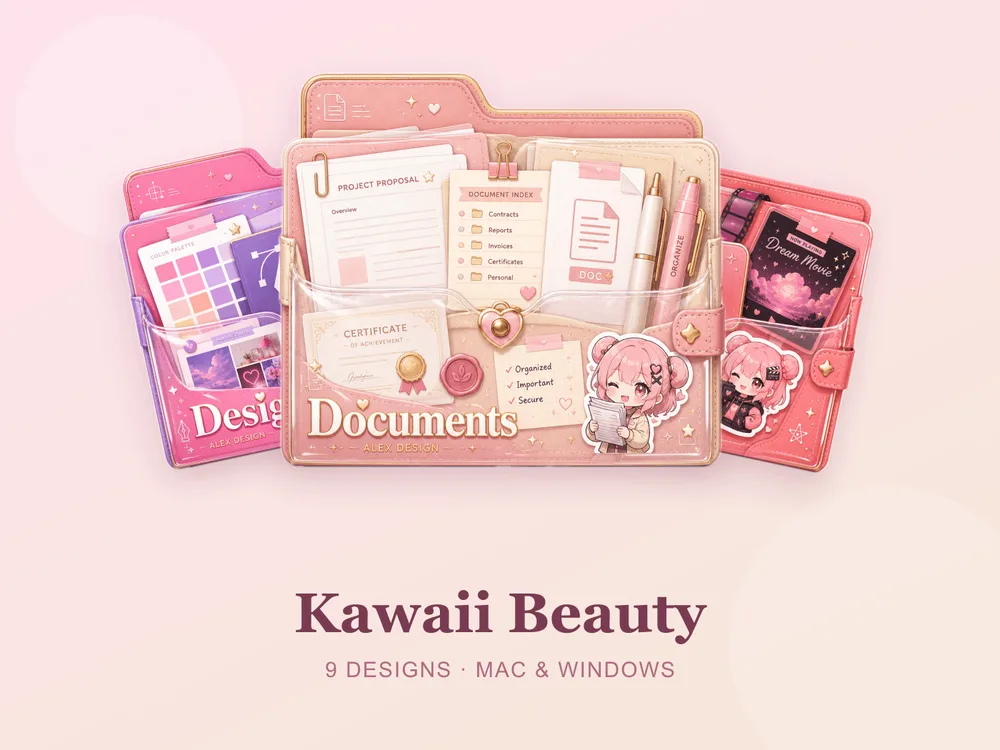
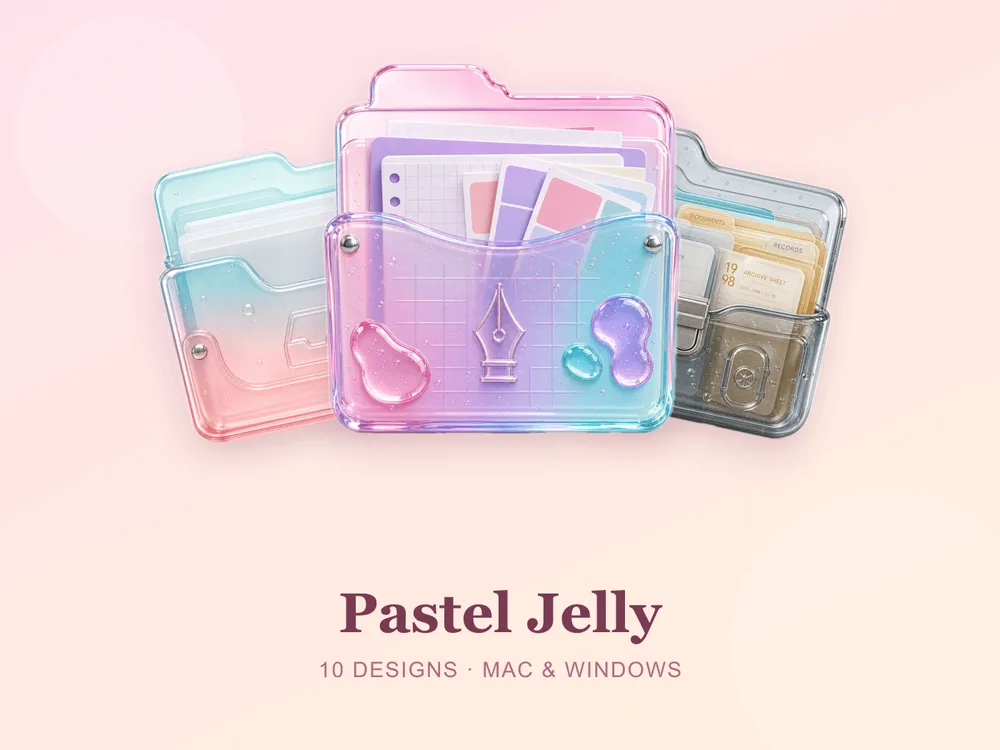
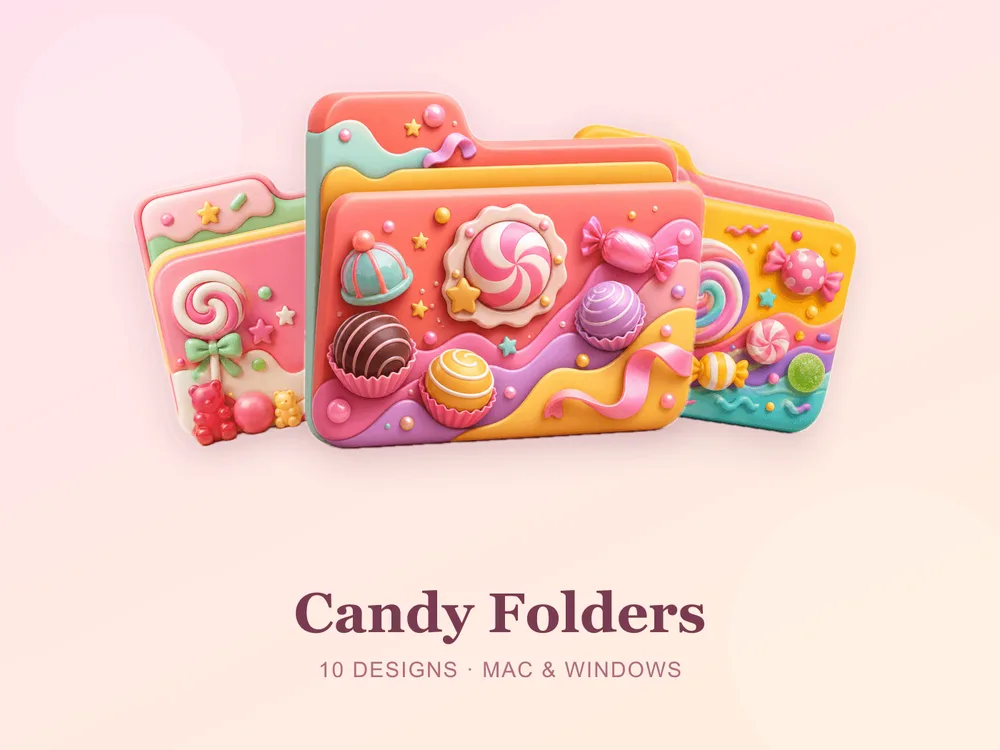
Best warm pink & coral sets
For a slightly richer, more grown-up pink:
- Coral Blush — warm pinks and corals for a gentle, feminine desktop. Free.
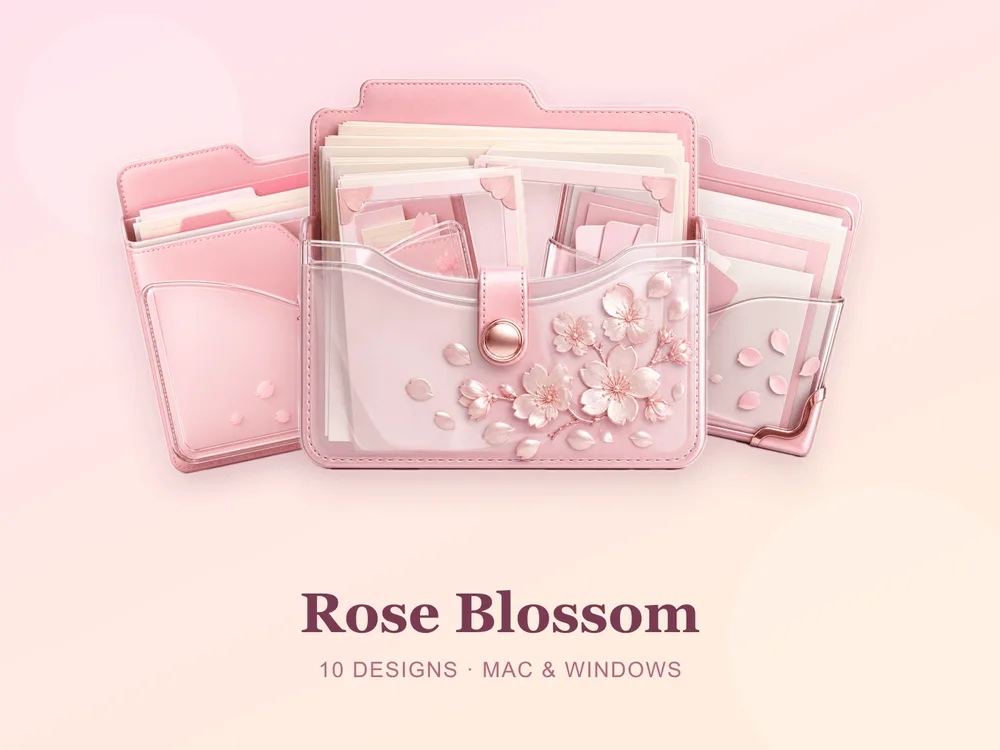
- Rose Blossom — soft rose and petal tones with a delicate, floral feel.
Why a matching set beats single pink icons
The reason most "free pink folder icon" downloads disappoint is that they're single icons from different designers — put twelve on one desktop and it looks pieced together. Starting from one coherent set means every folder shares the same pink palette, so the whole screen reads as intentional from the first folder you change.
How to install them (60 seconds)
Once you've downloaded a set, applying it takes seconds:
- On Mac: Select a folder → press Cmd + I → drag the
.icnsfile onto the small icon in the top-left of the Get Info window. Full walkthrough: How to Change Folder Icons on Mac. - On Windows: Right-click the folder → Properties → Customize → Change Icon → pick the
.icofile. Full walkthrough: How to Change Folder Icons on Windows.
Want the new icons to turn into a genuinely tidy desktop? Follow our desktop organization guide.
Start your pink desktop free
Two of the sets above — Kawaii Beauty and Coral Blush — are free for every member, so you can build a pink desktop without spending anything. When you want more variety, browse the full FolderIcons gallery: buy credits once, unlock the sets you love, and own them forever. No subscription, no expiry.
For more inspiration, see our best aesthetic folder icons roundup and cute folder icons for Mac & Windows.
Your folders, your colour.