Best Aesthetic Folder Icons in 2026 (Free & Premium Sets)
The best aesthetic folder icons for Mac and Windows in 2026 — kawaii, marble, crystal, 3D and vintage sets, hand-picked. Includes free packs and a 60-second install guide.
A default folder is a default folder — blue on Mac, manila on Windows, identical to the hundred next to it. Aesthetic folder icons fix that in two ways: they make your desktop genuinely nicer to look at, and they let you spot the right folder by shape and colour before you've read a single label.
This is our hand-picked roundup of the best aesthetic folder icon sets for 2026, grouped by style. Every set below comes as a complete, matching pack with .icns files for Mac and .ico/.png for Windows, so the look stays consistent across your whole desktop.
How we picked them
A good folder icon set isn't just "a nice picture." We looked for:
- Cohesion — every icon in the set shares one palette and one style, so a folder of them looks designed, not random.
- Resolution — crisp at 512px on a Retina desktop and at 32px in a sidebar.
- Range — enough variants (colours or labels) to actually organise a real desktop.
Best cute & kawaii sets
If you want soft, friendly, pastel — this is the category people search for most.
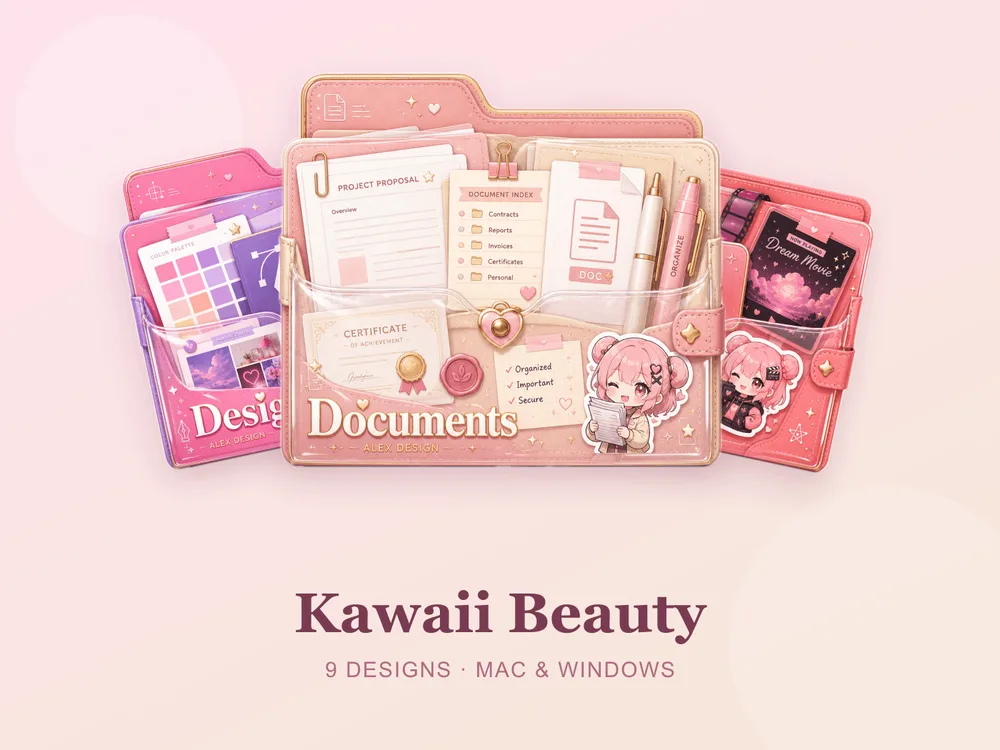
- Kawaii Beauty — soft pastel folders with a sweet, rounded look. Free for every member.
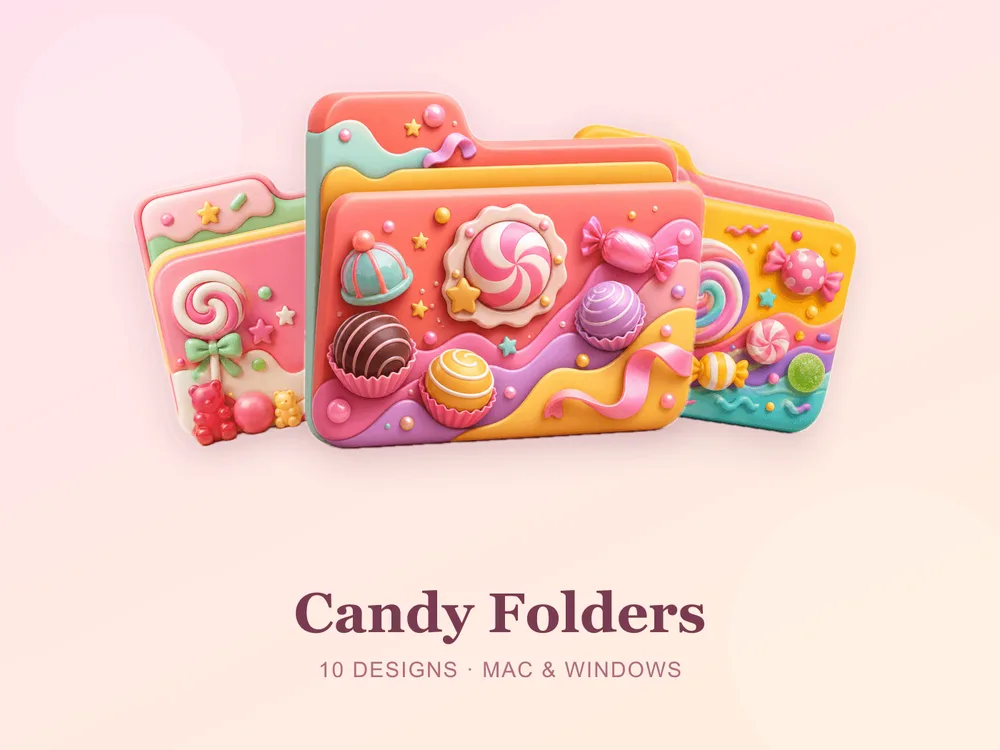
- Candy Folders — glossy candy-coloured folders that pop on a light desktop.
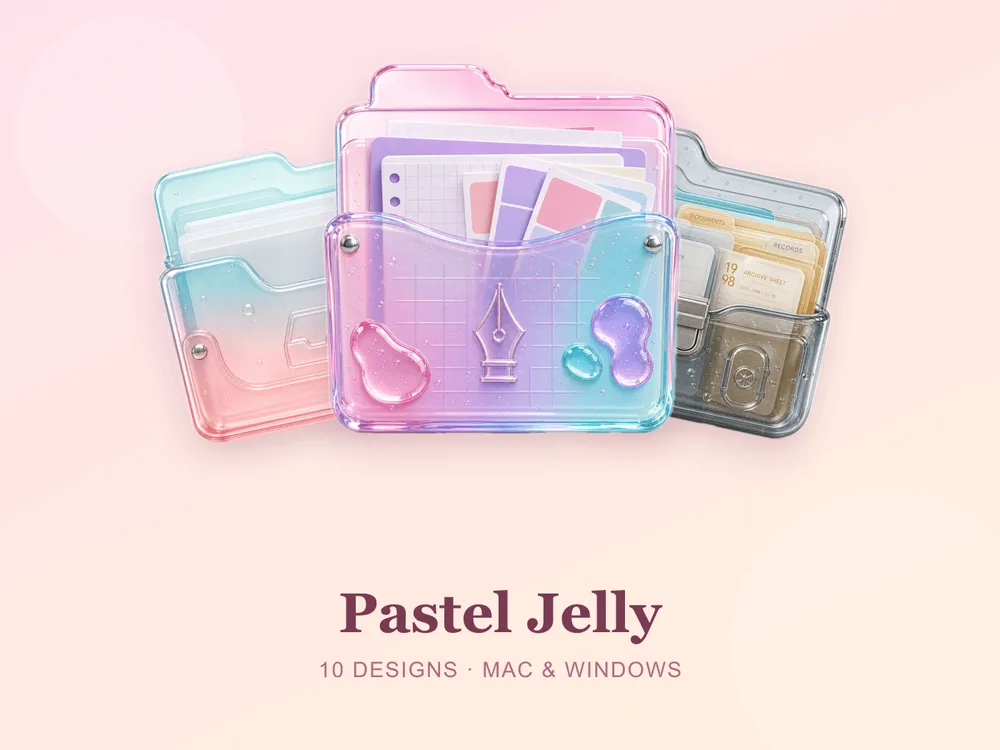
- Pastel Jelly — translucent jelly-style icons in muted pastels.
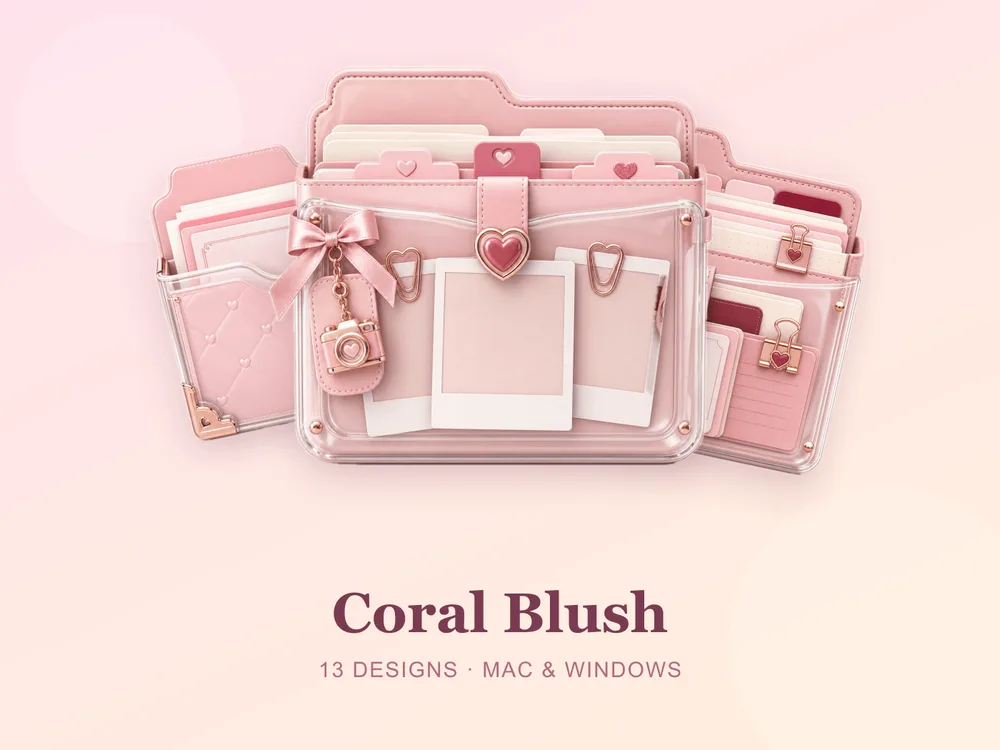
- Coral Blush — warm pinks and corals for a gentle, feminine desktop. Free.
Best stone, marble & metal sets
For a calmer, more grown-up desktop that still has texture.
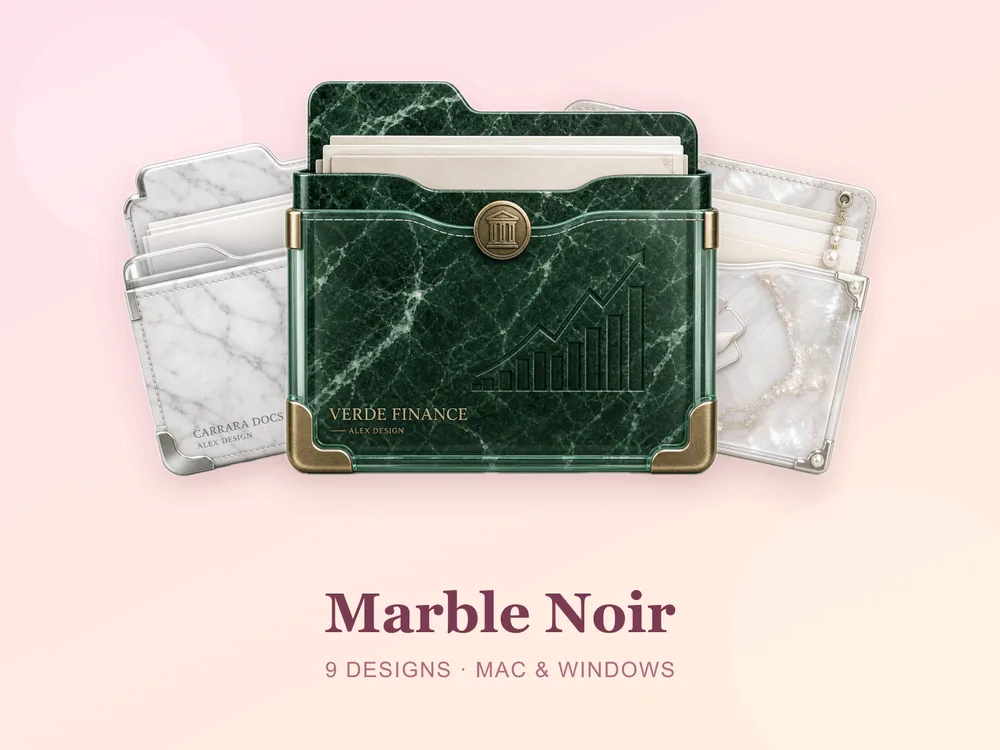
- Marble Noir — black marble with fine veining; quietly luxurious.
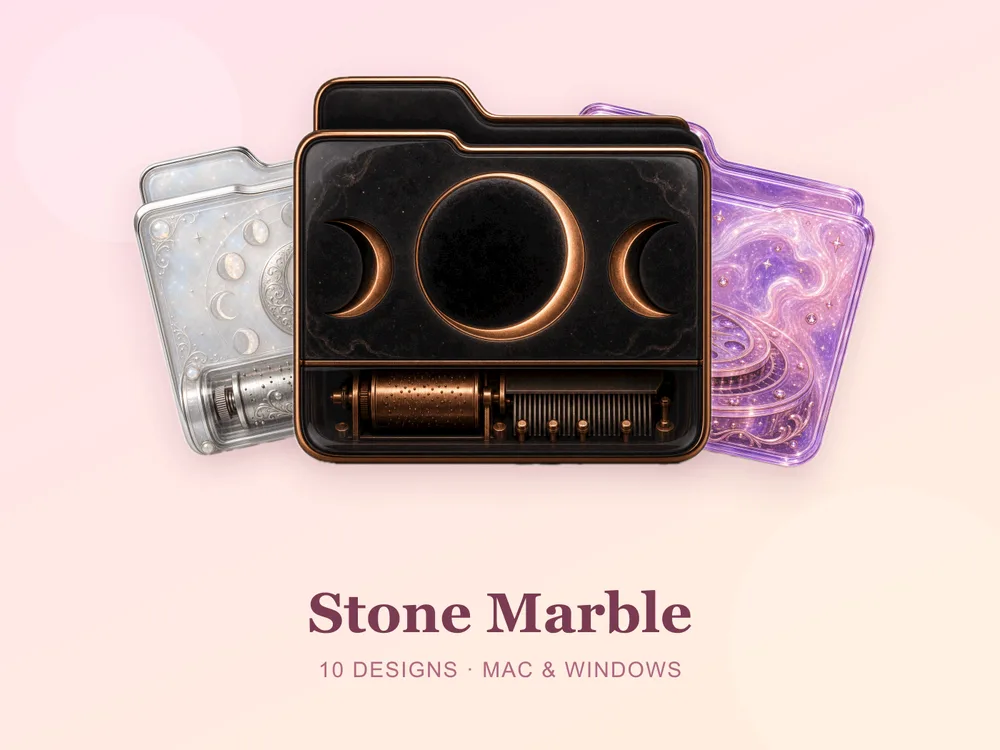
- Stone Marble — light marble for a clean, editorial feel.
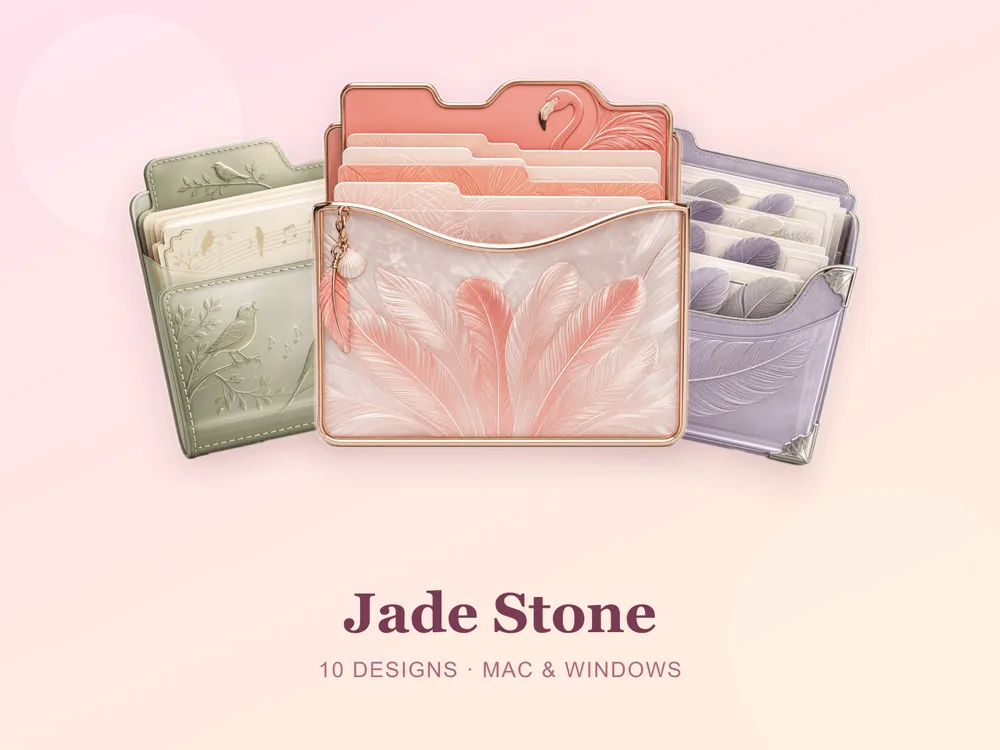
- Jade Stone — deep green jade with a polished sheen.
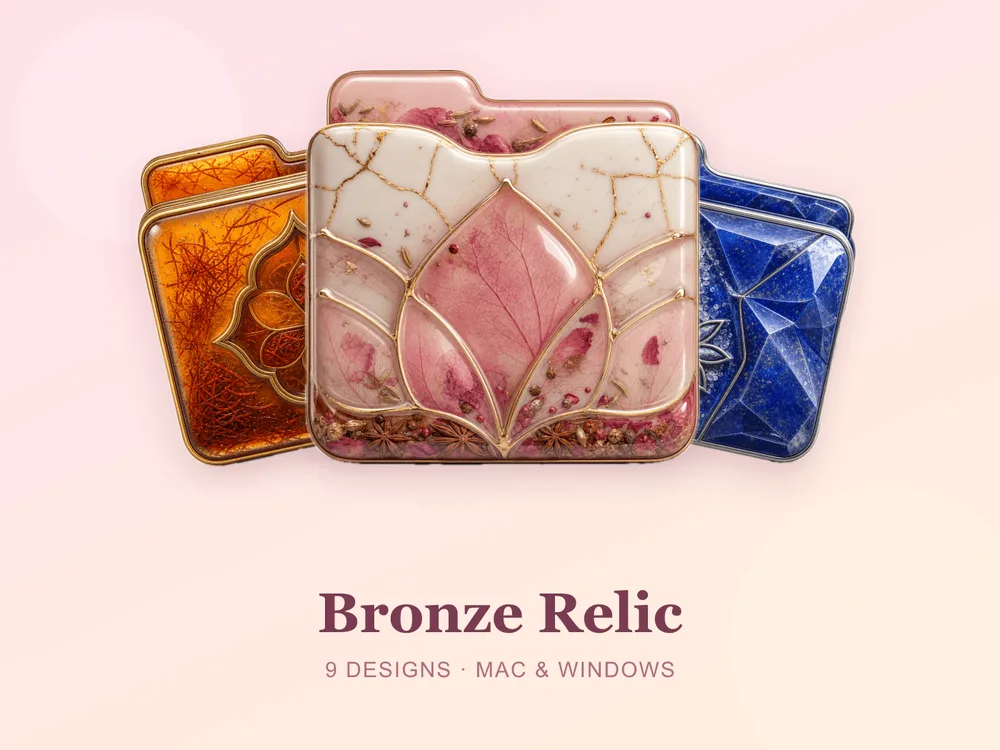
- Bronze Relic — aged bronze for a warm, weighty look.
Best crystal & 3D sets
When you want your folders to actually catch the eye.
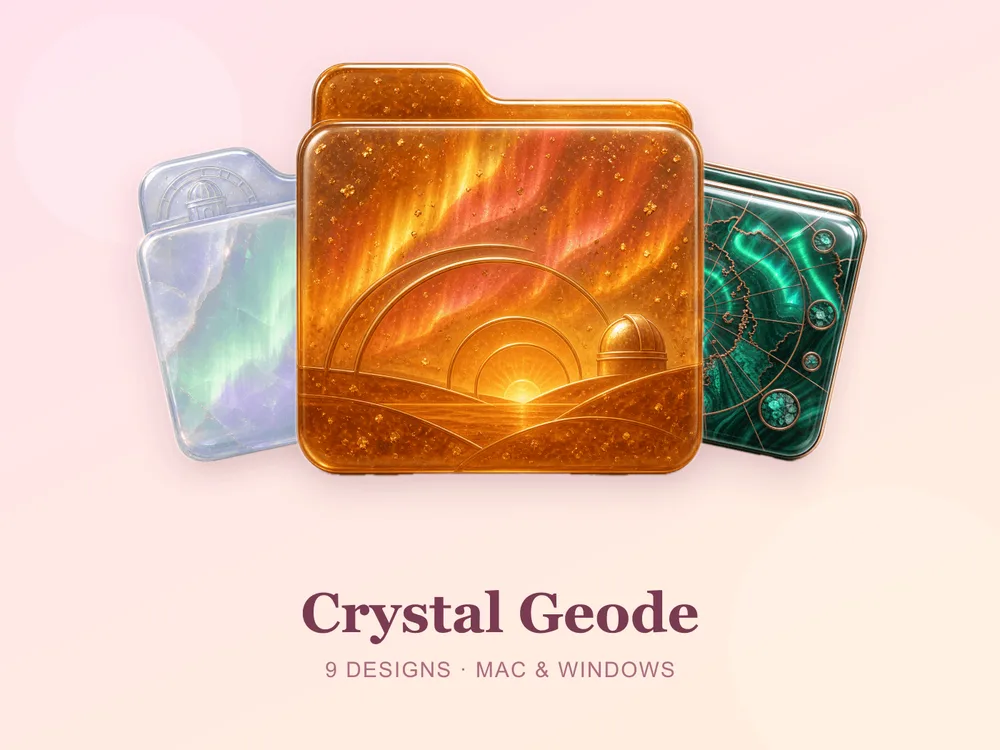
- Crystal Geode — faceted geode crystals in rich colour.
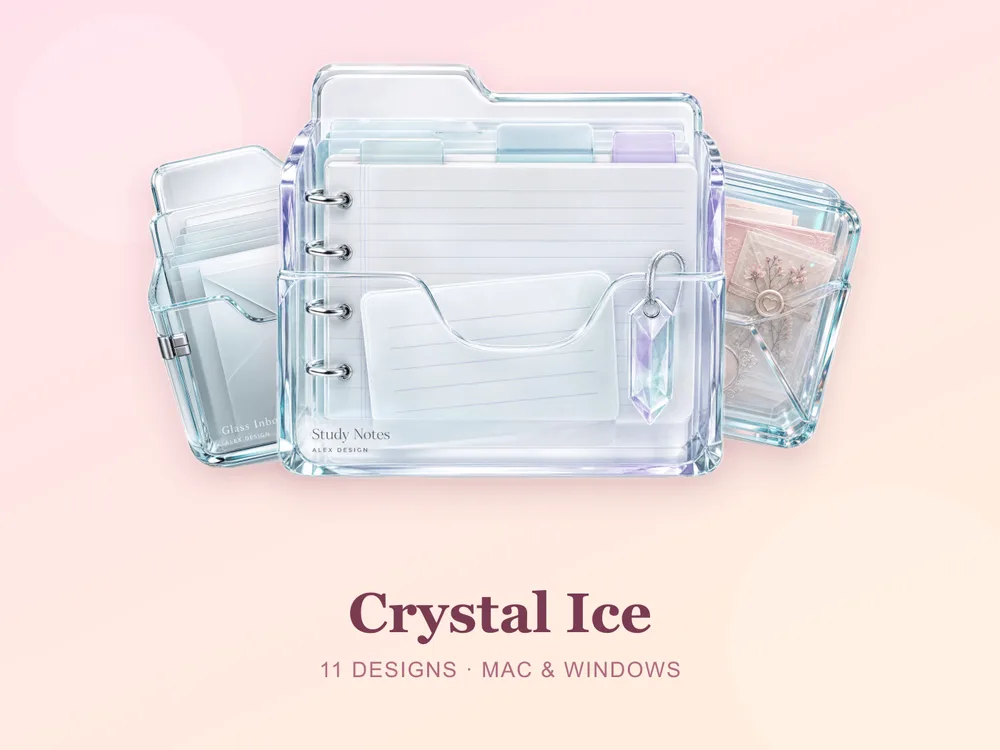
- Crystal Ice — cool, glassy ice crystals for a frosty desktop.
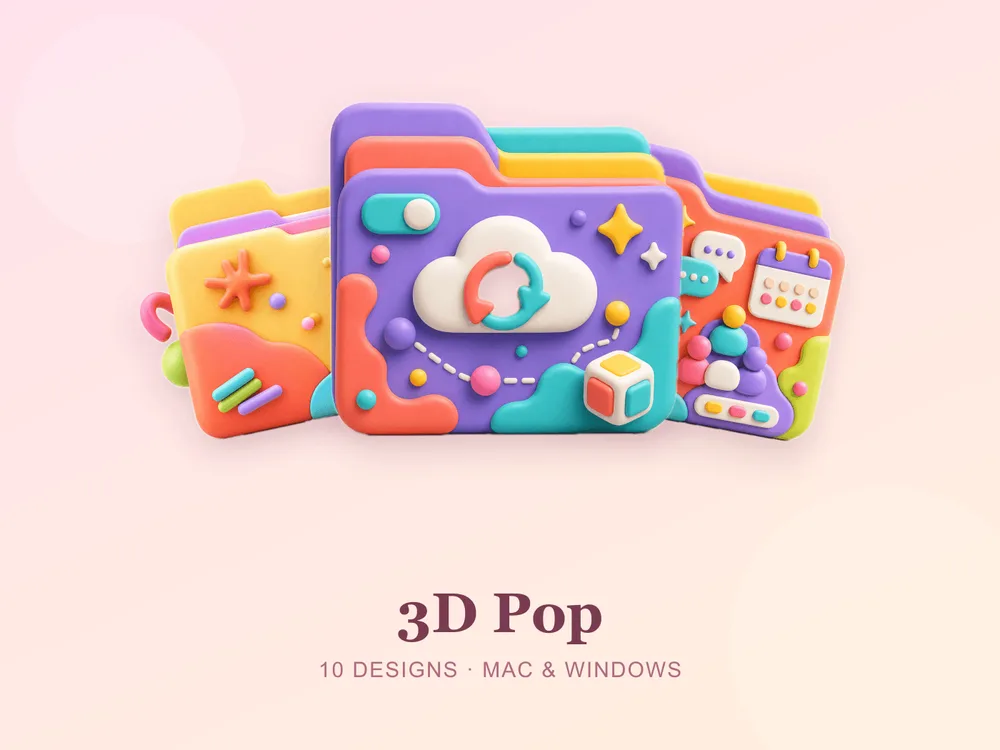
- 3D Pop and 3D Pop Vol.2 — bold, glossy 3D folders with real depth.
Best vintage & themed sets
Character and personality for a desktop with a point of view.
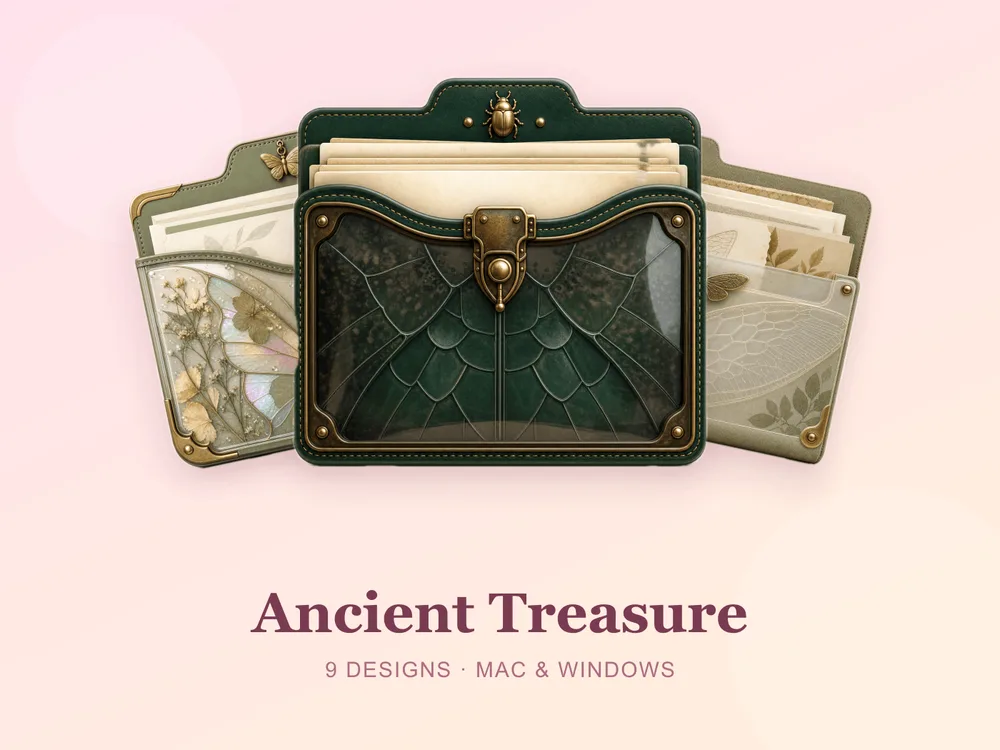
- Ancient Treasure — weathered, map-and-relic vintage style.
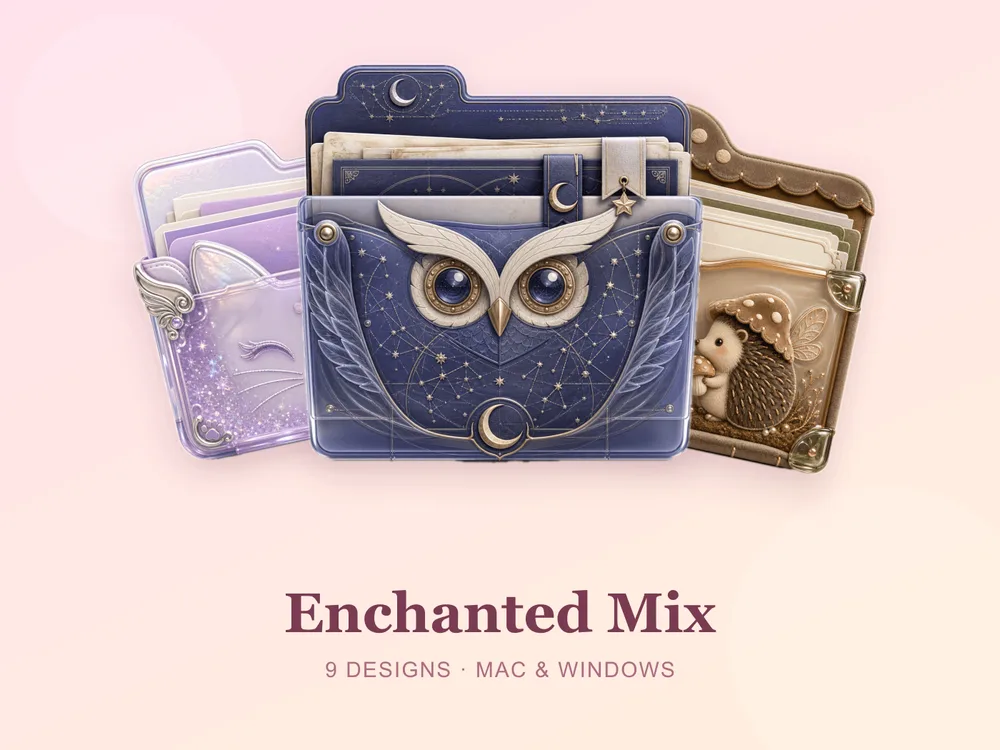
- Enchanted Mix — a playful fantasy assortment.
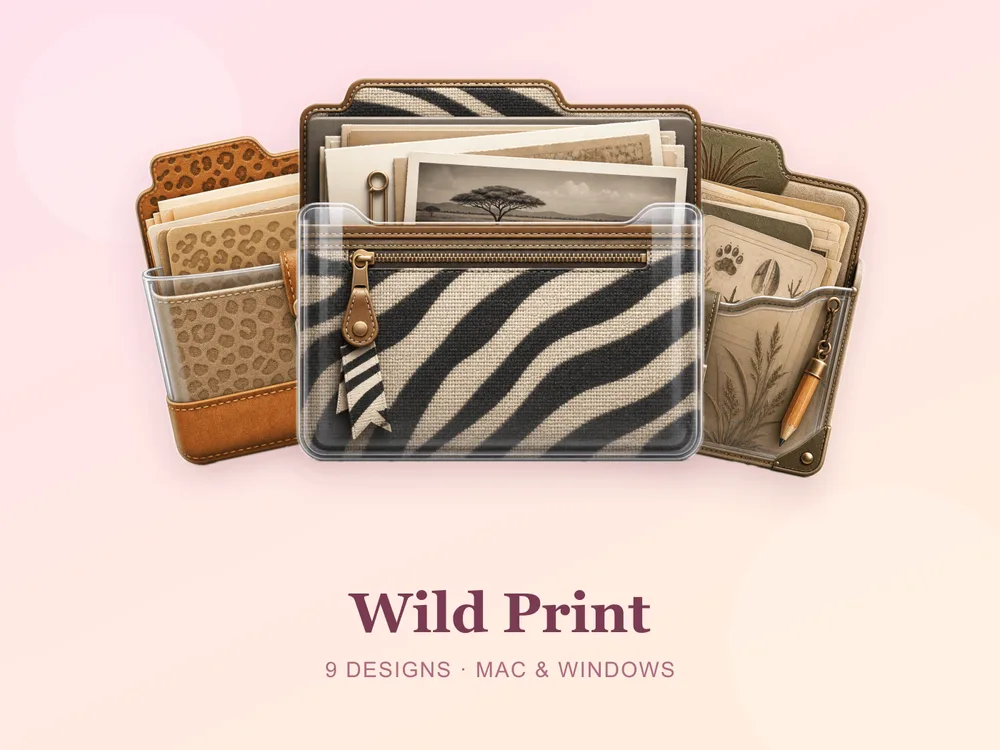
- Wild Print — animal-print folders with attitude. Free.
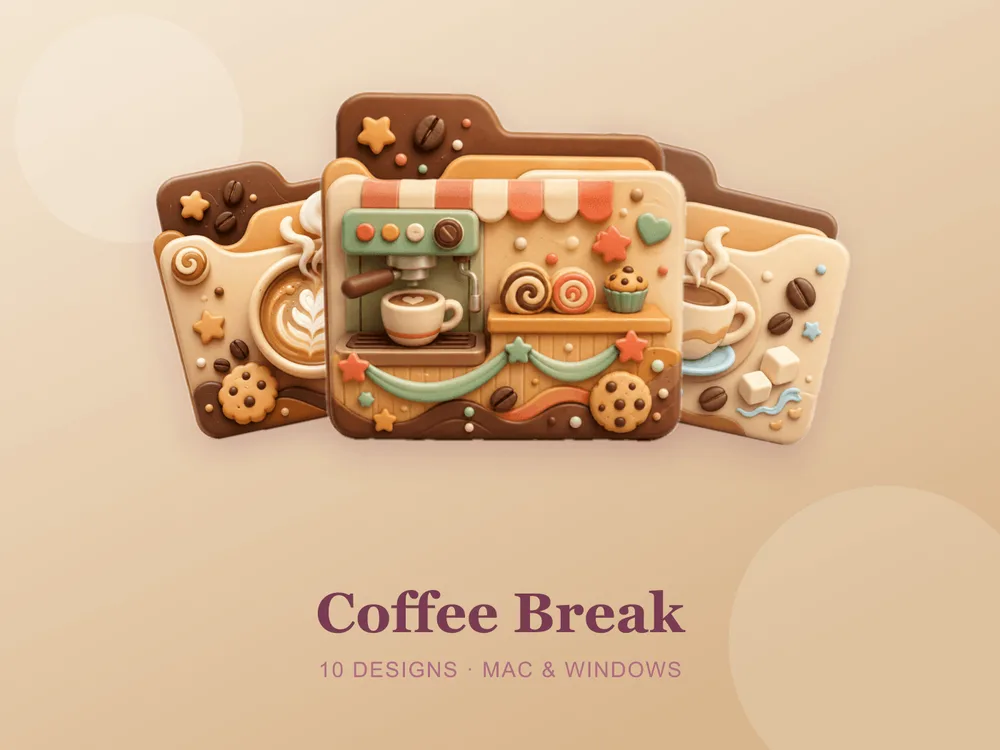
- Coffee Break, Design Studio, Fitness Energy and Summer Travel — lifestyle sets for organising by mood or project.
How to install them (60 seconds)
Once you've downloaded a set, applying it takes seconds:
- On Mac: Select a folder → press Cmd + I → drag the
.icnsfile onto the small icon in the top-left of the Get Info window. Full walkthrough: How to Change Folder Icons on Mac. - On Windows: Right-click the folder → Properties → Customize → Change Icon → pick the
.icofile. Full walkthrough: How to Change Folder Icons on Windows.
The shortcut to a desktop that looks designed
The fastest way to a desktop you actually enjoy looking at is to start with one matching set and stick to it. Pick a palette, apply it across your most-used folders, and the whole screen instantly reads as intentional.
Browse the full FolderIcons gallery — original, hand-crafted sets across every style above. Three skins are free for every member; unlock the ones you love and own them forever.
Your folders, your style.