Cute & Kawaii Folder Icons for Mac and Windows (2026)
Where to get cute, kawaii and pastel folder icons for Mac and Windows in 2026 — free and premium aesthetic sets, plus a 60-second guide to applying them.
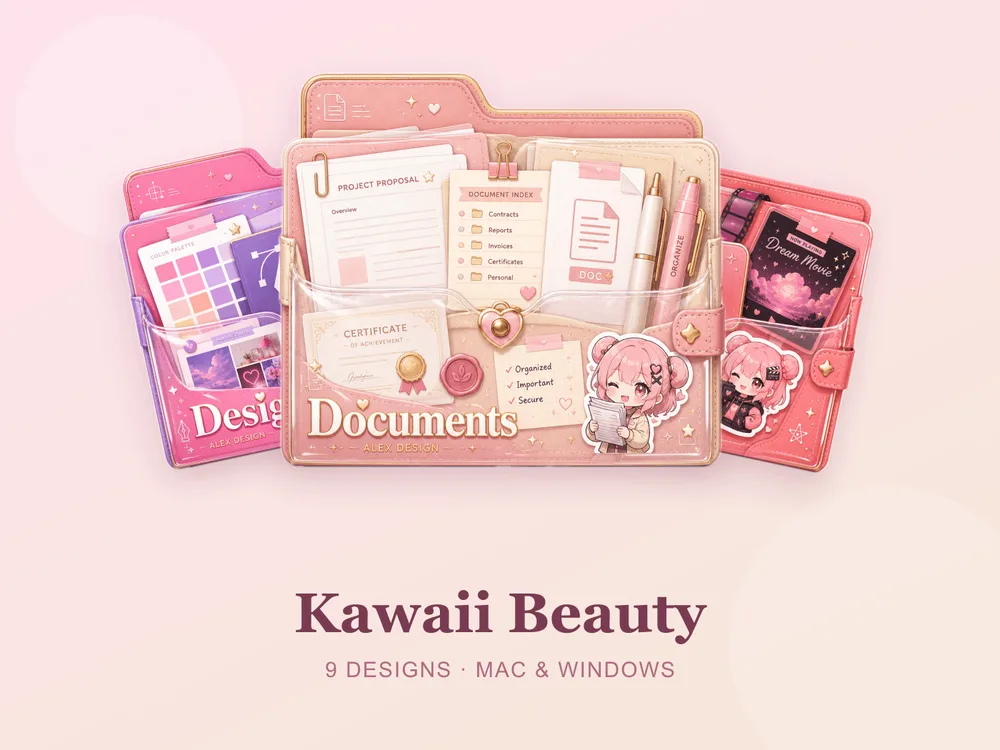
A row of cute pastel folders does something a plain blue folder never will: it makes opening your laptop feel a little bit nicer. Whether you're after soft kawaii pastels, glossy candy colours or a gentle coral-and-pink palette, here's where to find cute folder icons that actually look good — and how to put them on in under a minute.
What makes a folder icon "cute"?
The cute / kawaii look comes down to a few consistent ingredients:
- Soft, rounded shapes instead of hard corners.
- Pastel or candy palettes — muted pinks, mints, lilacs, peach.
- A little gloss or translucency so the icons feel like jelly or candy rather than flat stickers.
- A matching set, not one-off cute pictures — a whole desktop of coordinated icons is what reads as adorable.
The cutest folder icon sets right now
These are our favourite cute and kawaii sets — all complete, matching packs with files for both Mac (.icns) and Windows (.ico/.png).
- Kawaii Beauty — the definitive soft-pastel kawaii set, sweet and rounded. Free for every member, so it's the perfect place to start.
- Coral Blush — warm pinks and corals for a gentle, girly desktop. Also free.
- Candy Folders — glossy candy colours that pop against a light wallpaper.
- Pastel Jelly — translucent jelly-style folders in dreamy muted pastels.
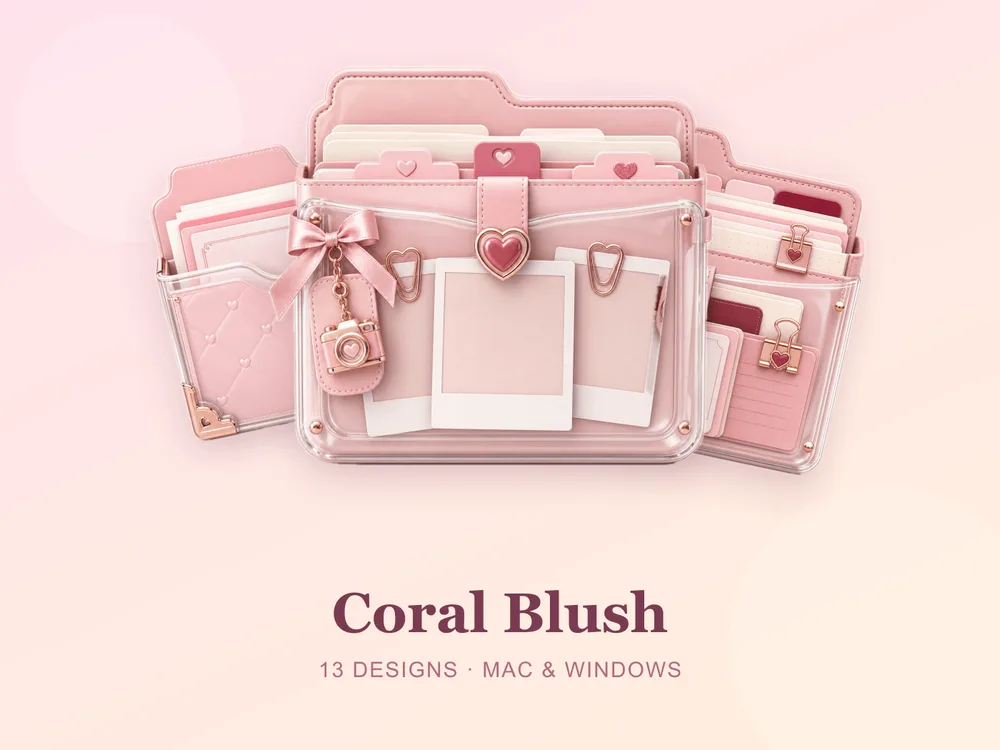
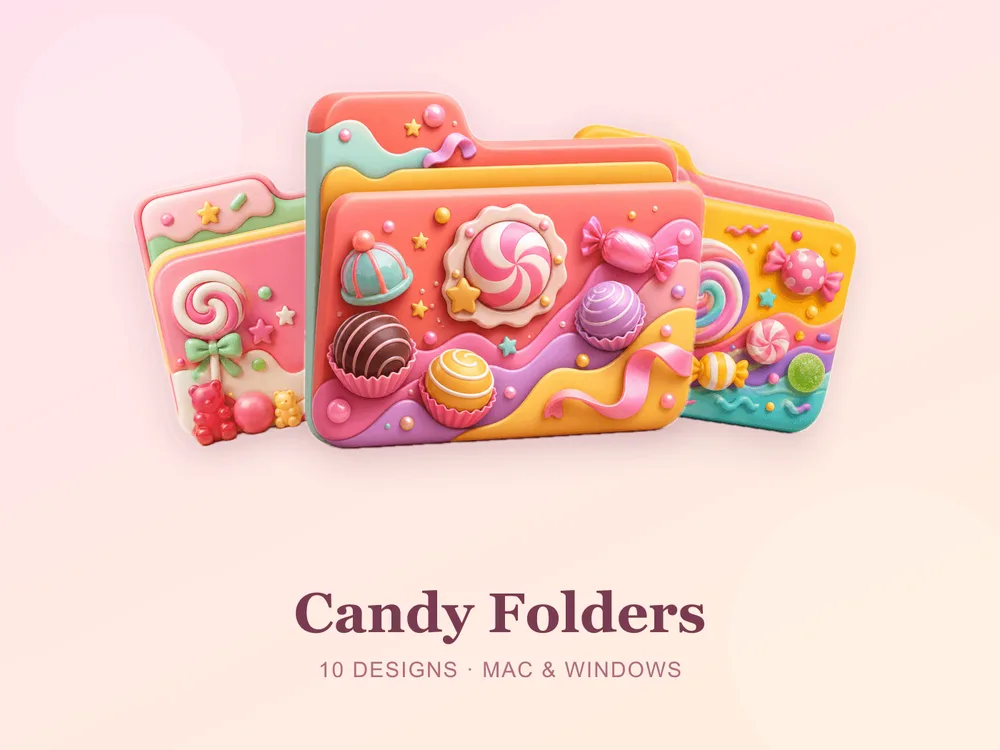
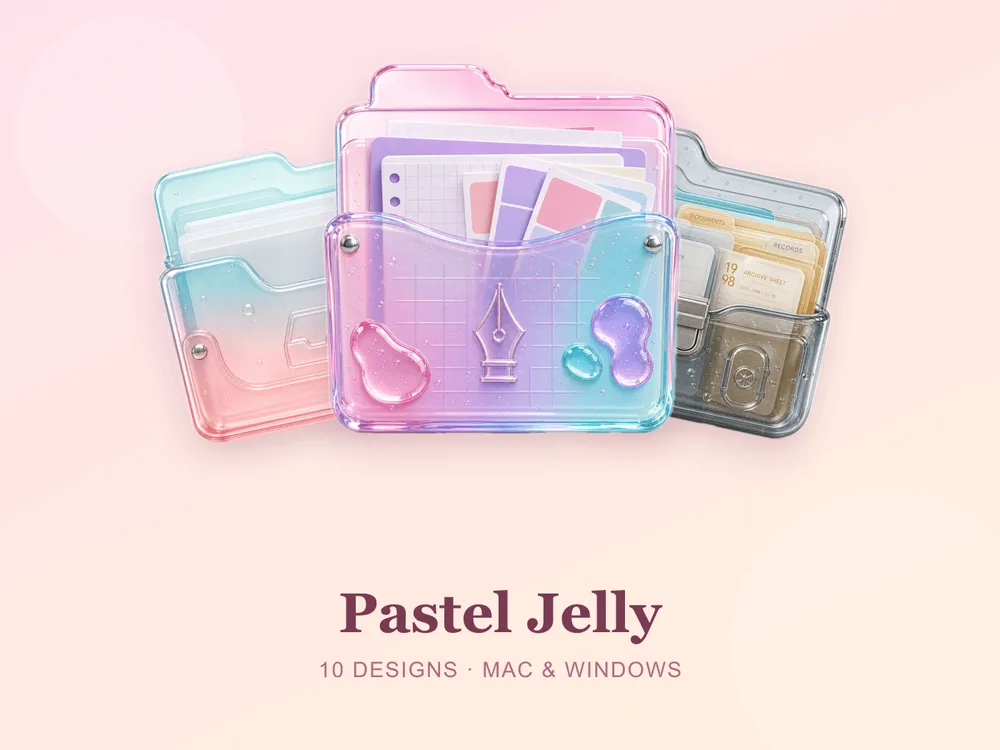
Want to branch out? Soft crystal sets like Crystal Ice and playful picks like Enchanted Mix sit nicely alongside a pastel desktop too.
How to apply cute folder icons
On Mac
- Select your folder and press Cmd + I (Get Info).
- Drag the
.icnsfile onto the small icon in the top-left of the Get Info window. - Done — it updates instantly.
Step-by-step with screenshots: How to Change Folder Icons on Mac.
On Windows
- Right-click the folder → Properties → Customize tab.
- Click Change Icon and pick the
.icofile. - Click OK → Apply.
Step-by-step with screenshots: How to Change Folder Icons on Windows.
Tips for the cutest possible desktop
- Pick one palette and commit. A desktop of matching pastels looks far more adorable than a mix of random cute icons.
- Match your wallpaper. A soft pink or cream wallpaper makes pastel folders glow.
- Colour-code by purpose. Mint for school, pink for personal, peach for projects — cute and useful.
Start free
The easiest way in is a free set: download Kawaii Beauty or Coral Blush, apply it in a minute, and see how much nicer your desktop feels.
Browse all the cute sets in the FolderIcons gallery — original, hand-crafted folder icon skins. Three are free for every member; unlock the rest and own them forever.
Your folders, your style.