Free Aesthetic Folder Icons: Where to Download in 2026
Where to find free aesthetic folder icons for Mac and Windows that actually look good — high-resolution, matching sets, and how to spot low-quality packs that ruin a desktop.
Search "free folder icons" and you'll drown in results — but most of them are low-resolution, mismatched, or wrapped in sketchy downloaders. A bad icon pack makes a desktop look worse than the default. This guide covers where to actually find free aesthetic folder icons worth using, and how to tell the good from the junk.
What makes a folder icon "good"
Before downloading anything, know what you're looking for:
- High resolution. Icons should be at least 512×512, ideally 1024×1024. Anything smaller turns blurry the moment you enlarge your desktop icons.
- The right format. On Mac you want
.icns(or a clean PNG to paste); on Windows you want.ico. A single PNG dragged onto a Windows folder won't work properly. - A matching set. One gorgeous icon among eleven mismatched ones looks worse than none. Always download as a coordinated pack.
- No installers. You want the image files, not a "download manager" that installs toolbars. Skip any site that won't give you a direct file.
Where to find free folder icons
A few legitimate places to look:
- Curated icon sites that offer real packs with previews — the safest option, since you can see exactly what you're getting.
- Design marketplaces with a free tier (look for "free" filters), though quality and licensing vary wildly.
- Open icon libraries for simple, flat icons — great for minimalists, less so if you want texture and detail.
The catch with most free sources is mismatched style — you end up stitching a desktop together from a dozen different artists. The result rarely looks intentional.
The smarter free option: a matching set
Instead of hunting for one-off freebies, start with a single coordinated pack. FolderIcons gives three complete skins free to every member — full matching sets, not random singles, with the icon files for both Mac and Windows plus a step-by-step install guide.
A few member favourites to start with:
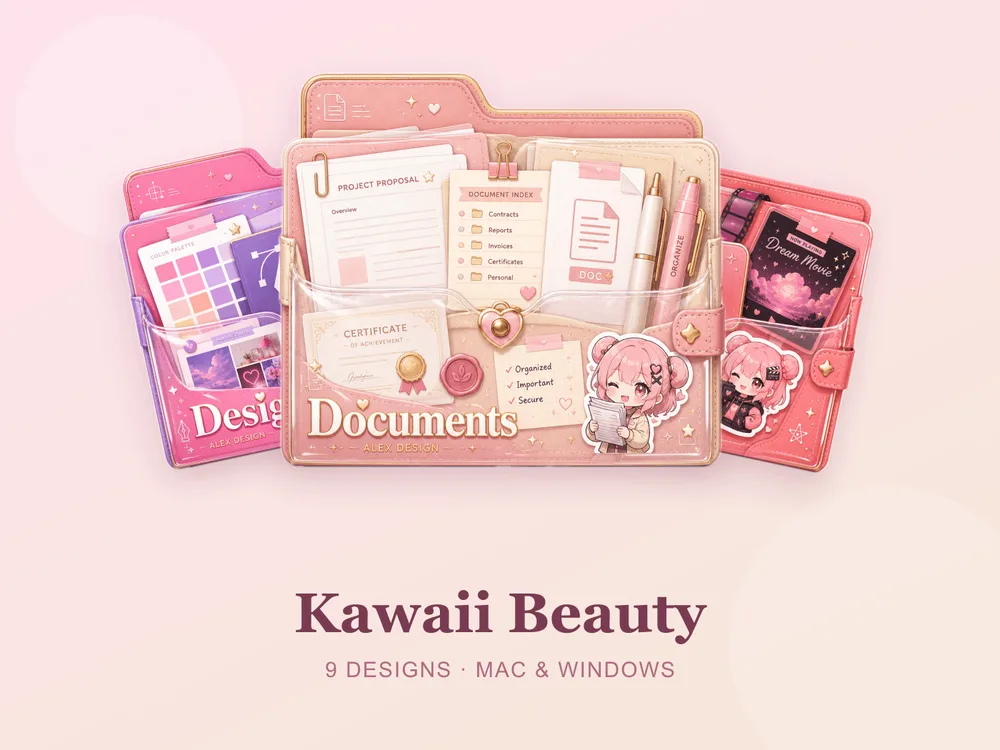
- Kawaii Beauty — soft pastel folders with a sweet, rounded look.
- Coral Blush — warm pinks and corals for a gentle, feminine desktop.
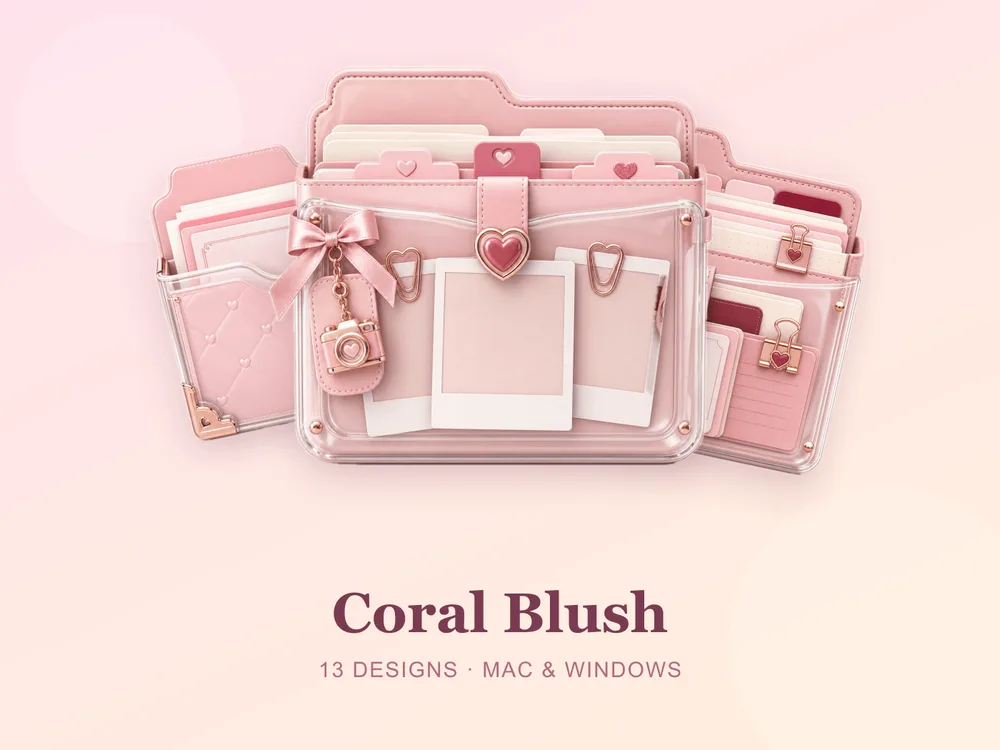
Because each is a full set in one palette, your whole desktop matches instantly — no stitching required.
How to install them
Once you've downloaded a pack, applying it takes seconds:
And if you want to turn that fresh set into an actually organized desktop, follow our desktop organization guide.
Want more than free?
The three free skins are a genuinely good start. When you're ready for more variety — minimal, gaming, marble, seasonal and beyond — browse the full gallery. Buy credits once, unlock the sets you love, and own them forever. No subscription, no expiry.
For more inspiration, see our picks of the best aesthetic folder icons and cute folder icons for Mac & Windows.
Beautiful folders, starting at free.