Christmas Folder Icons for Windows 11 & 10 (2026): Aesthetic .ico Packs & Setup
Upgrade yellow Windows 11 and Windows 10 folders with 13 original Christmas .ico icon packs — best picks for Light & Dark Mode, step-by-step Properties setup, and how to prevent broken icon paths.
Most aesthetic folder icon guides focus exclusively on macOS — leaving Windows 11 and Windows 10 users hunting for .ico converters or stuck with jagged 32px icons. Every pack on FolderIcons ships with ready-to-use multi-resolution Windows .ico files right alongside macOS .icns, so you can restyle Windows File Explorer and your desktop in under a minute.
Best Christmas folder icon packs for Windows 11 & 10
Windows 11's rounded Mica surfaces and Dark Mode pair especially well with crisp 3D depth and clean silhouettes:
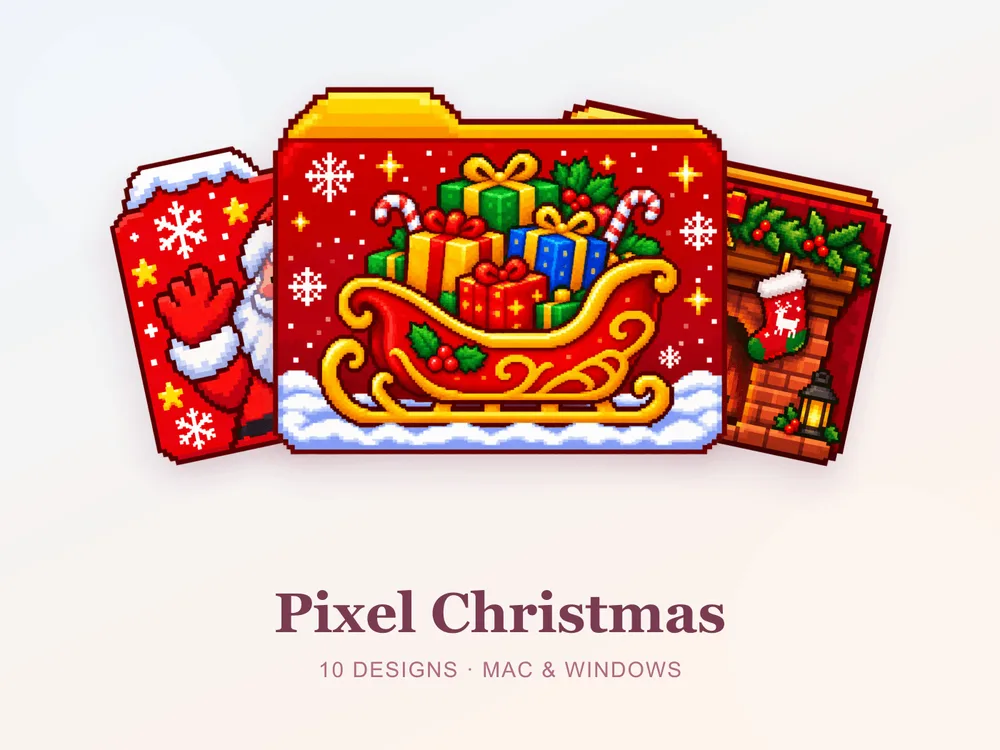
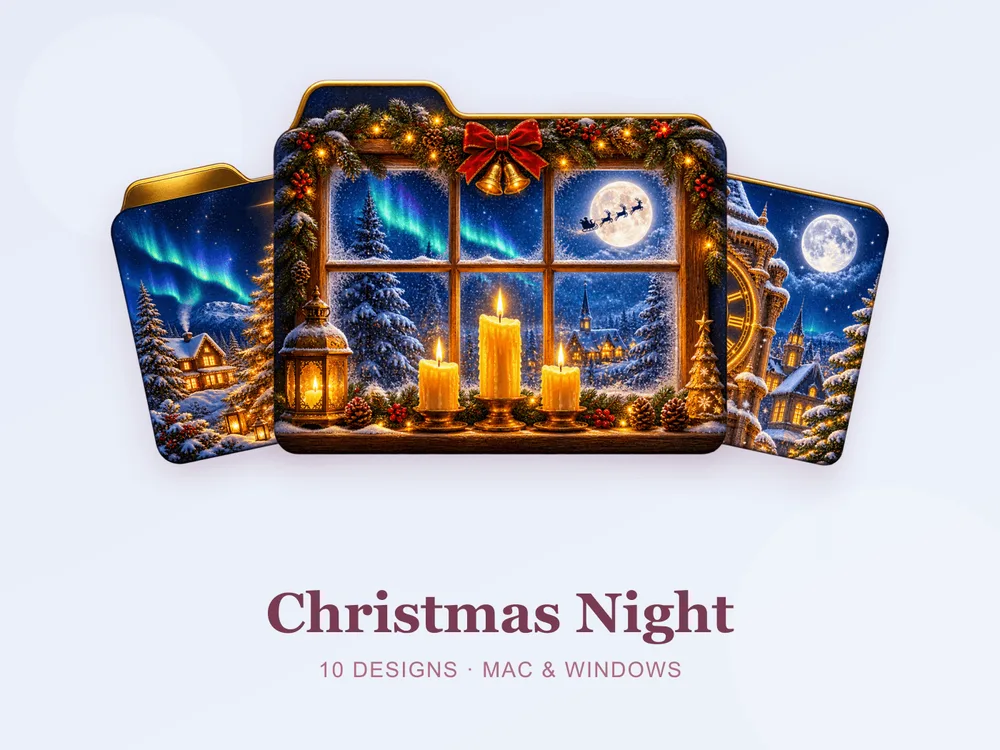
- Best for Windows 11 Dark Mode & Gaming PCs: Christmas Night (midnight navy with glowing amber snow lanterns) and Pixel Christmas (razor-sharp 16-bit retro holiday sprites that look awesome on ultrawide monitors).
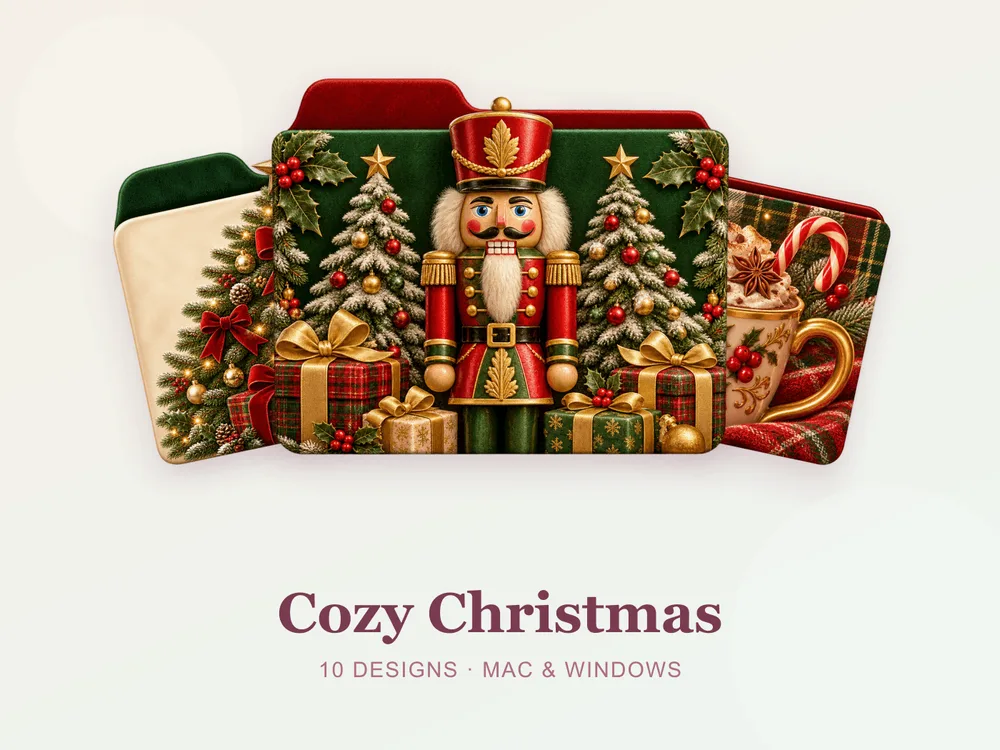
- Best classic cozy Windows desktop: Cozy Christmas, Santa's Workshop, and Classic Christmas Trees.
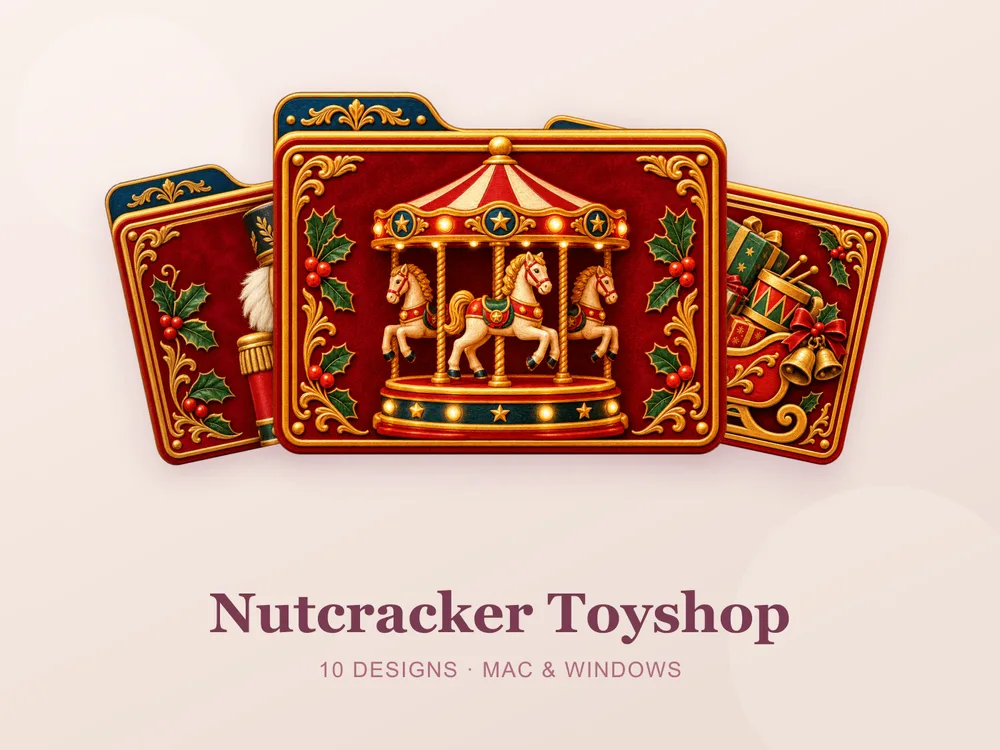
- Best vintage storybook look: Nutcracker Toyshop — heirloom wooden nutcrackers, tin trains, and antique brass accents.
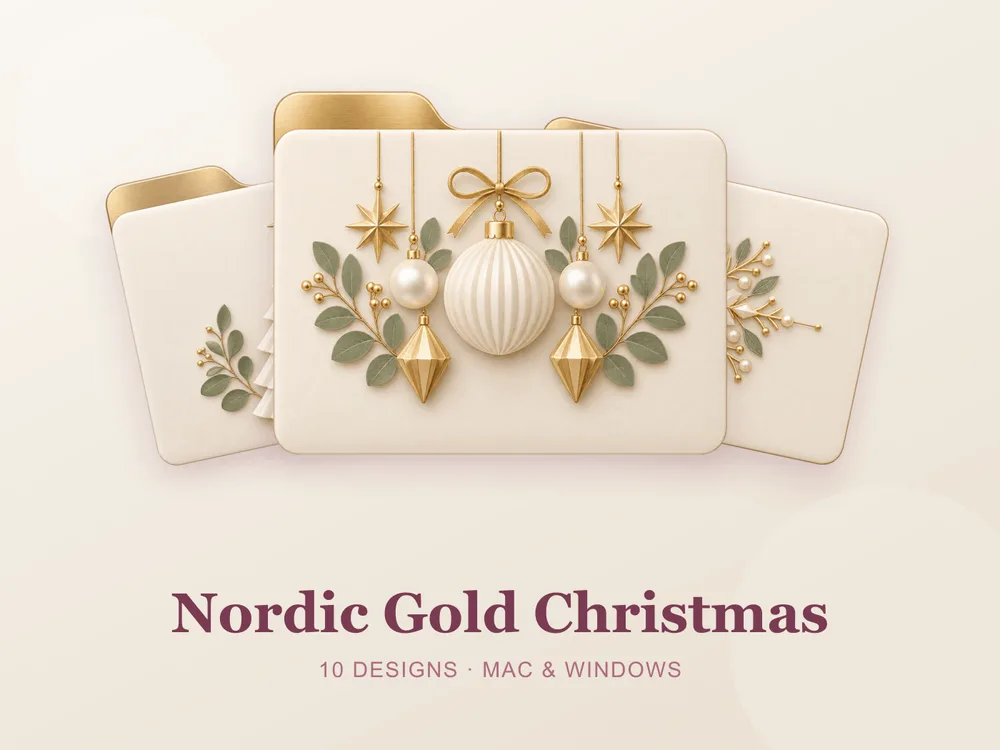
- Best clean Light Mode & work setups: Nordic Gold Christmas and Crystal Glass Christmas.
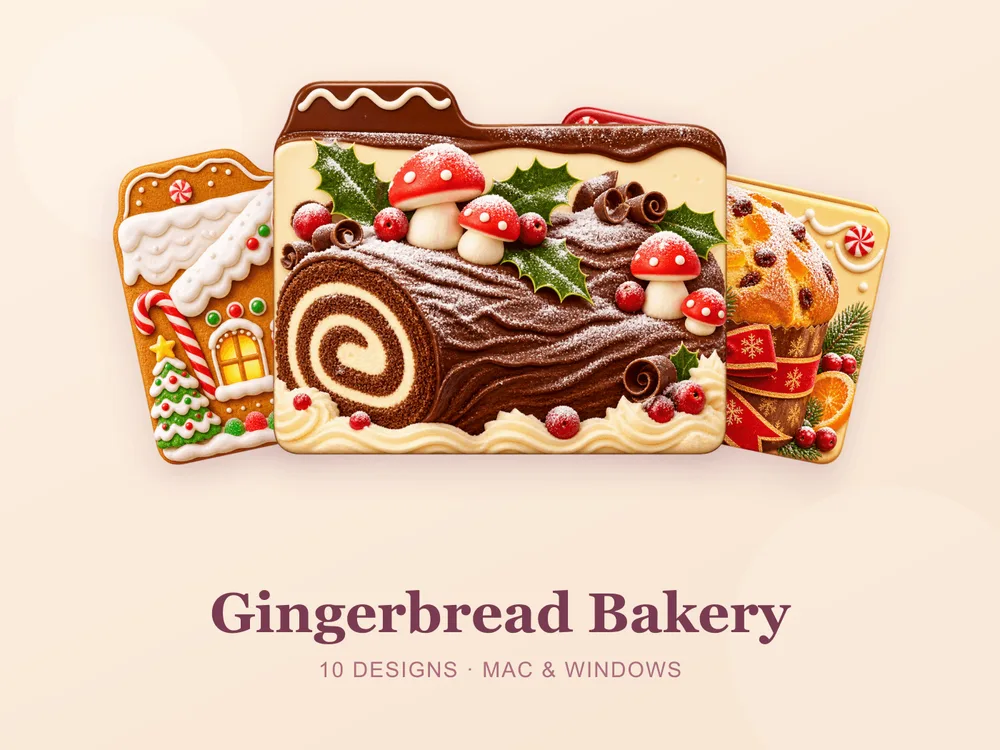
- Best warm & cute holiday setups: Gingerbread Bakery, Christmas Pets, Christmas Stockings, and Pastel Christmas.
Compare all 13 pure Christmas packs + 14 winter sets on our Christmas Folder Icons 2026 Hub.
How to change Windows 11 & 10 folders to Christmas icons
Follow these 4 steps — including Step 1, which prevents the #1 Windows custom-icon mistake:
- Extract the ZIP to a permanent location first (for example
C:\Users\YourName\Pictures\FolderIcons\Christmas\). Unlike macOS, Windows reads the.icofile dynamically from disk viadesktop.ini. If you unzip to Downloads and later delete the folder, Windows will revert your custom icon. - Right-click the folder you want to customize and choose Properties (on Windows 11 you can also press Alt + Enter).
- Switch to the Customize tab and click Change Icon… → Browse….
- Open the
Windowsfolder inside your extracted pack, pick a.icofile, and click OK → Apply → OK.
If File Explorer doesn't refresh the thumbnail immediately, press F5 on the desktop or run ie4uinit.exe -show from the Run dialog (Win + R) to clear the Windows icon cache cleanly. See our full troubleshooting guides: How to Change Folder Icons on Windows and Folder Icons Not Showing on Windows.
Pair with free matching Windows Christmas wallpapers
Download our free 1536×1024 holiday wallpapers built with open side columns so Windows desktop icons remain uncluttered:
- Starry Christmas Night Wallpaper (PNG) — pairs with Christmas Night
- Cozy Christmas Hearth Wallpaper (PNG) — pairs with Cozy Christmas
- Nordic Gold Christmas Wallpaper (PNG) — pairs with Nordic Gold Christmas
Windows Christmas folder icons: quick FAQ
Do FolderIcons Christmas packs include native Windows .ico files?
Yes. Every complete FolderIcons skin pack includes ready-to-use multi-resolution .ico files (16px up to 256px) in a dedicated Windows folder — no PNG-to-ICO conversion needed.
Why did my Windows 11 Christmas folder icon turn blank after a few days?
That happens if the .ico file was moved or deleted from your Downloads folder. Always extract your icon pack into a permanent directory (such as Documents\FolderIcons or Pictures\FolderIcons) before applying it.
Do custom .ico folder icons slow down Windows 11?
No. Windows stores custom folder icons in a tiny native desktop.ini file with zero background processes and zero impact on boot speed or gaming FPS.
Can I get a Windows Christmas folder icon pack for free?
Every member gets 5 permanently free starter packs, and new accounts receive 2 free welcome credits on sign-up — enough to unlock any 2-credit Christmas .ico + .icns pack (10 designs) immediately with no subscription.
How do I restore the default yellow Windows folder icon in January? Right-click the folder → Properties → Customize → Change Icon… → Restore Defaults → Apply.
Start restyling Windows 11/10: Explore all 13 Christmas Folder Icon Packs · Windows 11 Aesthetic Folder Icons Guide