Yellow & Sunny Aesthetic Folder Icons for Mac & Windows (2026)
The best yellow and sunny aesthetic folder icons for Mac and Windows in 2026 — lemon, citrus, golden-hour and cheerful sets, hand-picked. With a 60-second install guide and FAQ.
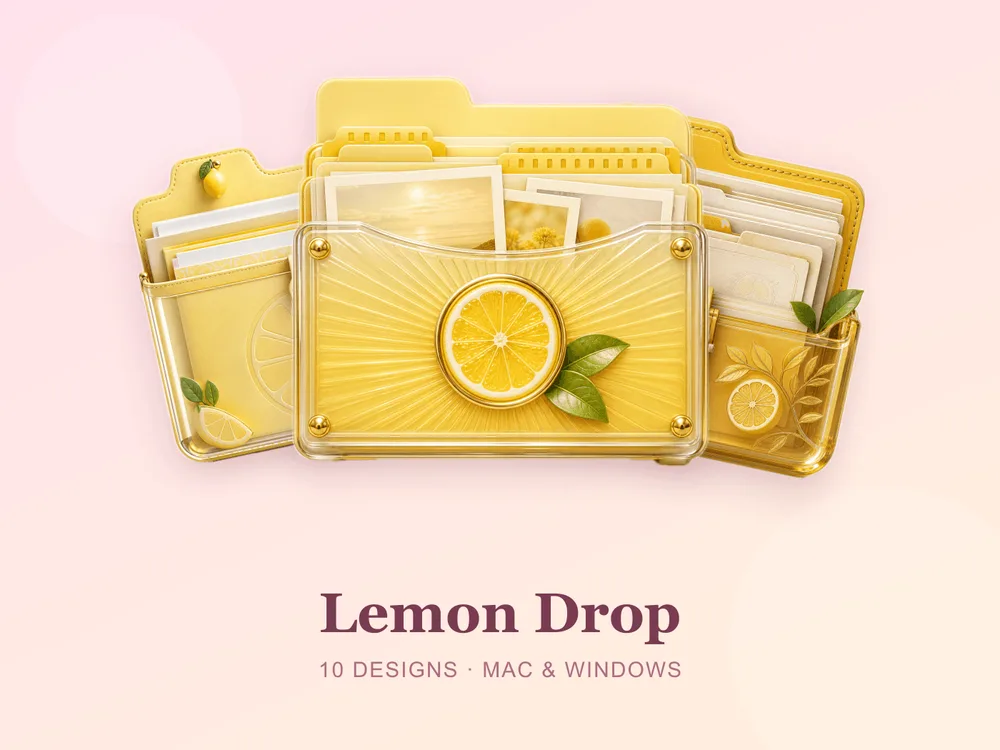
Yellow is the happiest thing you can do to a desktop. It's morning light, lemonade, the first warm day of the year — a little of it and the whole screen perks up. Swap the default blue Mac folder (or the plain Windows one) for a matching sunny set and opening your laptop starts to feel like opening the curtains.
This is our hand-picked roundup of the best yellow and sunny aesthetic folder icons for 2026 — from zesty lemon and citrus to warm golden-hour tones. Every set is a complete, matching pack with .icns files for Mac and .ico/.png for Windows, so the cheerful palette stays consistent across your whole desktop.
What makes a yellow folder icon set look good
Yellow is famously hard to get right — too bright and it stings the eyes; too muted and it reads beige. The sets that genuinely feel sunny share three things:
- Warm, not neon. The best yellow sets keep a buttery, sunlit quality — lemon, honey, marigold — instead of a fluorescent highlighter tone.
- A layered range. Good sunny packs spread pale cream, mid lemon and deeper gold across the set so folders are easy to tell apart while still feeling like one bright family.
- Consistency. Every folder shares the same finish and palette, so the desktop looks like one cohesive burst of sunshine rather than a mix of clashing yellows.
Best lemon & citrus sets
For the fresh, zesty, summer-market look:
- Lemon Drop — bright lemon yellows with a sweet candy shine; fresh, zingy and instantly cheerful.
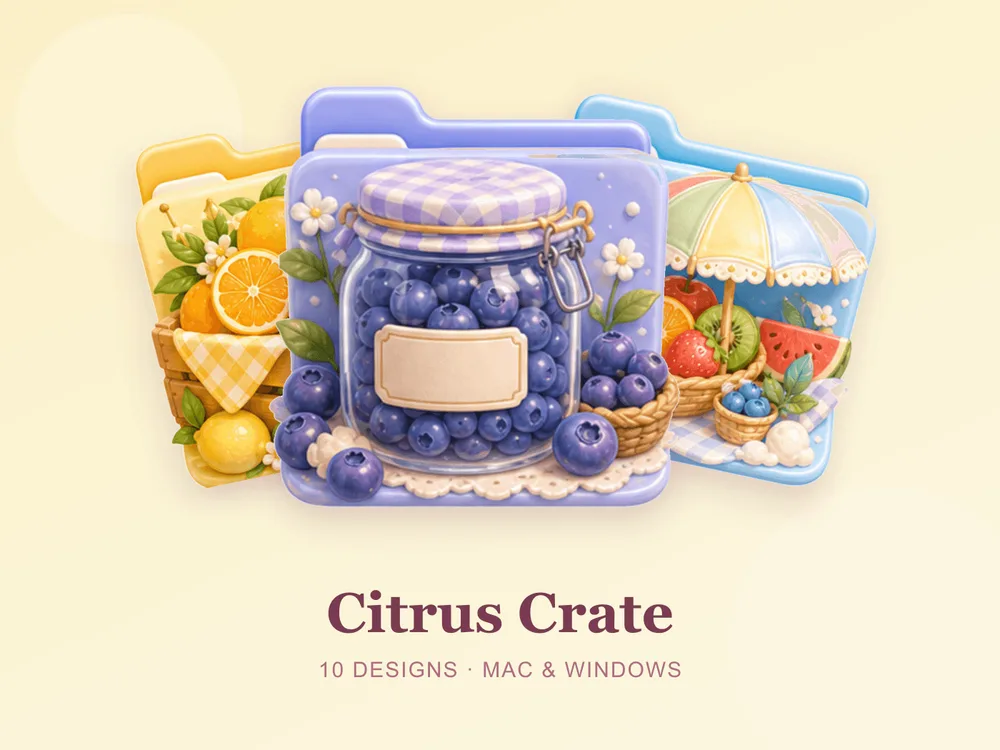
- Citrus Crate — oranges, lemons and market-crate charm; juicy, warm and full of summer.
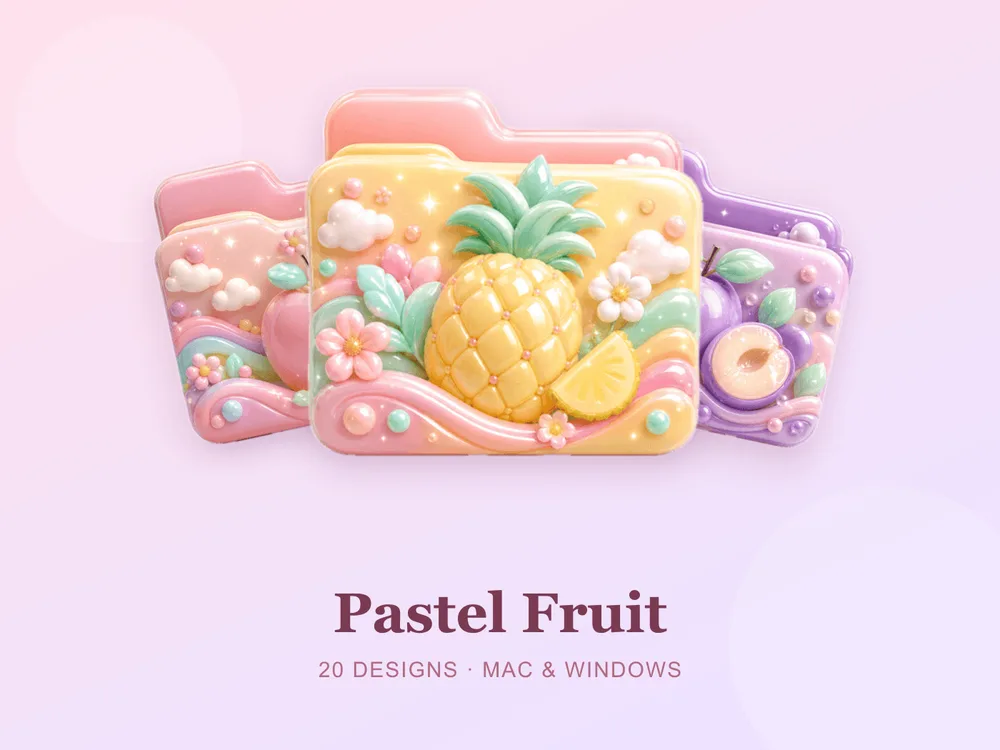
- Pastel Fruit — soft fruity pastels with a gentle sweetness; light, playful and easy to live with.
Best golden & cheerful sets
For a warmer, softer take on the sunny aesthetic:
- Golden Hour — warm amber-gold tones like late-afternoon light; glowing, calm and quietly luxurious.
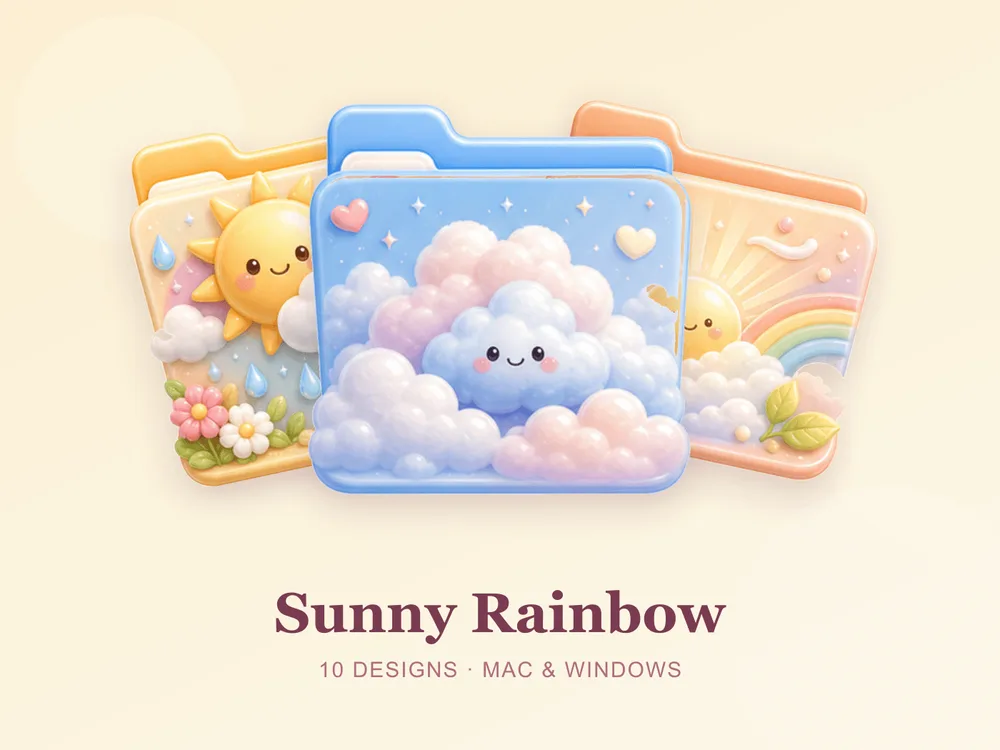
- Sunny Rainbow — cheerful yellows with rainbow accents; bright, optimistic and full of joy.
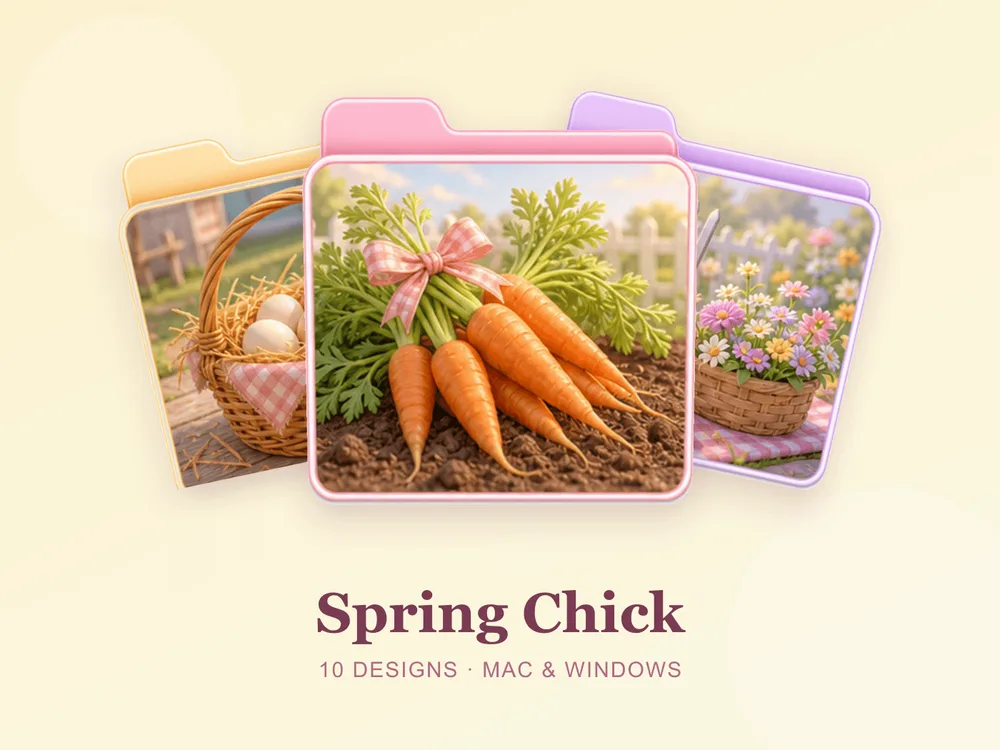
- Spring Chick — soft yellows and baby chicks; fresh, sweet and full of new-season energy.

Why a matching yellow set beats single icons
Most "free yellow folder icon" downloads disappoint because they're single PNGs from different designers — put a dozen on one desktop and the yellows clash, some read mustard and the sunny effect collapses. Starting from one coherent set means every folder shares the same tone, finish and palette, so the whole screen reads as one designed ray of sunshine from the first folder you change.
How to install them (60 seconds)
Once you've downloaded a set, applying it takes seconds:
- On Mac: Select a folder → press Cmd + I → drag the
.icnsfile onto the small icon in the top-left of the Get Info window. Full walkthrough: How to Change Folder Icons on Mac. - On Windows: Right-click the folder → Properties → Customize → Change Icon → pick the
.icofile. Full walkthrough: How to Change Folder Icons on Windows.
Want the new icons to turn into a genuinely tidy desktop? Follow our desktop organization guide.
Yellow folder icons: quick FAQ
Are yellow folder icons free? A few full sets on FolderIcons are free for every member (Kawaii Beauty, Coral Blush, Wild Print). The yellow and sunny sets above are premium — unlock them once with credits and own them forever, with no subscription and no expiry.
Do yellow icons look good on a dark wallpaper? Yes — dramatically so. Lemon and gold tones glow like lamplight against a dark desktop, and every folder stays instantly findable.
Do they work on both Mac and Windows?
Yes. Every FolderIcons set ships .icns files for macOS and .ico/.png files for Windows, so the same sunny look applies on either system in about 60 seconds.
Will they stay sharp on Retina or 4K? Yes. The sets are rendered at high resolution (up to 1024px), so edges and details stay crisp on Retina and 4K displays.
Can I undo it later? Always. On Mac, open Get Info and press Cmd + X on the icon to revert; on Windows, use Change Icon → Restore Defaults. Your files are never touched — only the folder's picture changes.
The shortcut to a sunnier desktop
The fastest way to a bright, put-together desktop is to commit to one yellow palette and apply it across your most-used folders. Pick a zesty lemon, a warm golden hour or a soft chick yellow, stick to it, and the whole screen instantly reads cheerful, cohesive and impossible to be gloomy at.
Browse the full FolderIcons gallery — original, hand-crafted sets across every style above. Three skins are free for every member; unlock the yellow sets you love with credits and own them forever. No subscription, no expiry.
For more inspiration, see our candy & dessert folder icons and gold & luxury folder icons.
Your folders, full of sunshine.