Gold & Luxury Folder Icons for Mac & Windows (Aesthetic 2026)
The most luxurious gold and aesthetic folder icons for Mac and Windows in 2026 — black-gold, golden hour, bronze and caramel sets, hand-picked. With a 60-second install guide.
There's a reason gold never goes out of style on a desktop: it reads as expensive without trying. Swap your default blue Mac folder (or manila Windows one) for a gold or warm-metallic set and the whole screen instantly feels more premium, more editorial — like a desktop someone actually designed.
This is our hand-picked roundup of the best gold and luxury folder icons for 2026, from black-and-gold drama to soft golden-hour warmth. Every set is a complete, matching pack with .icns files for Mac and .ico/.png for Windows, so the look stays consistent across your whole desktop.
What makes a luxury folder icon set look expensive
Gold is easy to get wrong — too bright and it looks like plastic, too flat and it loses the shine. The sets that actually read as luxurious share three things:
- Real depth. Convincing metal needs highlights and shadow, not a flat yellow fill. Good gold catches the light.
- A restrained palette. The most premium sets pair gold with one calm partner — black, cream, bronze — instead of a rainbow.
- Consistency. Every folder in the set shares the same finish, so the whole desktop looks like one collection.
Best black & gold sets
For high-contrast drama — the most striking luxury look:
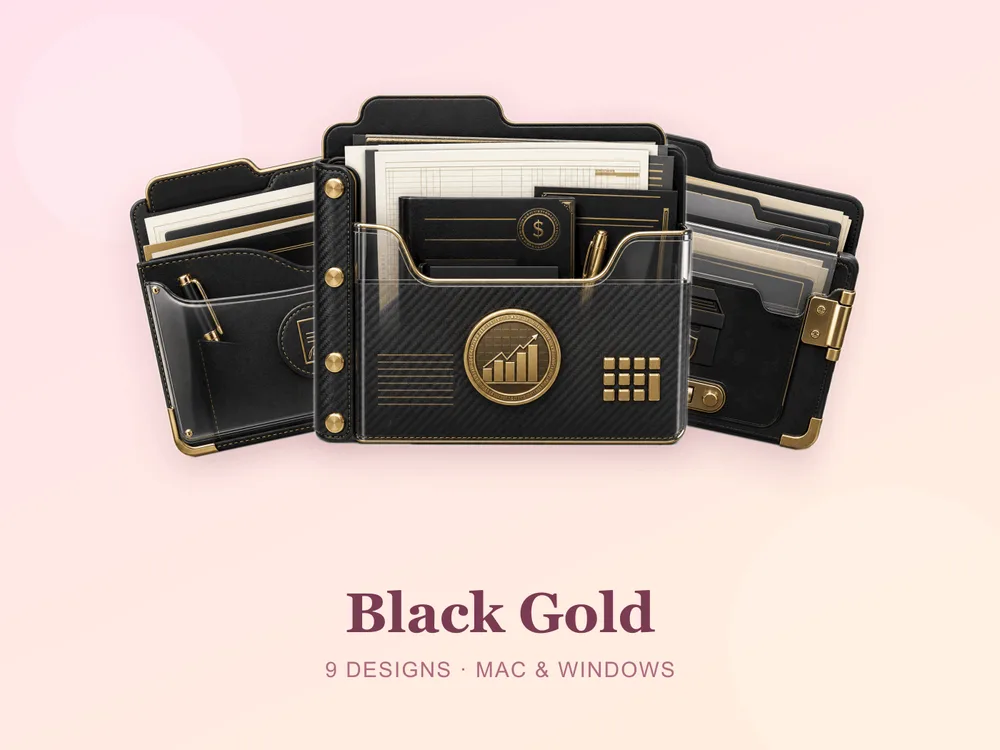
- Black Gold — deep black folders with gilded gold accents; bold and unmistakably premium.
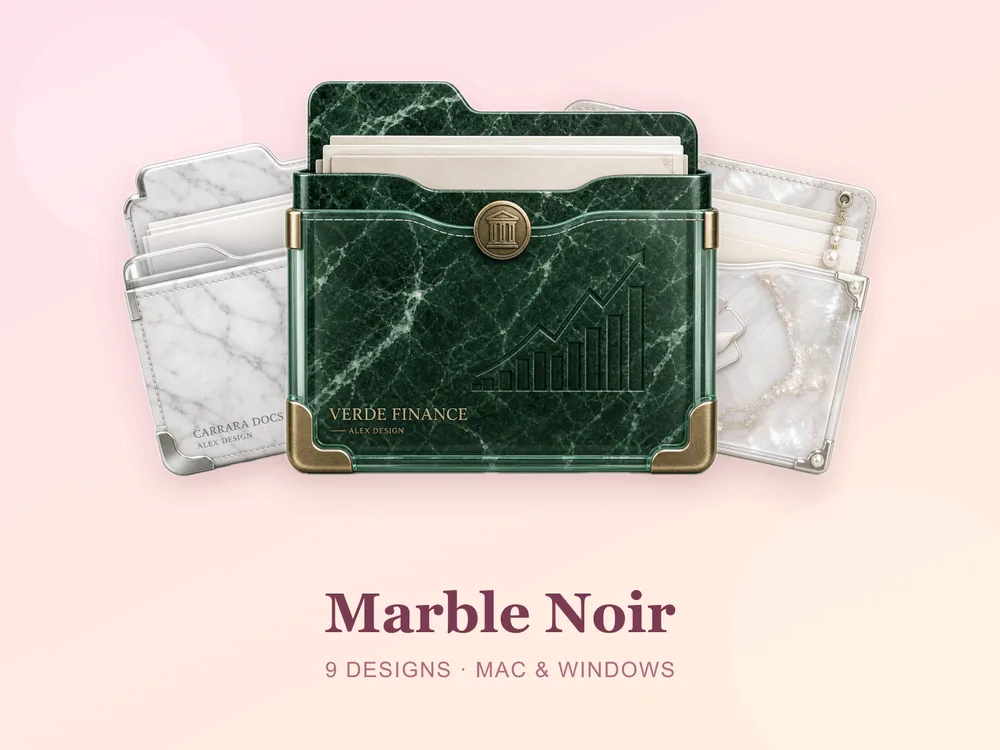
- Marble Noir — black marble with fine veining for a quietly luxurious, grown-up desktop.
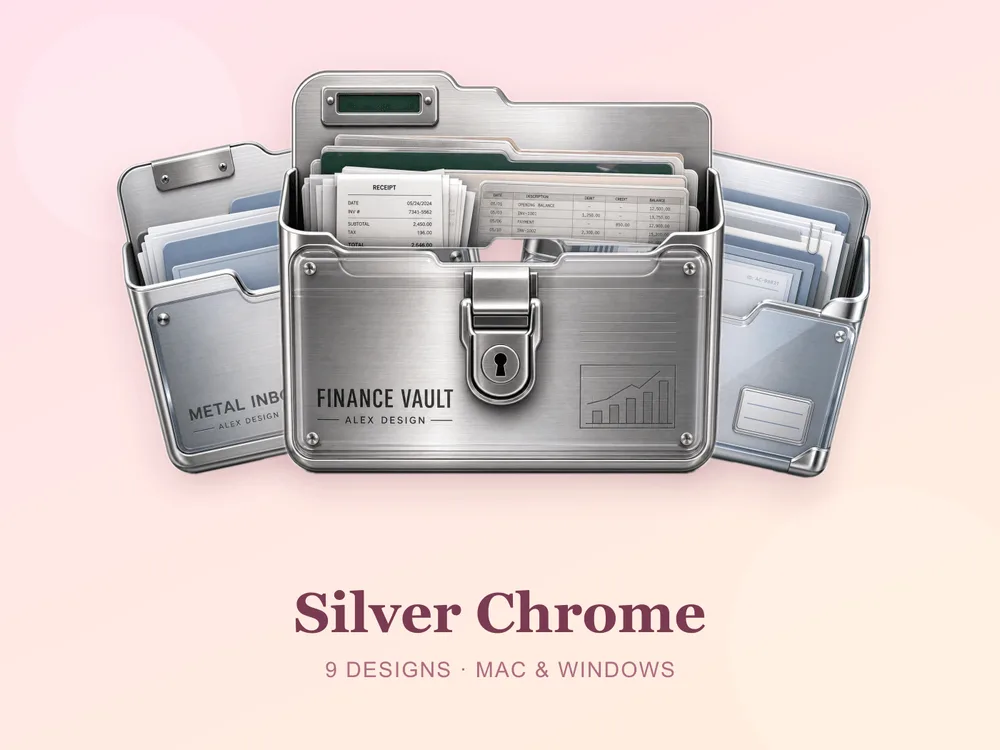
- Silver Chrome — polished metallic chrome for a sleek, modern alternative to gold.
Best warm gold & bronze sets
For a softer, warmer take on luxury:
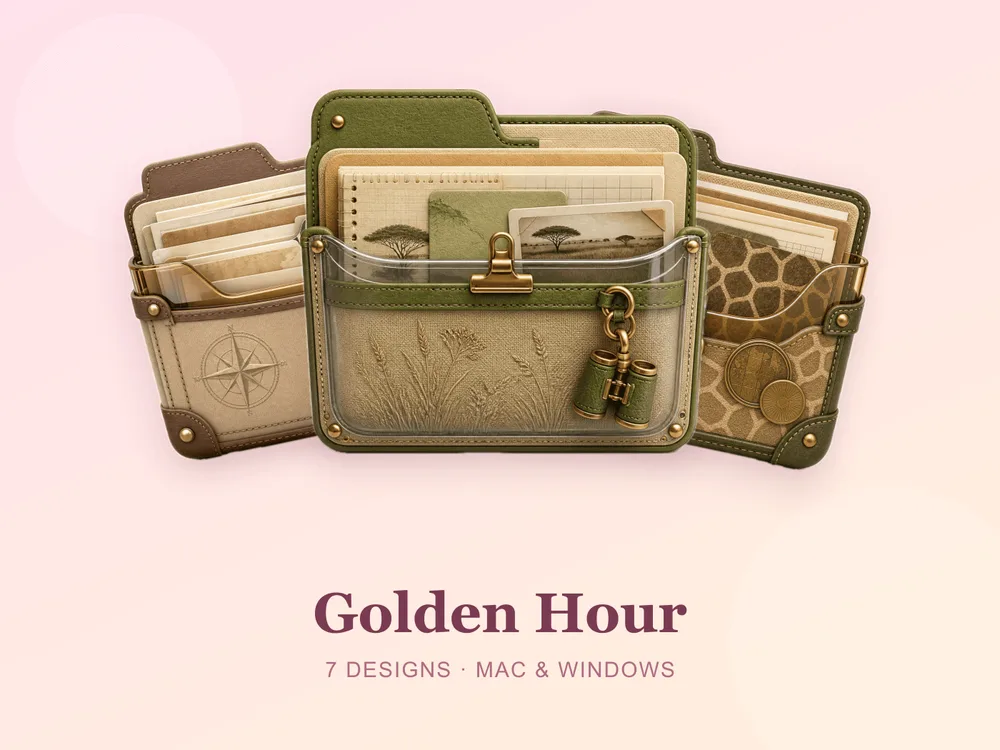
- Golden Hour — warm, glowing gold tones like late-afternoon light.
- Amber Caramel — rich amber and caramel for a cosy, honeyed desktop.
- Bronze Relic — aged bronze for a warm, weighty, antique feel.
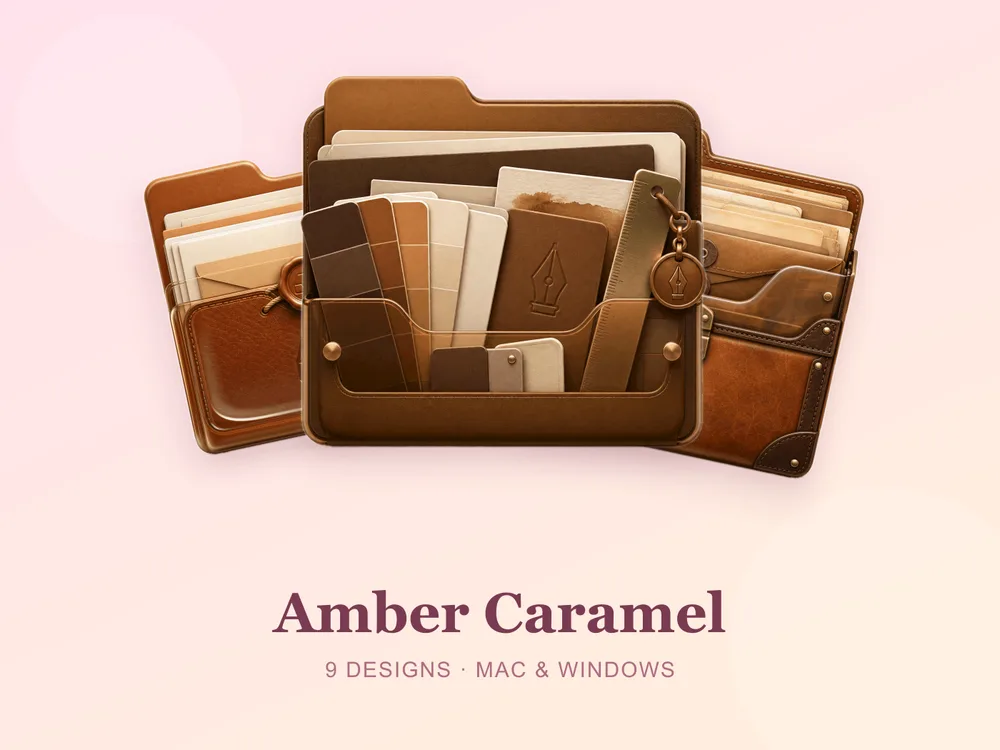
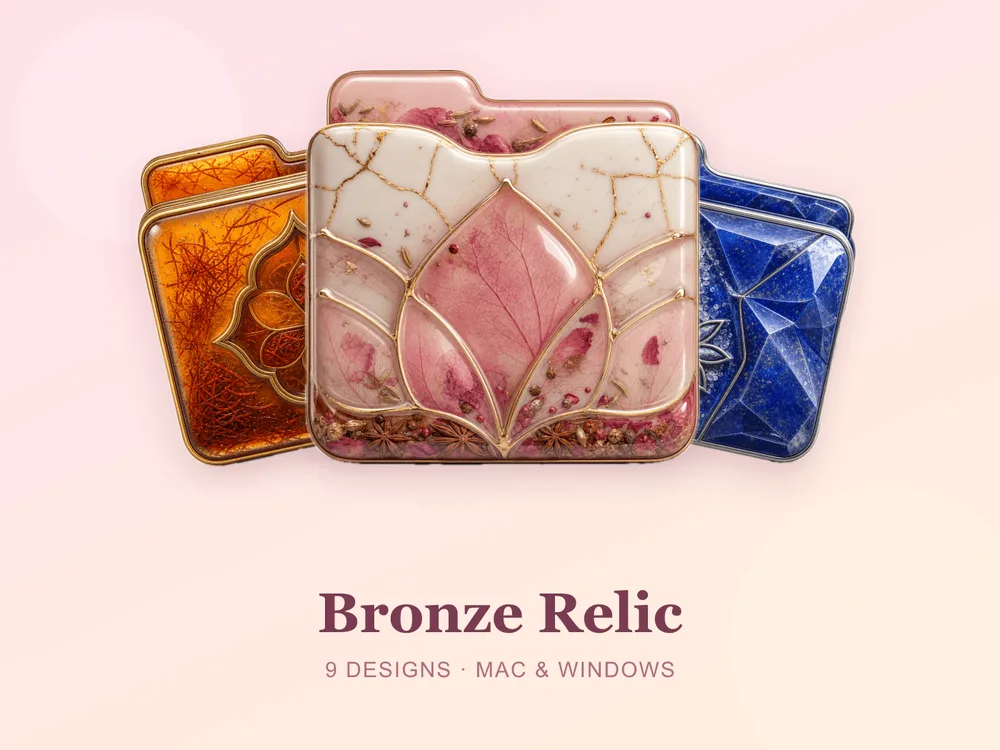
Want a bit of everything? Mixed luxury sets
- Luxe Mix — a curated assortment of premium finishes in one pack, ideal if you like variety but want it all to feel high-end.
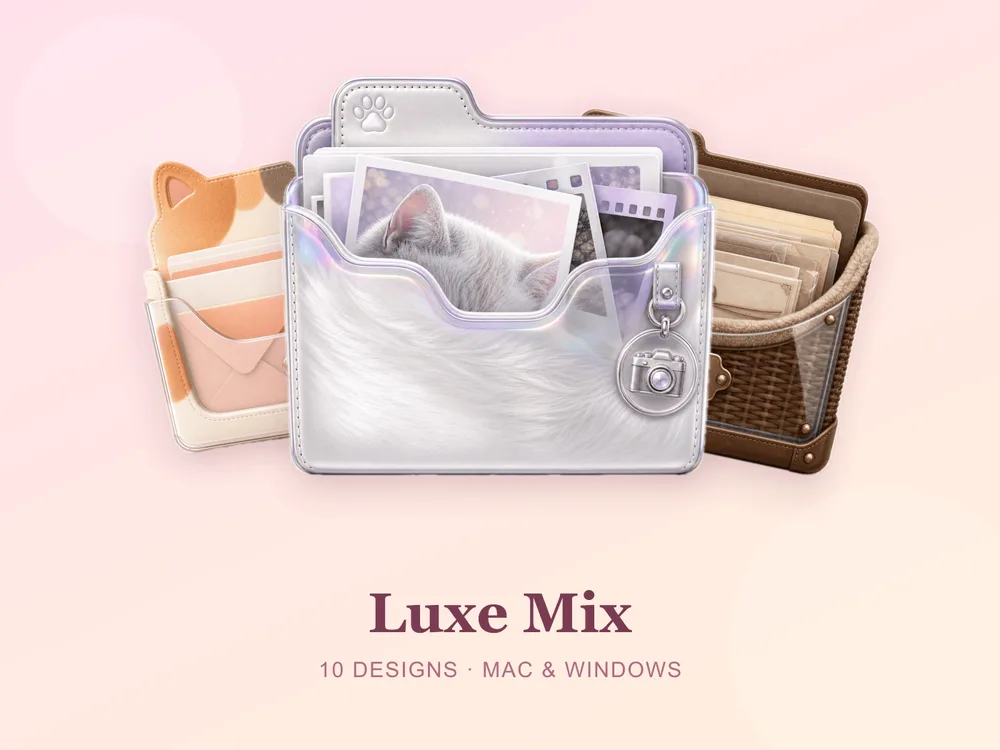
How to install them (60 seconds)
Once you've downloaded a set, applying it takes seconds:
- On Mac: Select a folder → press Cmd + I → drag the
.icnsfile onto the small icon in the top-left of the Get Info window. Full walkthrough: How to Change Folder Icons on Mac. - On Windows: Right-click the folder → Properties → Customize → Change Icon → pick the
.icofile. Full walkthrough: How to Change Folder Icons on Windows.
Want the new icons to turn into a genuinely tidy desktop? Follow our desktop organization guide.
The shortcut to a desktop that looks expensive
The fastest way to a premium-looking desktop is to commit to one finish and apply it across your most-used folders. Pick black-and-gold or warm bronze, stick to it, and the whole screen instantly reads as intentional and high-end.
Browse the full FolderIcons gallery — original, hand-crafted sets across every style above. Three skins are free for every member; unlock the luxury sets you love with credits and own them forever. No subscription, no expiry.
For more inspiration, see our best aesthetic folder icons roundup.
Your folders, your luxury.