Retro & Y2K Folder Icons for Mac & Windows (2026)
The best retro and Y2K aesthetic folder icons for Mac and Windows in 2026 — diner, arcade, film-reel, roller-skate and vintage-library sets, hand-picked. With a 60-second install guide and FAQ.
Retro never really left. Chunky arcade buttons, neon diner signs, film reels and roller skates carry a nostalgia that flat, modern icons just can't fake. Swap the default blue Mac folder (or the plain Windows one) for a matching retro or Y2K set and your desktop stops looking like an office and starts looking like a mixtape cover — playful, warm and full of character.
This is our hand-picked roundup of the best retro and Y2K aesthetic folder icons for 2026 — from neon diners and pixel arcades to vintage leather and old-Hollywood film reels. Every set is a complete, matching pack with .icns files for Mac and .ico/.png for Windows, so the throwback look stays consistent across your whole desktop.
What makes a retro & Y2K folder icon set look good
"Retro" is easy to get wrong — lean too kitsch and it turns into clip-art; lean too clean and the nostalgia evaporates. The sets that genuinely land the throwback look share three things:
- A clear era. The best retro sets commit to one decade — 50s diner, 80s arcade, 90s/Y2K pop — instead of mixing eras into a muddle. One era reads as intentional; a mash-up reads as random.
- Bold, saturated colour. Retro thrives on chrome, neon and candy tones. Washed-out pastels lose the punch that makes the style feel vintage in the first place.
- Consistency. Every folder shares the same finish, outline and palette, so the desktop looks like one cohesive collection rather than a pick-and-mix of nostalgic odds and ends.
Best diner & arcade sets
For the loud, neon, good-times look:
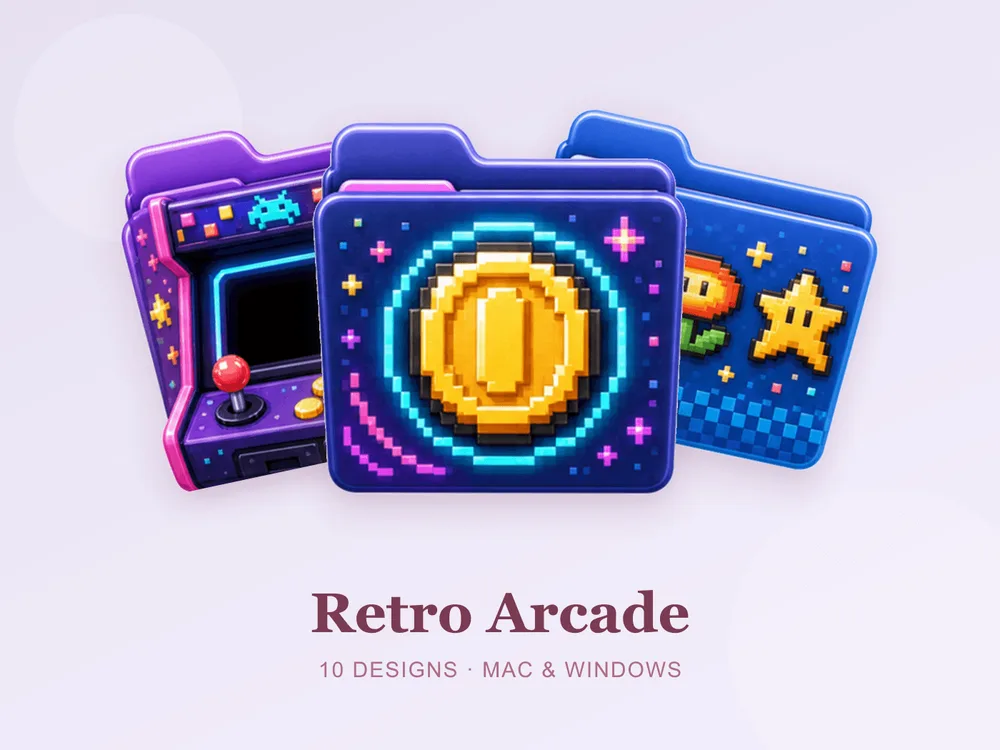
- Retro Arcade — pixel-perfect cabinets and joystick colours; pure 80s arcade energy for a playful desktop.
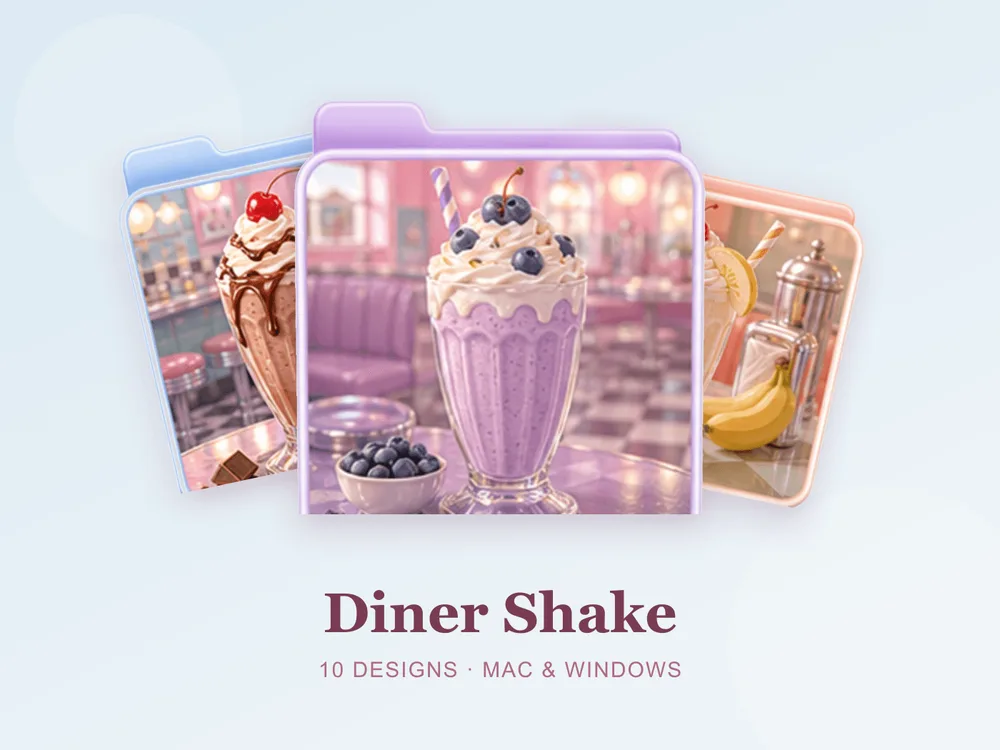
- Diner Shake — chrome, cherry-red and milkshake pastels; a 50s soda-fountain mood you can almost taste.
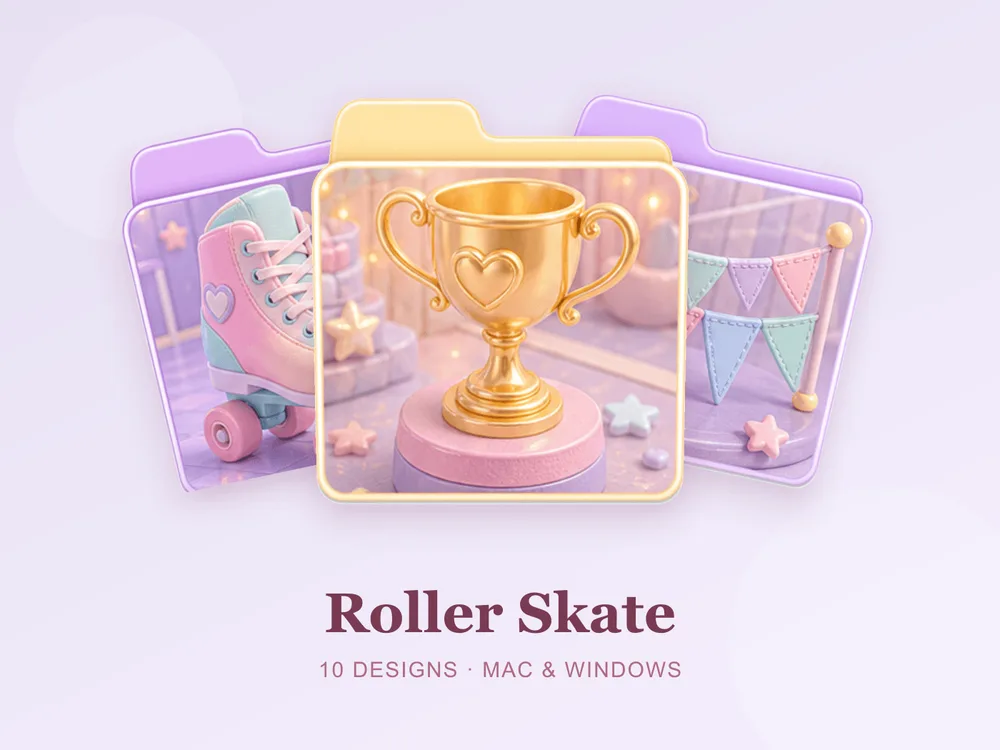
- Roller Skate — candy-bright skates and rink stripes; fun, kinetic and unmistakably retro.
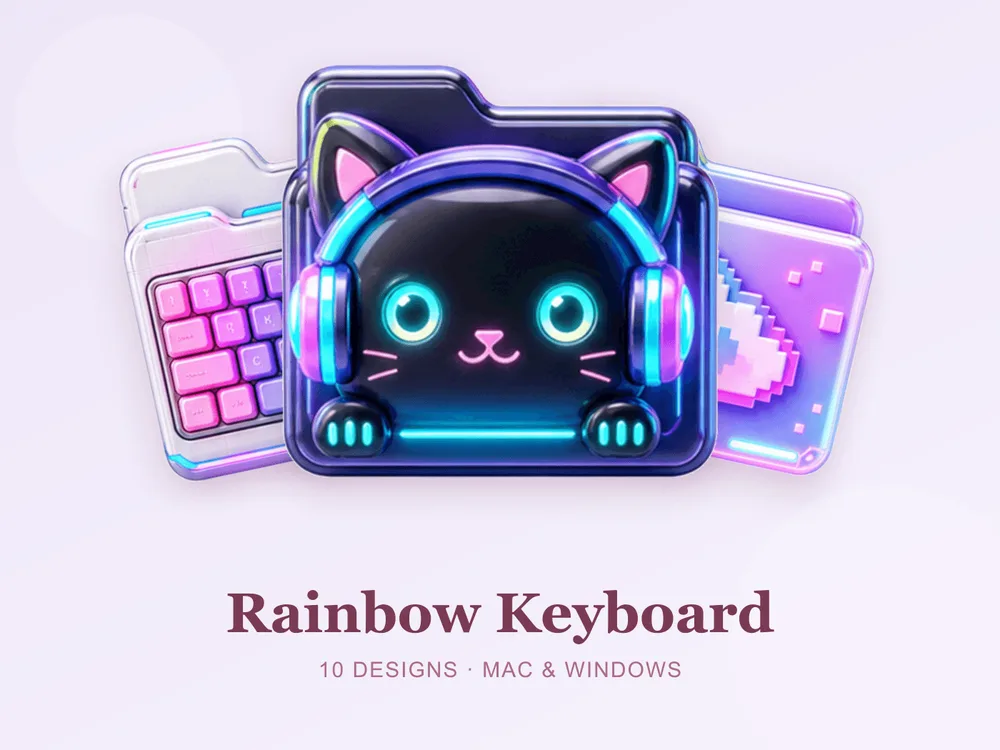
- Rainbow Keyboard — glossy Y2K keys in a full rainbow; a nod to early-2000s tech nostalgia.
Best vintage & old-Hollywood sets
For a warmer, more grown-up throwback:
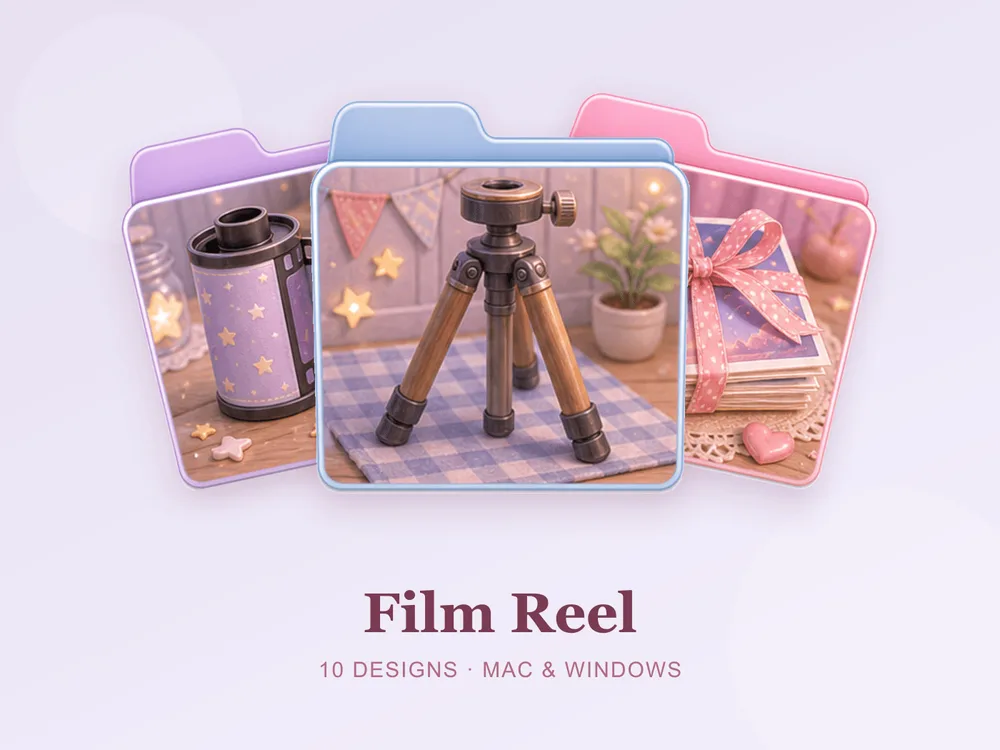
- Film Reel — celluloid reels and clapperboard tones; a cinematic, old-Hollywood mood.
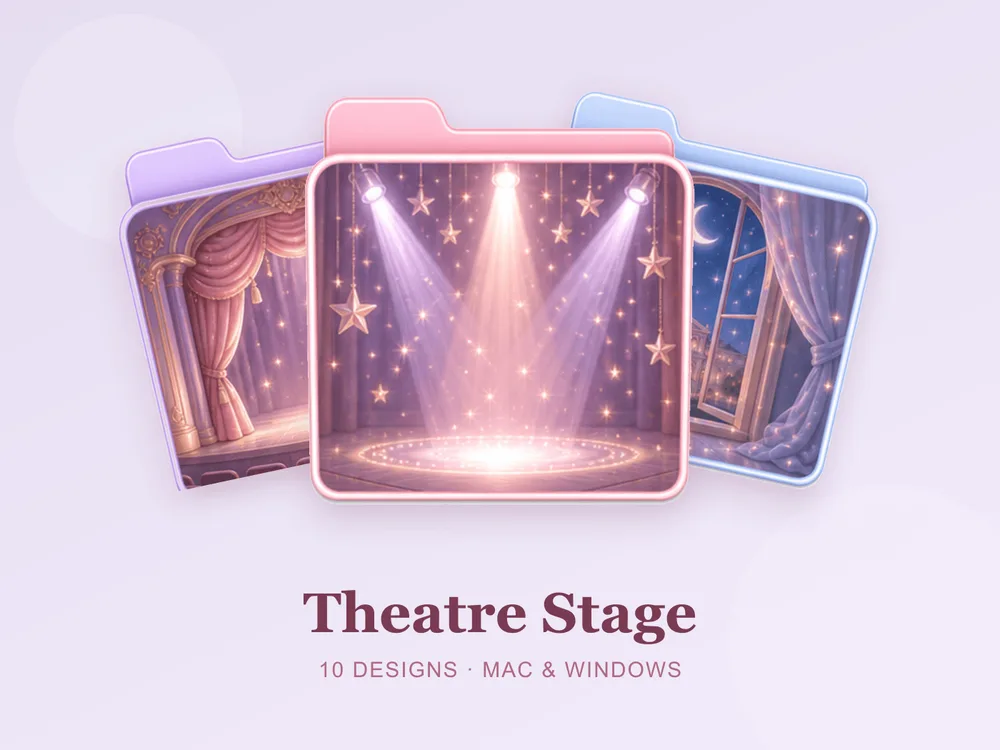
- Theatre Stage — velvet curtains and marquee gold; dramatic and richly nostalgic.
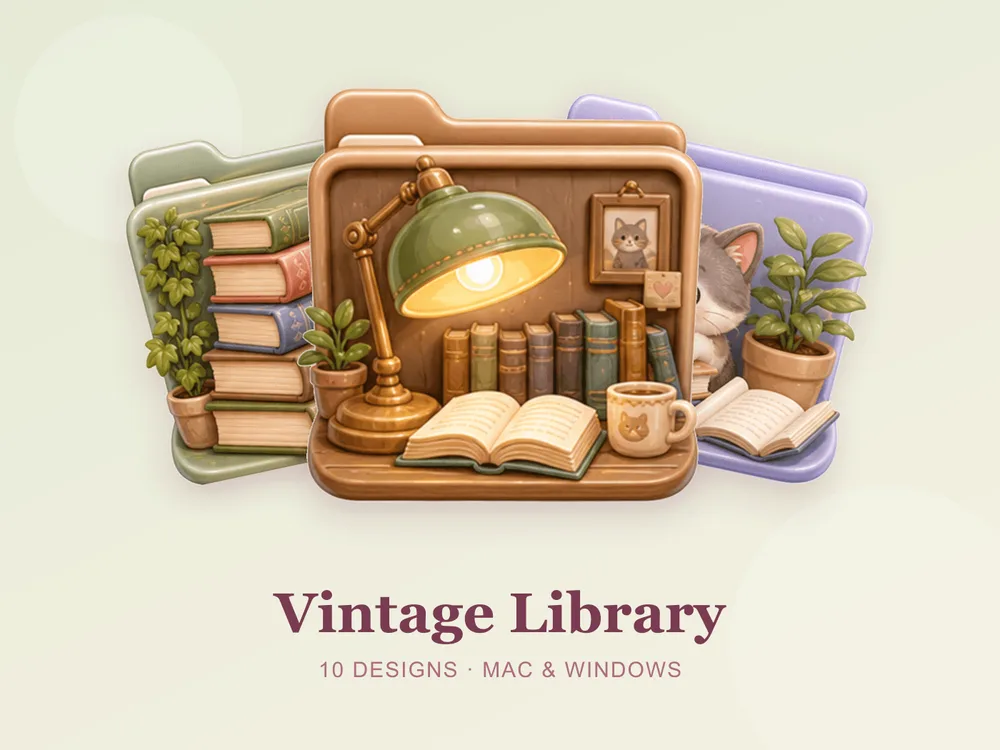
- Vintage Library — worn book spines and leather browns; scholarly, cosy and timeless.
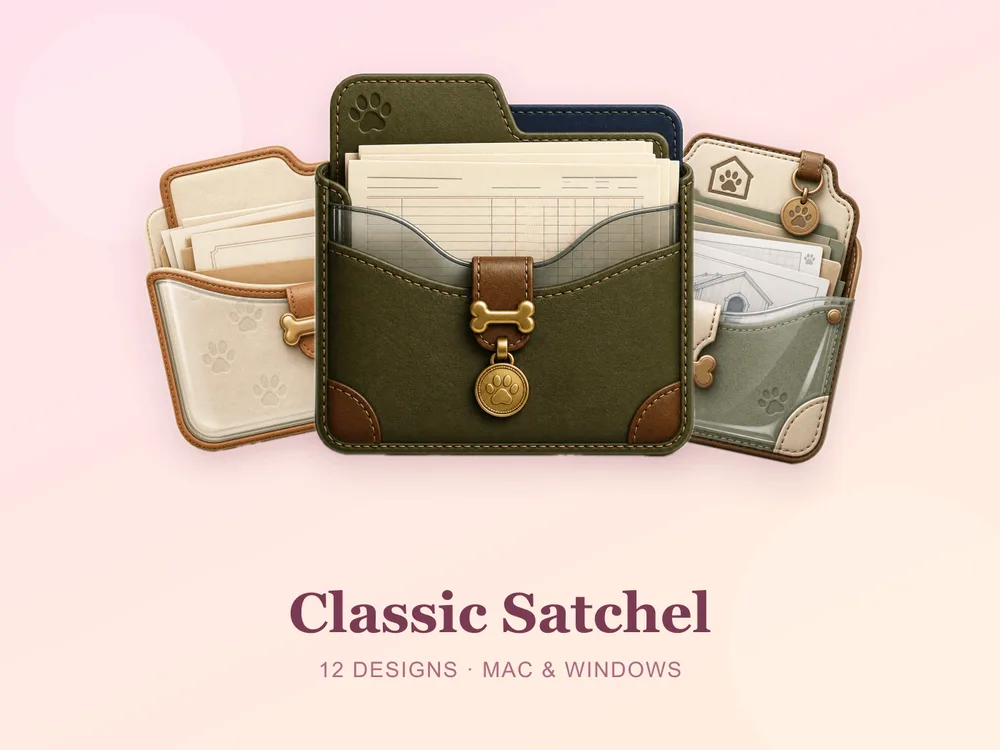
- Classic Satchel — aged tan leather with buckles and stitching; a heritage, well-travelled feel.
Why a matching retro set beats single icons
Most "free Y2K folder icon" downloads disappoint because they're single PNGs from different creators — put a dozen on one desktop and the eras clash, the colours fight and the nostalgic effect collapses into noise. Starting from one coherent set means every folder shares the same era, palette and finish, so the whole screen reads as a designed throwback from the first folder you change.
How to install them (60 seconds)
Once you've downloaded a set, applying it takes seconds:
- On Mac: Select a folder → press Cmd + I → drag the
.icnsfile onto the small icon in the top-left of the Get Info window. Full walkthrough: How to Change Folder Icons on Mac. - On Windows: Right-click the folder → Properties → Customize → Change Icon → pick the
.icofile. Full walkthrough: How to Change Folder Icons on Windows.
Want the new icons to turn into a genuinely tidy desktop? Follow our desktop organization guide.
Retro & Y2K folder icons: quick FAQ
Are retro folder icons free? A few full sets on FolderIcons are free for every member (Kawaii Beauty, Coral Blush, Wild Print). The retro and Y2K sets above are premium — unlock them once with credits and own them forever, with no subscription and no expiry.
Do bright retro icons look good on a dark wallpaper? Yes — in fact they shine on dark backgrounds. Neon, chrome and candy tones pop against a dark desktop, giving that lit-up arcade or diner-sign glow while staying perfectly legible.
Do they work on both Mac and Windows?
Yes. Every FolderIcons set ships .icns files for macOS and .ico/.png files for Windows, so the same throwback look applies on either system in about 60 seconds.
Will they stay sharp on Retina or 4K? Yes. The sets are rendered at high resolution (up to 1024px), so outlines and details stay crisp on Retina and 4K displays.
Can I undo it later? Always. On Mac, open Get Info and press Cmd + X on the icon to revert; on Windows, use Change Icon → Restore Defaults. Your files are never touched — only the folder's picture changes.
The shortcut to a nostalgic, characterful desktop
The fastest way to a fun, throwback desktop is to pick one era and commit to it across your most-used folders. Choose a neon arcade, a chrome diner or a worn vintage library, stick to it, and the whole screen instantly reads playful, cohesive and full of personality.
Browse the full FolderIcons gallery — original, hand-crafted sets across every style above. Three skins are free for every member; unlock the retro and Y2K sets you love with credits and own them forever. No subscription, no expiry.
For more inspiration, see our gold & luxury folder icons and brown & beige folder icons.
Your folders, straight from the good old days.