30 Best AI Folder Icon Prompt Ideas Across 6 Styles (Clay, Watercolor, Pixel & More)
Discover 30 fresh, copy-paste AI prompt recipes for designing folder icons in clay, watercolor, pixel, anime, minimal, and papercut styles. Learn how to use FolderIcons’ folder-generator to create stunning custom icons with matching wallpapers.
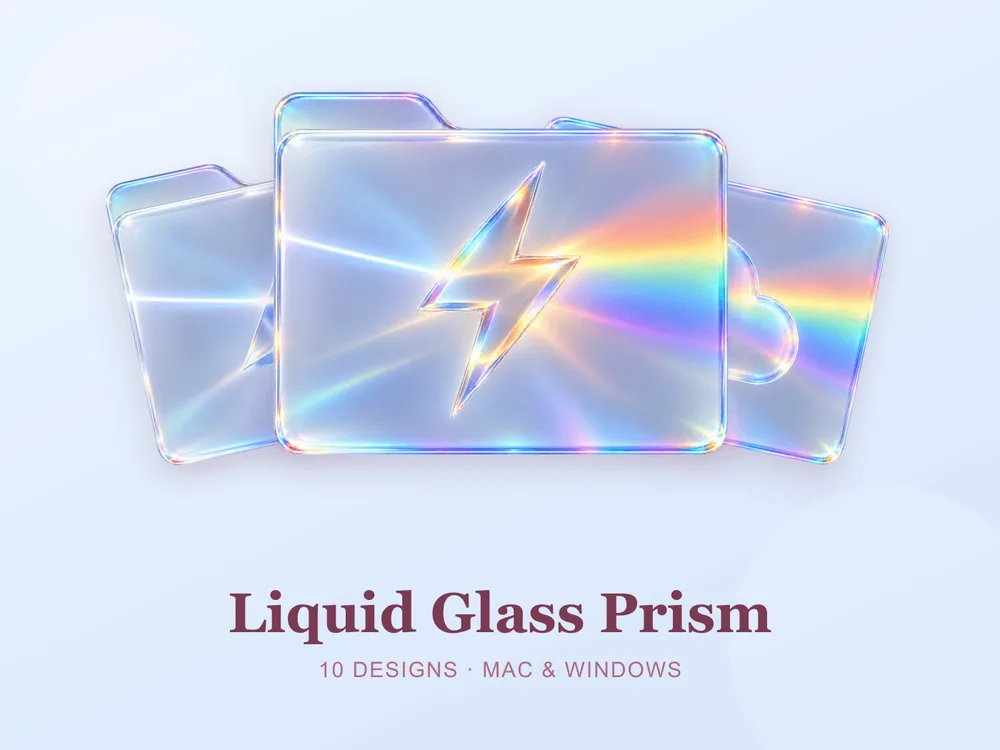
30 Best AI Folder Icon Prompt Ideas Across 6 Styles (Clay, Watercolor, Pixel & More)
Looking to spice up your desktop with uniquely styled folder icons? Our brand-new Inspiration Wall on FolderIcons’ folder-generator offers 30 ready-to-use AI prompt recipes across six popular styles: clay, watercolor, pixel art, anime, minimal, and papercut. These prompts are crafted to jumpstart your creativity and help you generate custom folder icons effortlessly.
Why Use AI Prompts for Folder Icons?
AI-powered design tools have revolutionized desktop customization. Instead of hunting for icons or tinkering with complex software, you can now describe your ideal folder icon in a few words and get a tailored design instantly. Our prompt ideas provide clear, concrete descriptions that work perfectly with the FolderIcons generator.
How to Use the Inspiration Wall Prompts
- Visit the folder-generator.
- Browse the Inspiration Wall cards showcasing each prompt.
- Click any card to auto-fill the prompt input.
- Adjust style or color if you wish, then generate your icon.
- Download and apply it instantly to your folders.
This seamless workflow lets anyone—from beginners to pros—customize folder icons quickly and beautifully.
30 AI Folder Icon Prompt Ideas by Style
Clay Style
- “A soft pastel clay folder with subtle finger textures and rounded edges”
- “Clay model of a smiling cactus pot with tiny flowers”
- “Minimal clay folder shaped like a folded paper plane with matte finish”
Watercolor Style
- “Watercolor splash background with delicate floral patterns”
- “Blush pink folder with loose watercolor brush strokes and light gradient”
- “Blue ocean wave painted in soft watercolor style with white foam highlights”
Pixel Art Style
- “Retro pixel folder with 8-bit neon colors and shadow”
- “Pixelated treasure chest with gold coins spilling out”
- “Simple pixel folder icon with a bold red heart in the center”
Anime Style
- “Cute chibi-style folder with sparkling eyes and pastel colors”
- “Anime magic book folder with glowing runes and floating sparkles”
- “Folder shaped like a kawaii cat face with whiskers and blush”
Minimal Style
- “Monochrome folder with clean lines and subtle shadow”
- “Minimal line art folder with transparent fill and thin black strokes”
- “Single color geometric folder icon with sharp angles and no gradients”
Papercut Style
- “Layered paper cut folder with soft shadows and pastel layers”
- “Papercut style folder with floral lace edges and intricate details”
- “Colorful layered folder resembling origami with folded paper creases”
Matching Wallpapers to Elevate Your Setup
Pair your new folder icons with these curated wallpapers for a cohesive look:
Liquid Glass Glacier
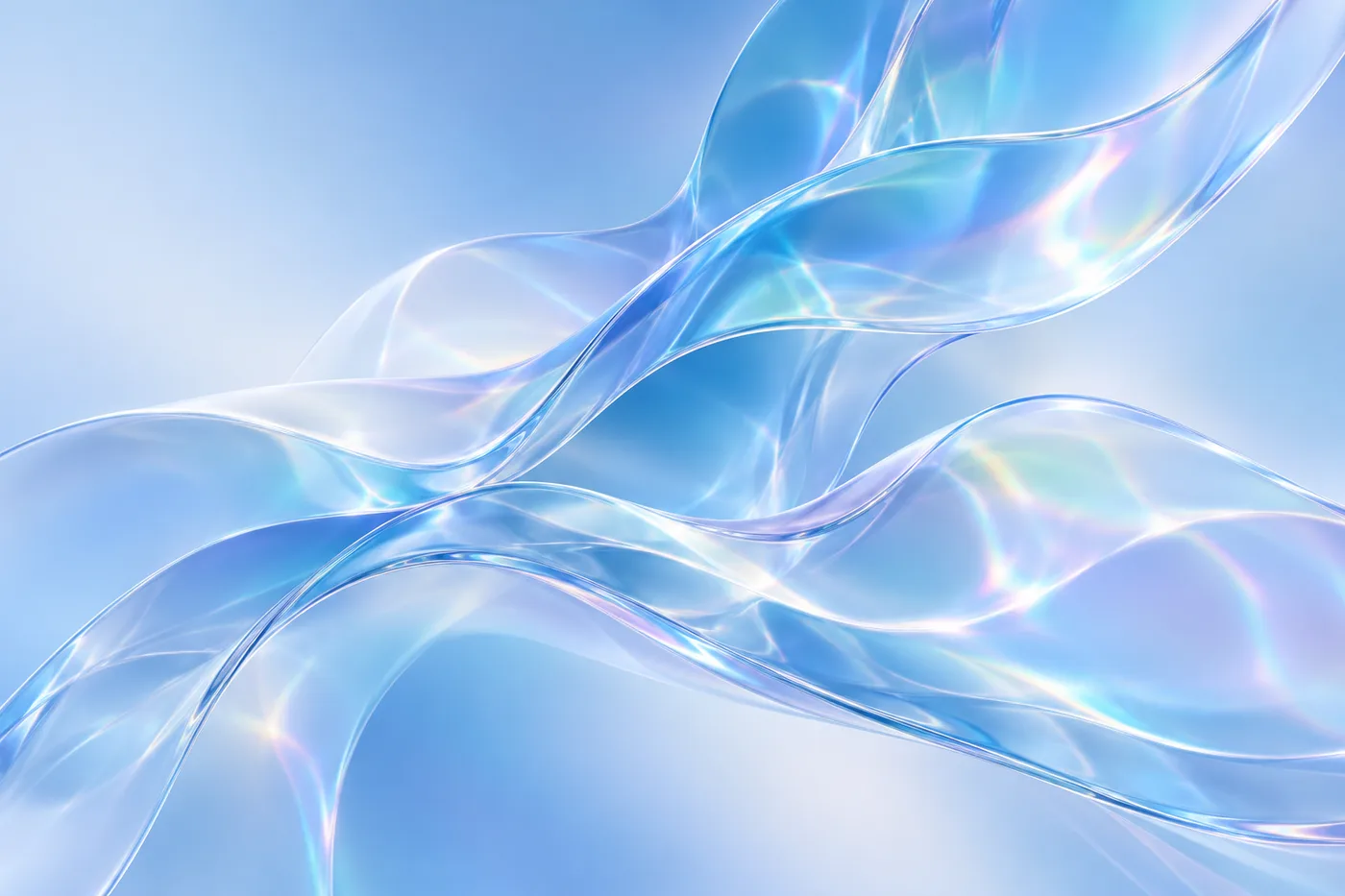
Explore the matching Liquid Glass Prism skin for a stunning translucent folder effect.
Pastoral Meadow Clouds
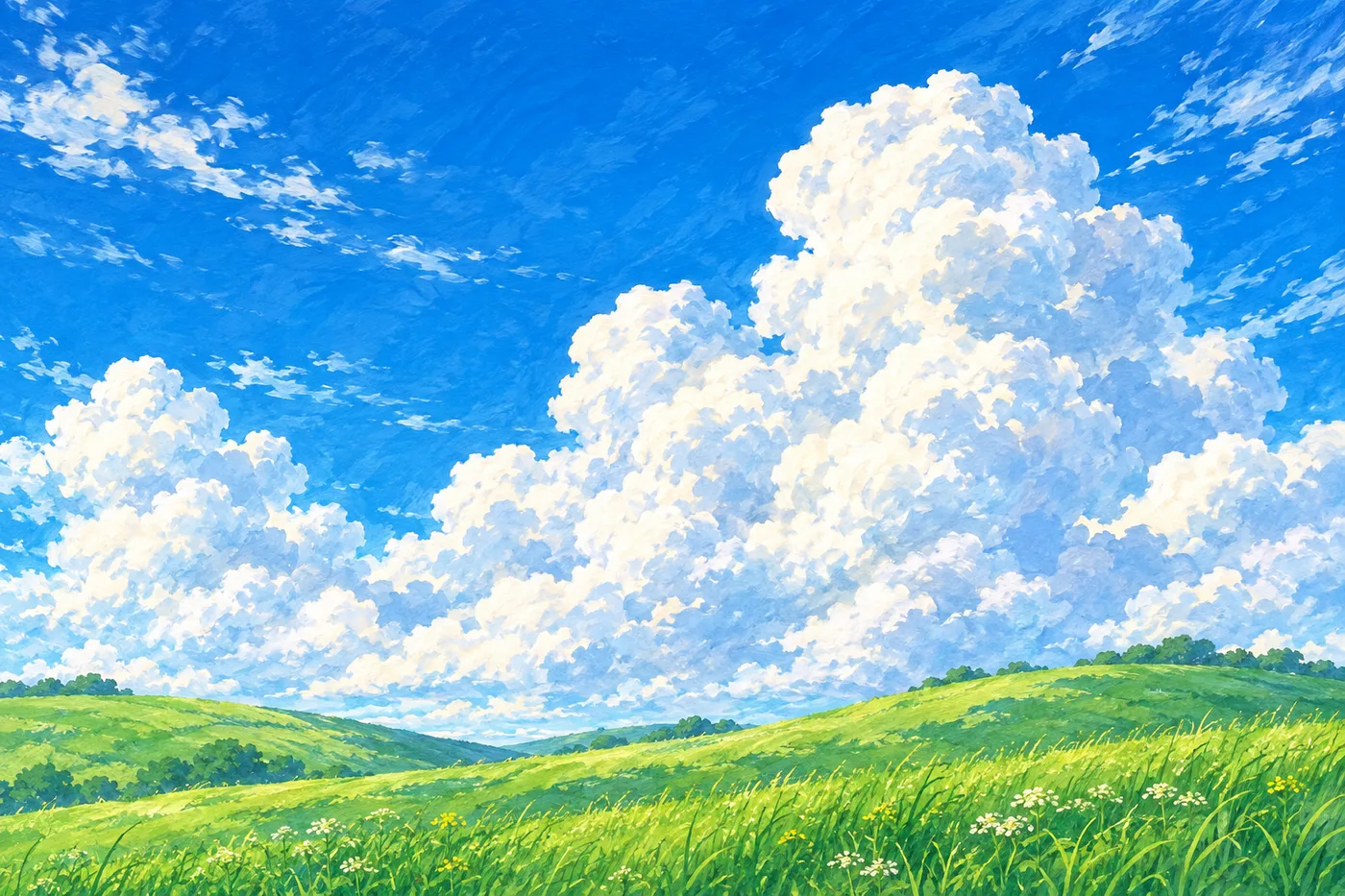
Coordinate with the soothing Pastoral Meadow Art skin for a natural, hand-painted vibe.
Pro Tips for Custom Folder Icons
- Combine styles: Try mixing watercolor with papercut prompts for unique effects.
- Match icon colors to your desktop wallpaper for harmony.
- Use the folder-maker tool to tweak icons if you want more control.
- Check out our blog post on how to make custom folder icons on Mac for step-by-step guidance.
Tip: you can reuse any of these prompts to create matching die-cut or printable stickers on our sister site's AI Sticker Generator.
30 AI Folder Icon Prompt Ideas FAQ
Can I use these prompts with any AI image generator? These prompts are optimized for FolderIcons’ own folder-generator but can inspire work in other AI tools; results may vary.
Are the folder icons compatible with Windows and macOS? Yes, FolderIcons exports icons in formats compatible with both operating systems.
Can I customize the colors after generating the icon? Absolutely! The folder-generator lets you tweak colors and styles before finalizing.
Is there a way to create festive-themed icons? Yes, explore our Christmas Pets skin and blog on how to make custom Christmas folder icons for seasonal inspiration.
Upgrade your desktop today with creative AI folder icons! Explore all styles at FolderIcons skins and start designing instantly at the folder-generator.