How to Make Custom Christmas Folder Icons (AI & Photo Guide 2026)
Create custom Christmas folder icons for Mac and Windows in minutes — use AI prompts to conjure festive 3D clay, watercolor or pixel folders, or turn your own holiday photos into transparent macOS folders.
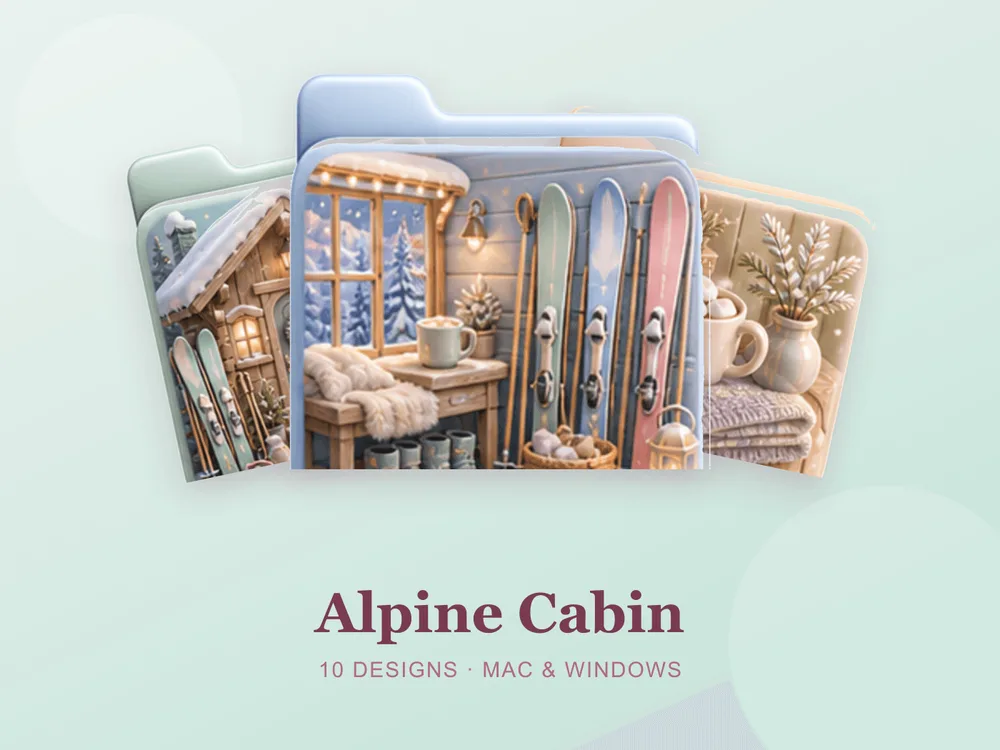
Ready-made icon packs are the fastest way to restyle an entire desktop, but sometimes you want a one-of-a-kind Christmas folder — your dog in a Santa hat, a cosy gingerbread bakery for your holiday recipes, or a starry winter cabin for your year-end travel album.
Here are two simple, no-Photoshop ways to make crisp, transparent Christmas folder icons right in your browser, plus ready-to-copy prompt recipes that consistently turn out great.
Method 1: Generate a custom Christmas folder with AI
The Folder Generator turns a short text description and a chosen illustration style into a centered, transparent 1024×1024 desktop folder PNG ready for macOS (and easy to pair with full packs).
Step-by-step
- Open the Folder Generator and sign in (new accounts receive 2 welcome credits, enough for your first AI generation right away).
- Write a short description of your holiday scene — or click one of the built-in seasonal presets (Gingerbread bakery, Snowy Christmas tree, Santa's winter cabin).
- Pick one of the six art styles: Clay, Watercolor, Pixel, Anime, Minimal, or Papercut.
- Click Generate (2 credits per image). Once your artwork appears on the folder preview, drag to adjust the crop if needed, then download the transparent 1024px PNG — re-cropping and re-downloading the same result never costs extra credits.
5 Christmas prompt recipes you can copy directly
- Clay — Gingerbread Bakery: A miniature frosted gingerbread cottage with scalloped white icing roof, tiny peppermint candy canes, warm golden window light, soft caramel and cream palette.
- Watercolor — Evergreen Twilight: A quiet snow-covered pine Christmas tree glowing with warm fairy lights, crimson velvet ribbon and gentle falling snow at dusk, deep evergreen and candlelight gold.
- Papercut — Layered Holiday Village: Layered cream and pine-green paper cutout winter hills with tiny lit cottages, crescent moon and golden paper stars, warm shadowbox depth.
- Pixel — Cozy Winter Cabin: A charming 16-bit snowy log cabin in a starry pine forest with chimney smoke, wrapped presents on the porch and a glowing tree in the window.
- Minimal — Nordic Holly Ornament: Minimalist matte evergreen pine branch with two crimson holly berries and a fine brushed brass ribbon, clean Scandinavian editorial aesthetic on soft linen.
Want more inspiration before spending credits? Scroll down to the Community Wall inside the Folder Generator — click any festive folder to inspect and tweak its prompt with zero credits spent until you decide to generate.
Method 2: Turn your own Christmas photo into a macOS folder
Already have a favorite winter wallpaper, holiday snapshot, or festive illustration?
- Open the Folder Maker.
- Drop any image onto the folder preview. The tool automatically samples your image's holiday colors for the folder back tab and prints the image cleanly across the front cover.
- Drag to reframe the subject inside the folder face.
- Click Download PNG to export a transparent 1024×1024 macOS folder icon. Signed-in accounts get 5 free downloads per day (and buying any credit pack unlocks lifetime unlimited downloads).
Apply your custom Christmas folder icon
- On macOS: Open the downloaded transparent
.pngin Preview, press Cmd + A then Cmd + C to copy the image. Select your desktop folder, press Cmd + I (Get Info), click the small folder icon at the top-left of the Info window, and press Cmd + V. Full guide: How to Change Folder Icons on Mac. - On Windows: For Windows
.icoicons across your whole desktop, pair your custom folders with a complete pack from our Christmas Folder Icons 2026 Hub — every set includes multi-size.icofiles ready for Properties → Customize → Change Icon.
Pairing custom folders with a complete seasonal set
A great desktop trick is to use a complete 10-design set like Cozy Christmas, Gingerbread Bakery, or Christmas Night for your main folders (Work, Projects, Downloads, Archive), then create 1–2 bespoke AI folders for special December folders (Gift List, Holiday Photos). Everything shares the same winter warmth, while your seasonal centerpiece stands out immediately.
Custom Christmas folder icons: quick FAQ
How much does it cost to generate an AI Christmas folder? Each new AI folder generation costs 2 credits, and every new account starts with 2 welcome credits — so you can create your first custom Christmas folder right after signing in. Adjusting the crop and re-downloading a finished folder is always free.
Can I make a Christmas folder from my own photo for free? Yes. Signed-in accounts get 5 free Folder Maker downloads every day (resetting at 00:00 UTC+8), and buying any credit pack unlocks lifetime unlimited Folder Maker downloads.
What format do custom folders export in?
Both Folder Generator and Folder Maker export crisp 1024×1024 transparent PNG files tailored for macOS folders. For multi-size Windows .ico and macOS .icns bundles across your whole desktop, pair them with any complete pack in our Christmas & Winter Collection.
Ready to try it? Open the AI Folder Generator or explore all 13 Christmas Folder Icon Packs.