Work & Productivity Folder Icons for Mac & Windows (2026)
The best work and productivity folder icons for Mac and Windows in 2026 — professional, minimal and focused sets that make your desktop easier to navigate. With a 60-second install guide and FAQ.
A work desktop has one job: get you to the right file fast. But the default blue folder makes every project, client and download look identical — so you end up reading filenames instead of just seeing where to go. A professional folder set fixes that. Give each area of your work a distinct, tasteful icon and your desktop becomes a dashboard you can navigate at a glance. Swap the default blue Mac folder (or the plain Windows one) for a matching work set and focus gets a little easier.
This is our hand-picked roundup of the best work and productivity folder icons for 2026 — clean, professional and calm enough for a video call. Every set is a complete, matching pack with .icns files for Mac and .ico/.png for Windows, so the focused look stays consistent across your whole desktop.
What makes a work folder icon set look good
A productivity set has a different job from a decorative one — it has to look sharp on a shared screen and still help you find things. The sets that genuinely work for work share three things:
- Professional, not loud. The best work sets use restrained, tasteful finishes that look right in a screen-share, instead of cartoon brights.
- Clearly distinct folders. A good professional pack varies tone and detail across the set so each folder reads differently at a glance — the whole point of colour-coding your work.
- Consistency. Every folder shares the same finish, so the desktop looks like one deliberate system rather than a mismatched jumble.
Best professional & minimal sets
For the clean, screen-share-ready, focused look:
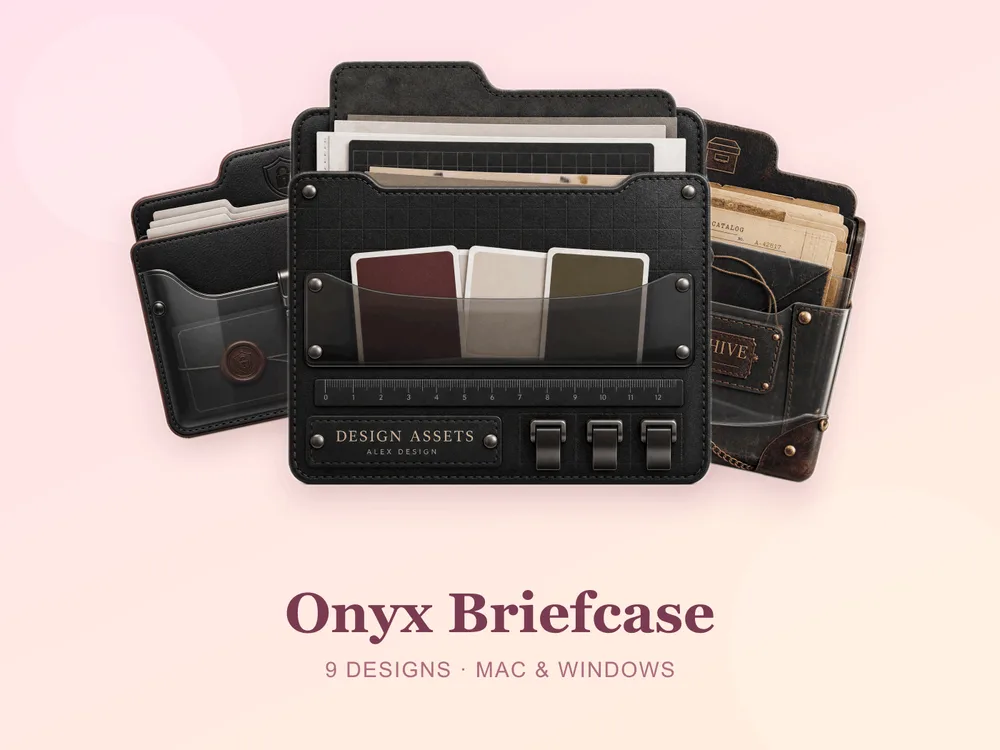
- Onyx Briefcase — dark leather and brass details; tailored, refined and quietly powerful.
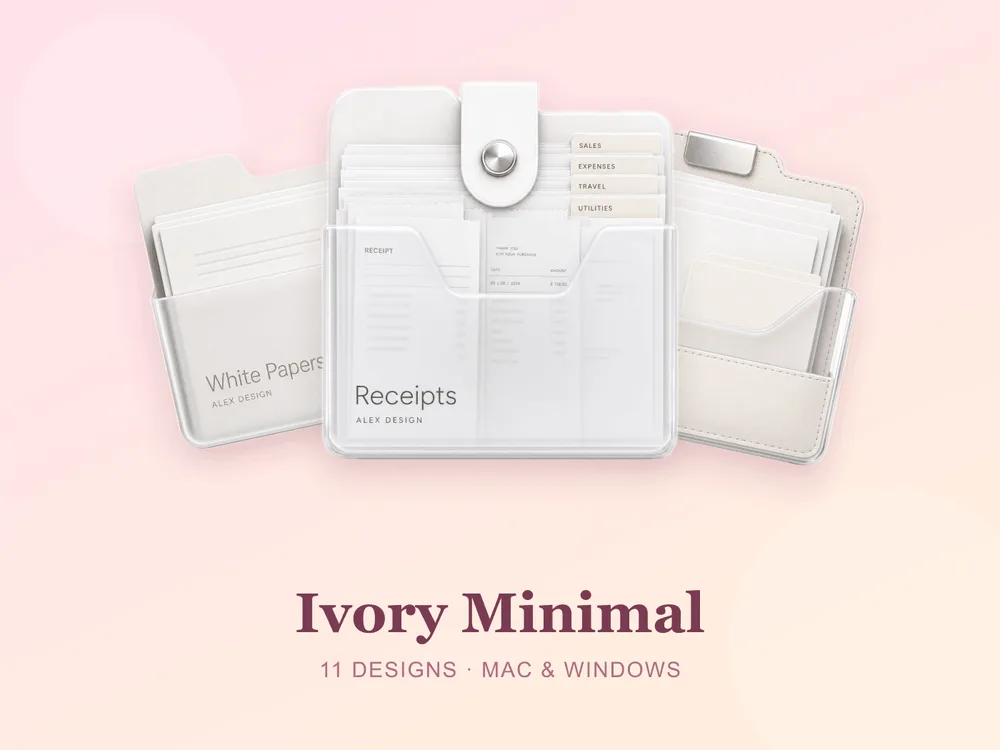
- Ivory Minimal — clean off-white folders with the gentlest shadow; simple, modern and endlessly calm.
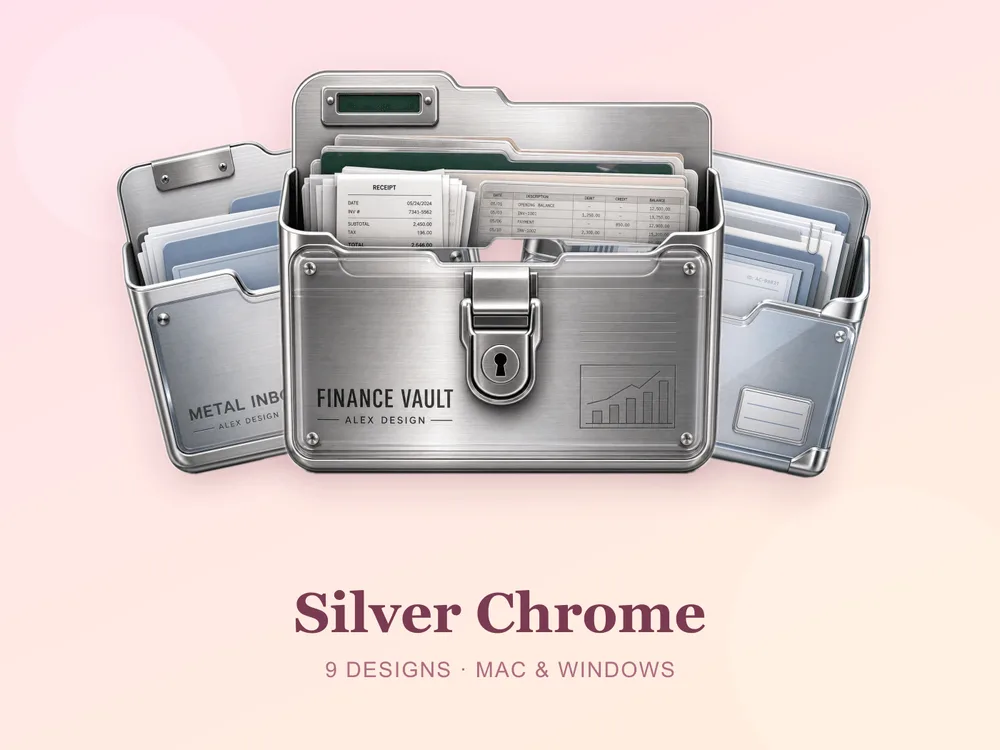
- Silver Chrome — cool metallic greys with a clean sheen; sleek, contemporary and quietly high-tech.
Best studio & focused sets
For a bit more character while staying work-appropriate:
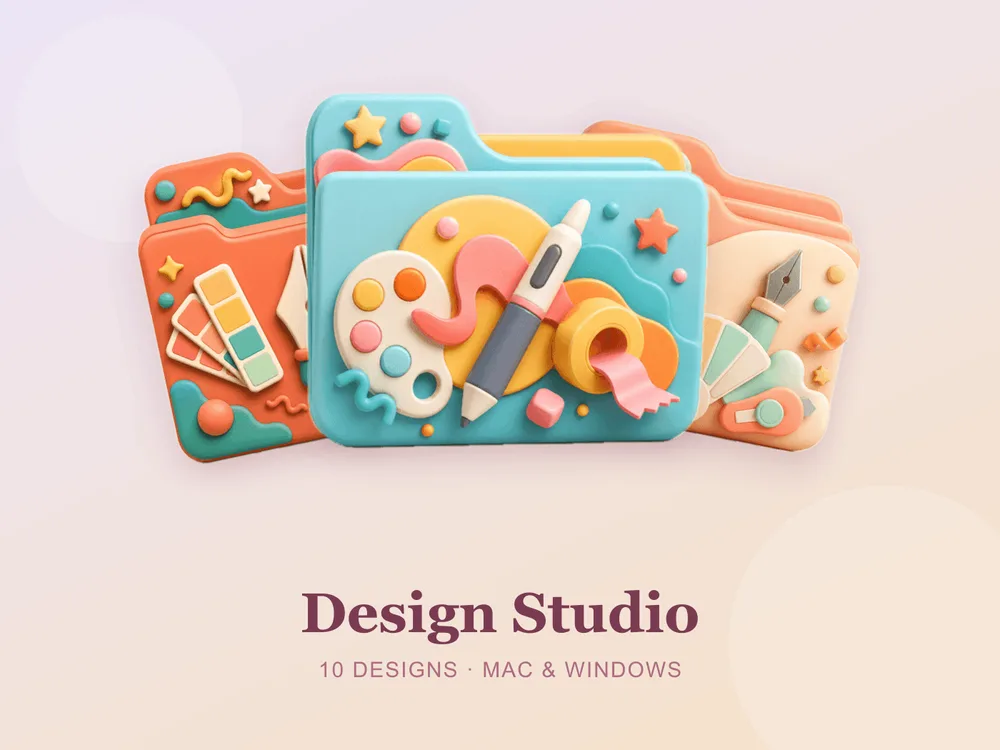
- Design Studio — tools and swatches in clean studio tones; creative, professional and inspiring.
- Vintage Library — aged book spines and warm study browns; scholarly, cosy and timelessly elegant.
- Travel Compass — compasses and map tones; classic, purposeful and quietly elegant.


Why a matching work set beats single icons
Most "free work folder icon" downloads disappoint because they're single PNGs from different designers — put a dozen on one desktop and the styles clash, some look unprofessional and the focused effect collapses. Starting from one coherent set means every folder shares the same tasteful finish, so the whole screen reads as one deliberate, navigable system from the first folder you change.
How to install them (60 seconds)
Once you've downloaded a set, applying it takes seconds:
- On Mac: Select a folder → press Cmd + I → drag the
.icnsfile onto the small icon in the top-left of the Get Info window. Full walkthrough: How to Change Folder Icons on Mac. - On Windows: Right-click the folder → Properties → Customize → Change Icon → pick the
.icofile. Full walkthrough: How to Change Folder Icons on Windows.
Want the new icons to turn into a genuinely tidy desktop? Follow our desktop organization guide.
Work & productivity folder icons: quick FAQ
Are work folder icons free? A few full sets on FolderIcons are free for every member (Kawaii Beauty, Coral Blush, Wild Print). The professional sets above are premium — unlock them once with credits and own them forever, with no subscription and no expiry.
Do these look professional on a screen-share or video call? Yes — that's what they're built for. The minimal and metallic sets stay tasteful and calm on a shared screen, so your desktop looks organised and intentional rather than cluttered.
Do they work on both Mac and Windows?
Yes. Every FolderIcons set ships .icns files for macOS and .ico/.png files for Windows, so the same professional look applies on either system in about 60 seconds.
Will they stay sharp on Retina or 4K? Yes. The sets are rendered at high resolution (up to 1024px), so edges and details stay crisp on Retina and 4K displays.
Can I undo it later? Always. On Mac, open Get Info and press Cmd + X on the icon to revert; on Windows, use Change Icon → Restore Defaults. Your files are never touched — only the folder's picture changes.
The shortcut to a focused desktop
The fastest way to a calm, navigable work desktop is to commit to one professional set and apply it across your key folders — one look per project, client or area. Pick a minimal ivory, a metallic chrome or a tailored leather, stick to it, and the whole screen instantly reads organised, deliberate and easy to work in.
Browse the full FolderIcons gallery — original, hand-crafted sets across every style above. Three skins are free for every member; unlock the professional sets you love with credits and own them forever. No subscription, no expiry.
For more inspiration, see our minimalist & neutral folder icons and dark academia folder icons.
Your folders, ready to work.