Folder Icons for Students: Back-to-School Desktop (2026)
The best folder icons for students in 2026 — cute stationery, subject-sorting and back-to-school sets to organize your laptop. With a 60-second install guide and FAQ.
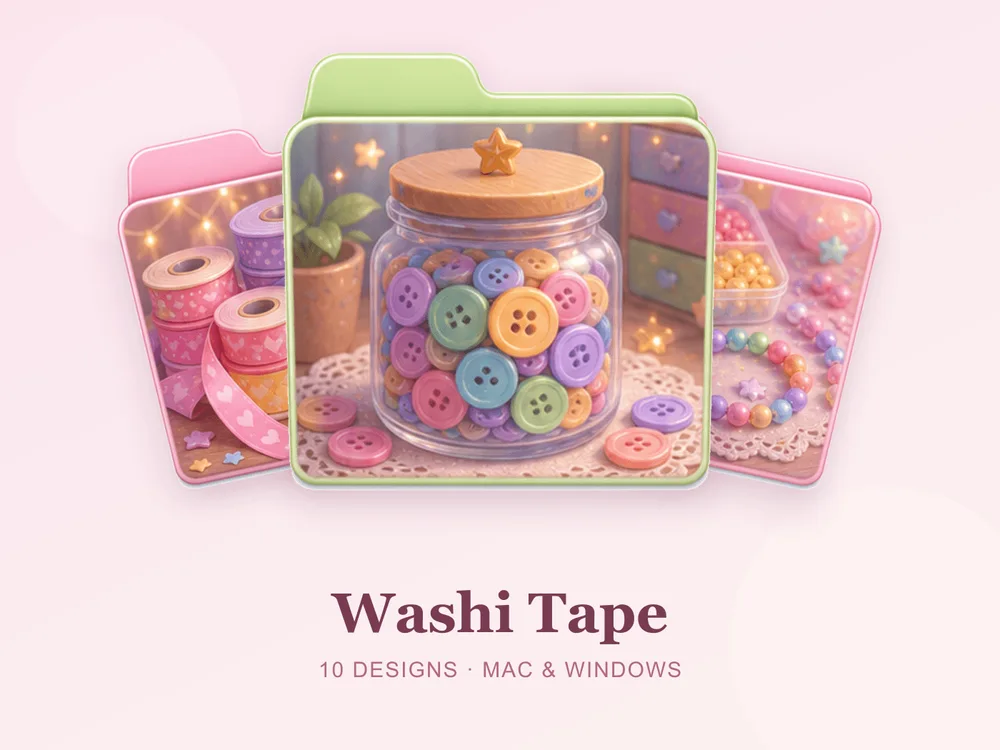
Every semester starts the same way: a laptop full of folders named "New Folder", "New Folder (2)", and last term's chaos. A student desktop only stays usable if you can find the right subject in a second — and the fastest way to do that is to give every class its own clearly themed folder. This guide covers the best folder icon sets for students and how to set up a back-to-school desktop that actually survives the term.
This is our hand-picked roundup of the best folder icons for students in 2026 — cute, tidy and made for sorting subjects at a glance. Every set is a complete, matching pack with .icns files for Mac and .ico/.png for Windows, so your whole laptop looks organised from day one.
Why themed folders make studying easier
When every folder looks identical, you read filenames to find things — and that friction adds up over a busy term. Give each subject a distinct icon and your eyes jump straight to the right one. Maths in blue, art in pink, history in a vintage set — one look and you're in. It's the digital version of colour-coded binders, and it works just as well.
Best cute stationery sets
For the studygram, neat-desk side of student life:
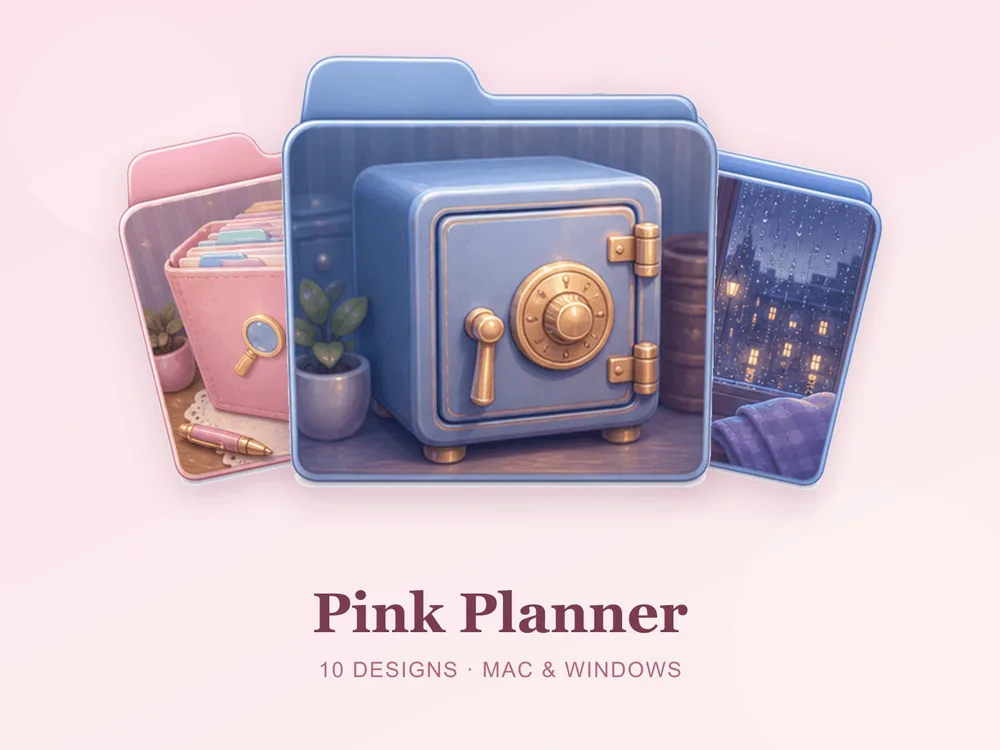
- Pink Planner — planner pages, tabs and soft pinks; tidy, sweet and instantly motivating.
- Washi Tape — rolls of patterned tape in gentle tones; crafty, cheerful and satisfyingly neat.
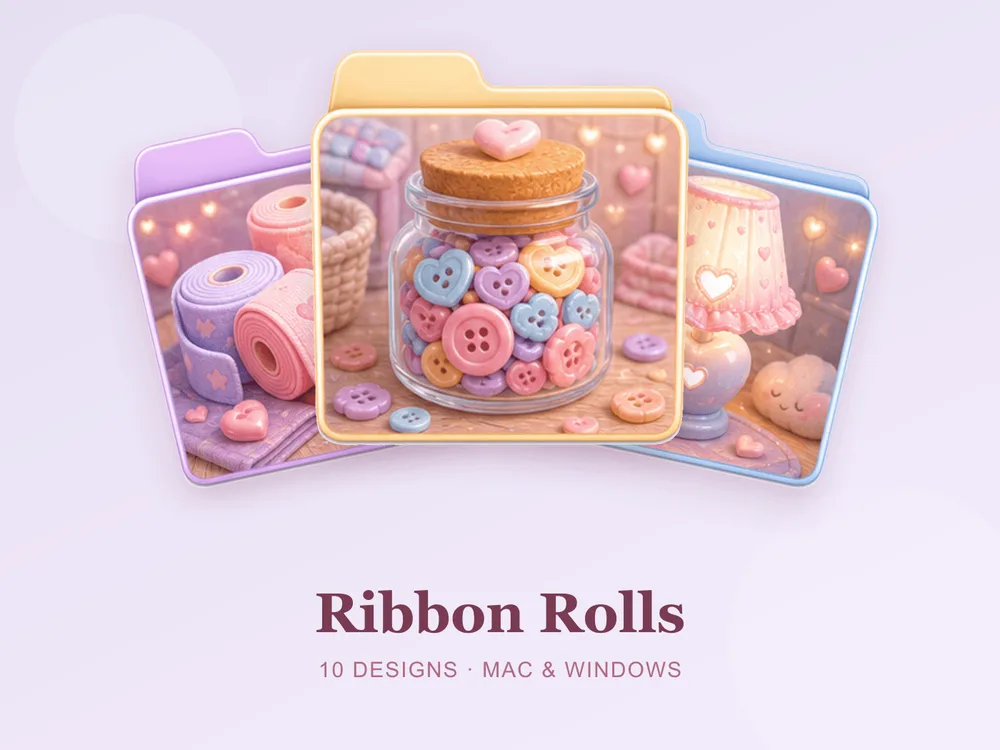
- Ribbon Rolls — spools of soft ribbon; delicate, orderly and quietly charming.
Best focused study sets
For a calmer, more grown-up study desktop:
- Design Studio — tools and swatches in clean studio tones; creative, professional and inspiring.
- Vintage Library — aged book spines and warm study browns; scholarly, cosy and timelessly elegant.
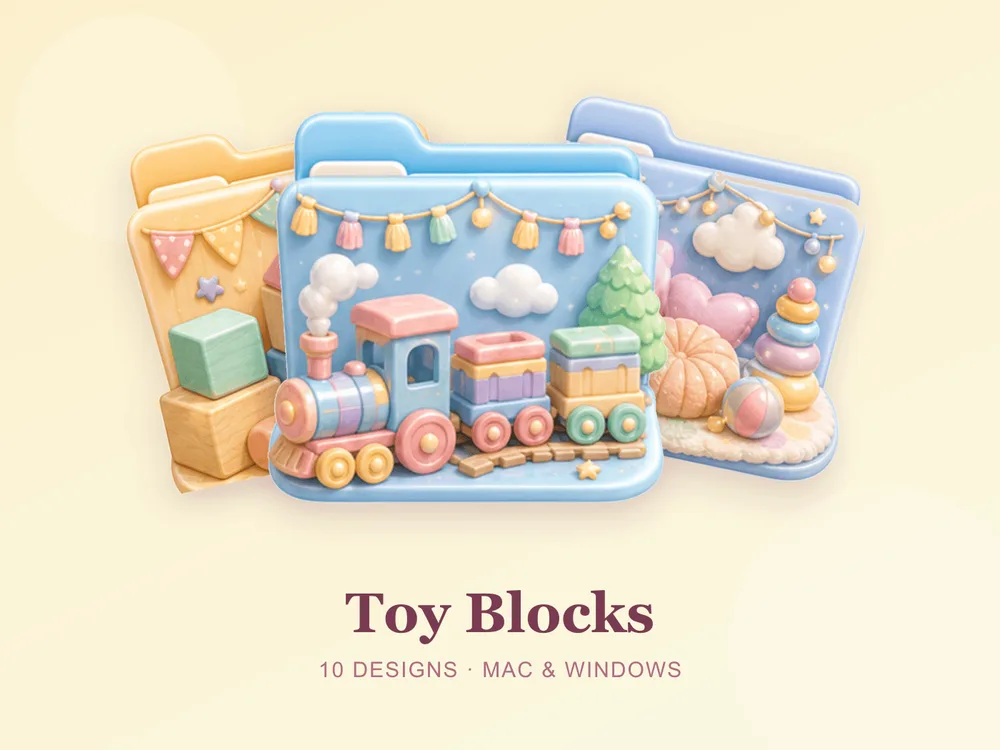
- Toy Blocks — bright primary tones; perfect for younger students or colour-coding by subject.


How to set up a back-to-school desktop
- Make one folder per subject (Maths, English, Science…).
- Give each a distinct icon from one matching set — or colour-code them by subject.
- Add a "Current" and an "Archive" folder so finished work moves out of the way.
- Keep the desktop to this term's subjects; archive the rest.
Our desktop organization guide walks through a simple system that keeps it tidy all semester, and the study & planner folder icons roundup has more stationery sets.
How to install them (60 seconds)
- On Mac: Select a folder → press Cmd + I → drag the
.icnsfile onto the small icon in the top-left of the Get Info window. Full walkthrough: How to Change Folder Icons on Mac. - On Windows: Right-click the folder → Properties → Customize → Change Icon → pick the
.icofile. Full walkthrough: How to Change Folder Icons on Windows.
Folder icons for students: quick FAQ
Are student folder icons free? A few full sets on FolderIcons are free for every member (Kawaii Beauty, Coral Blush, Wild Print). The stationery and study sets above are premium — unlock them once with credits and own them forever, with no subscription and no expiry.
Are these good for organizing subjects and course folders? That's exactly what they're for. One matching set gives each subject a distinct look, so every class, project and semester has its place — no reading filenames.
Do they work on both Mac and Windows?
Yes. Every FolderIcons set ships .icns files for macOS and .ico/.png files for Windows, so the same tidy look applies on either system in about 60 seconds.
Will they stay sharp on Retina or 4K? Yes. The sets are rendered at high resolution (up to 1024px), so edges and details stay crisp on Retina and 4K displays.
Can I undo it later? Always. On Mac, open Get Info and press Cmd + X on the icon to revert; on Windows, use Change Icon → Restore Defaults. Your files are never touched — only the folder's picture changes.
The shortcut to a term-ready desktop
The fastest way to a laptop that stays organised all semester is one matching set applied to a folder per subject. Pick a cute stationery look or a focused study set, give each class its own icon, and your desktop stays scannable from the first week to finals.
Browse the full FolderIcons gallery — original, hand-crafted sets in every style. Three skins are free for every member; unlock the ones you love with credits and own them forever. No subscription, no expiry.
Your folders, ready for the new term.