Red Aesthetic Folder Icons for Mac & Windows (2026)
The best red folder icons for Mac and Windows in 2026 — fiery, retro-diner and deep burgundy sets, hand-picked. With a 60-second install guide and FAQ.
Red is the one colour that refuses to sit quietly in the background. On a desktop that is either the best thing about it or the worst: pick the right shade and your folders read bold, warm and deliberate; pick the wrong one and the screen looks like a row of error messages. The difference is almost never "red or not red" — it is which red, and whether every folder is speaking the same one.
This is our hand-picked roundup of the best red folder icons for 2026 — from molten and fiery to retro-diner bright and deep burgundy. Every set is a complete, matching pack with .icns files for Mac and .ico/.png for Windows, so one consistent red carries across your whole desktop.
What makes a red folder icon set look good
Red is the least forgiving colour to design with, because it is the first thing the eye finds. The sets that actually work share three things:
- One red, not five. Fire red, cherry red and burgundy are three different palettes. A good set commits to one and uses depth and texture for variety instead of drifting between them.
- Something to break it up. Pure red across every folder becomes exhausting fast. The best sets anchor the red against black, cream, bronze or a wooden tone so it reads rich rather than loud.
- It still works small. Saturated red glows at icon size and can swallow fine detail. Good sets keep a clear silhouette so the folder is still readable, not just a bright blob.
Best fiery & molten sets
For the boldest, most dramatic end — these look extraordinary on a dark wallpaper:
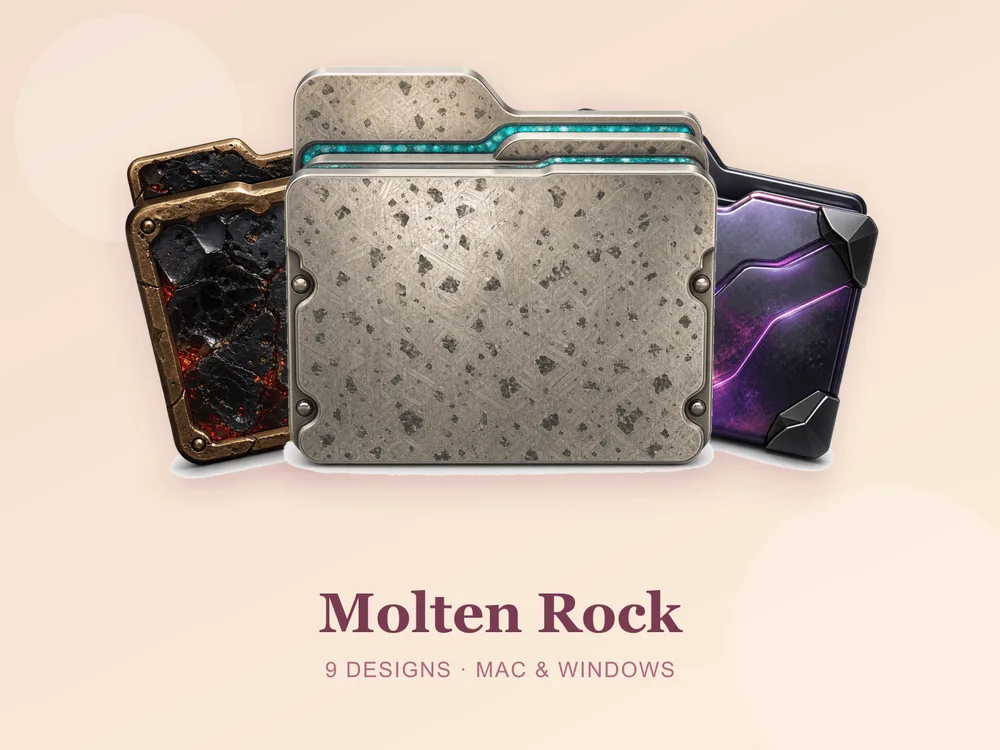
- Molten Rock — black volcanic rock cracked with glowing lava and heavy riveted bronze; rugged, fiery and genuinely dramatic.
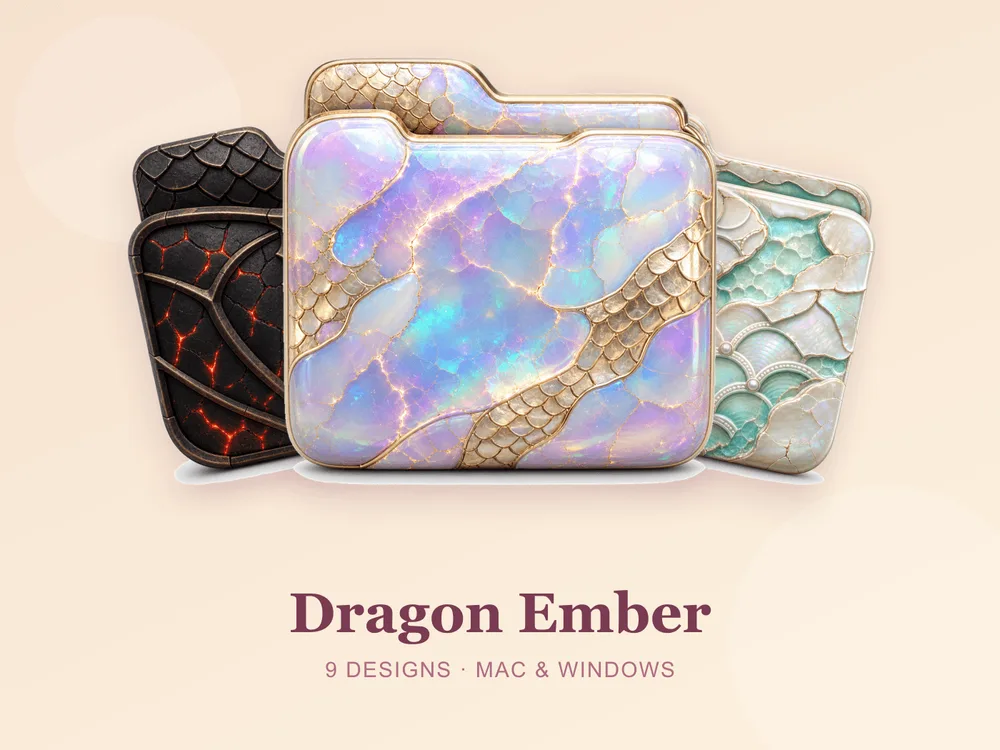
- Dragon Ember — molten stone framed in ornate bronze dragon tracery; the same heat with a fantasy edge.
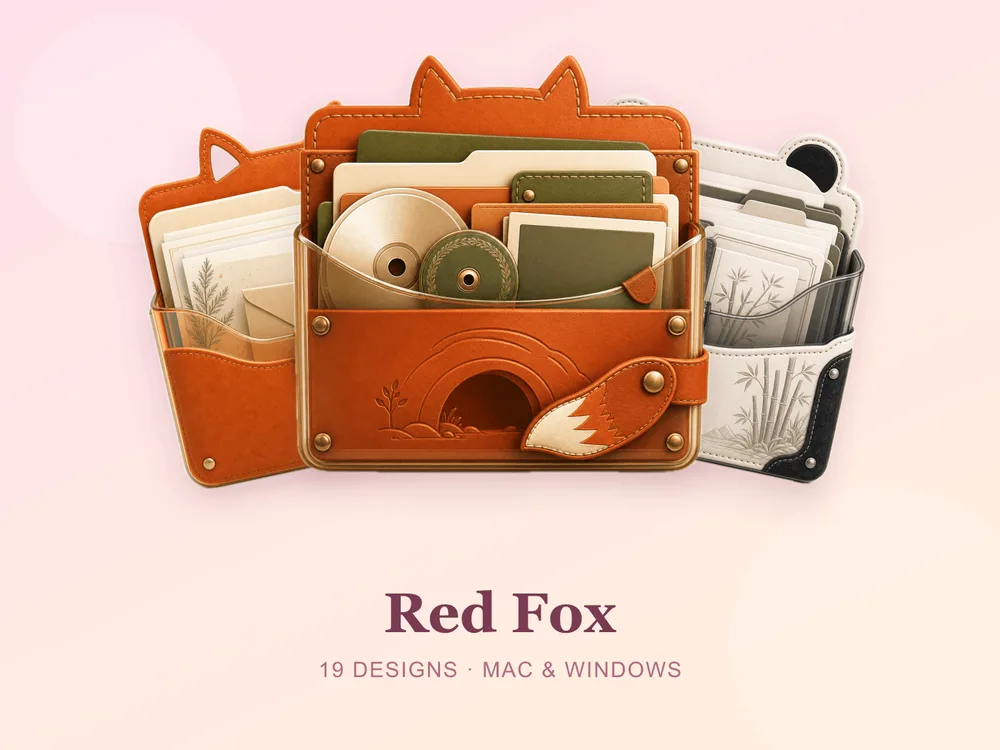
- Red Fox — bold fox red, clean and confident; the friendliest way to run a strong red desktop.
Best retro & diner reds
For the bright, nostalgic, 50s-counter kind of red:
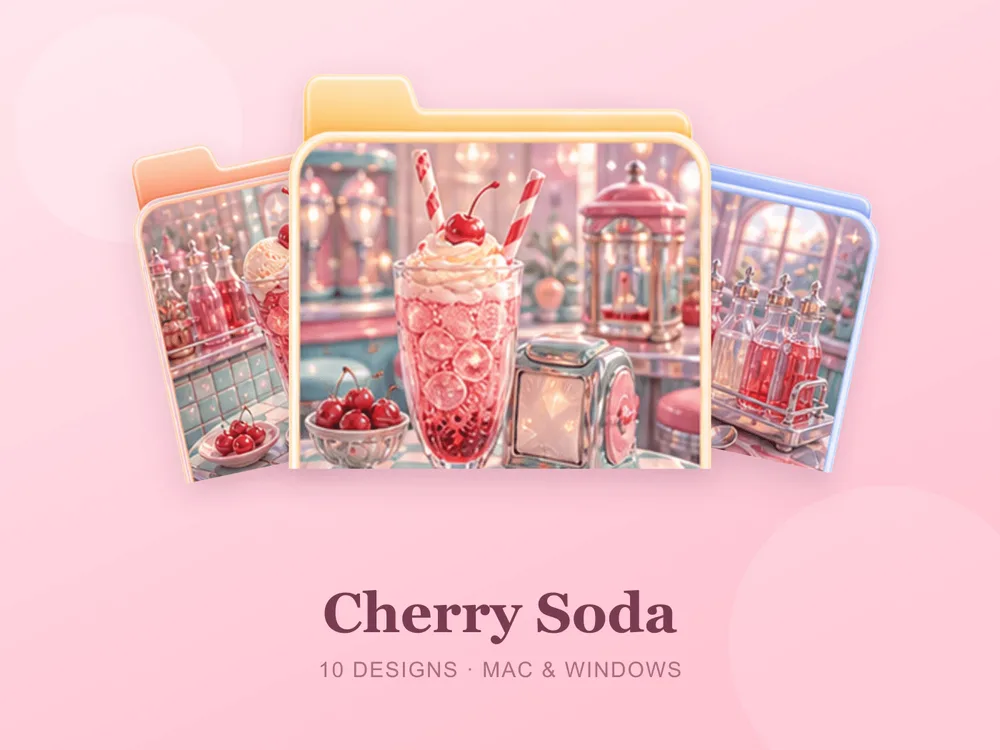
- Cherry Soda — a fizzy soda counter in bright cherry tones; sweet, poppy and instantly cheerful.
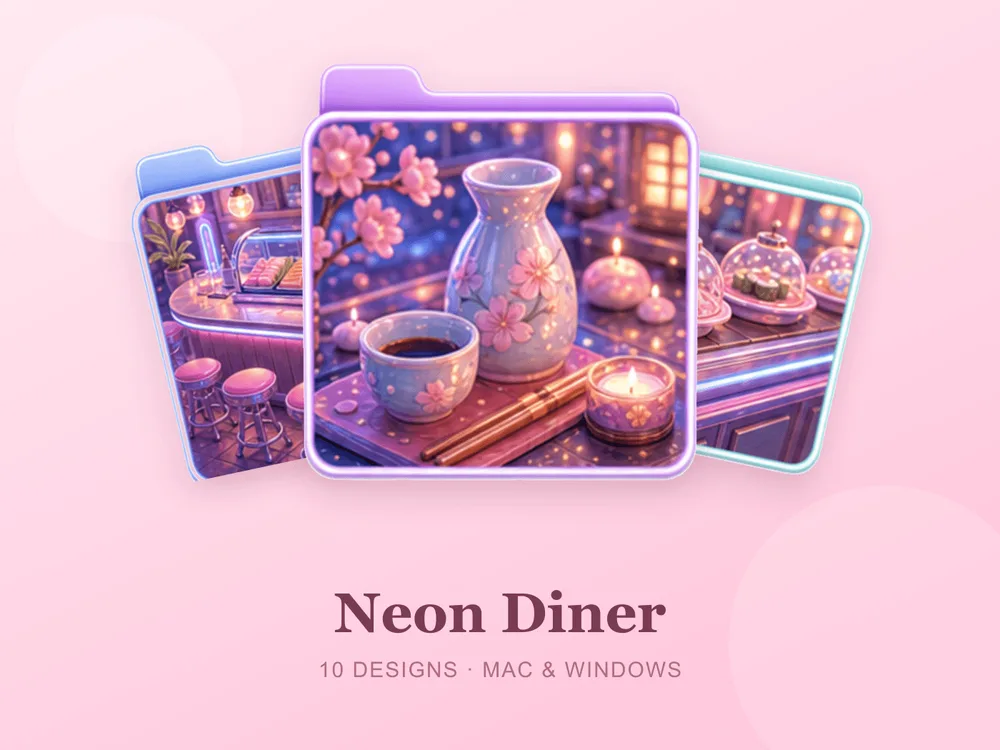
- Neon Diner — a roadside diner glowing with neon and checkerboard charm; punchy and full of night-time atmosphere.
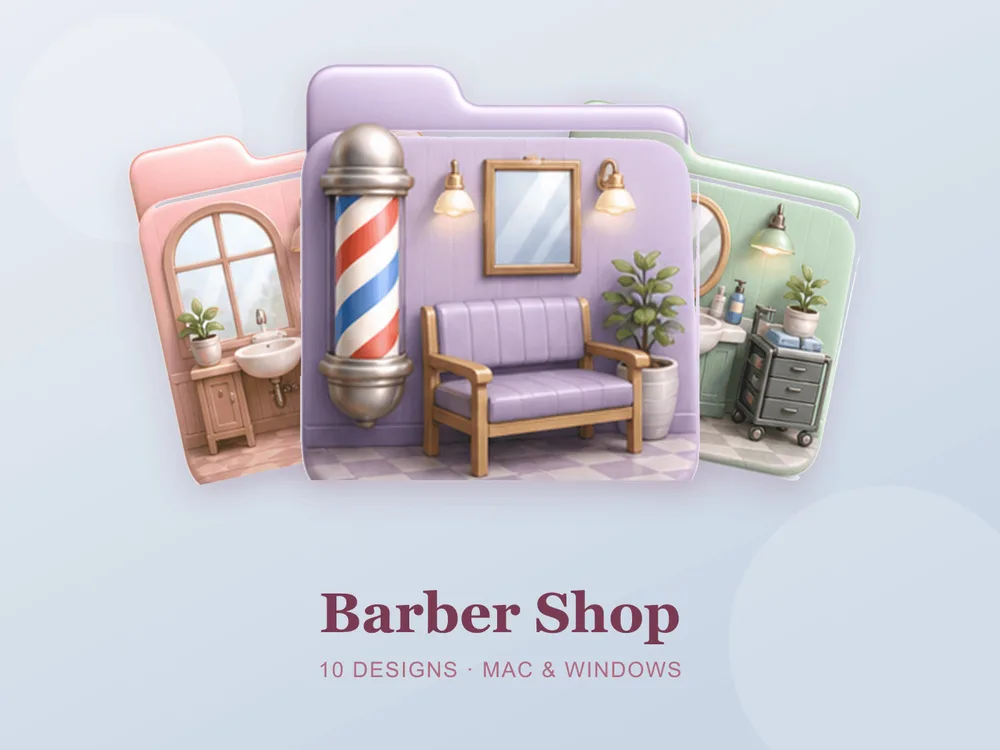
- Barber Shop — the classic striped pole and tidy grooming tools; crisp, vintage and unexpectedly smart.
Best deep & earthy reds
For red that stays sophisticated — the shades that pair with wood and warm light:
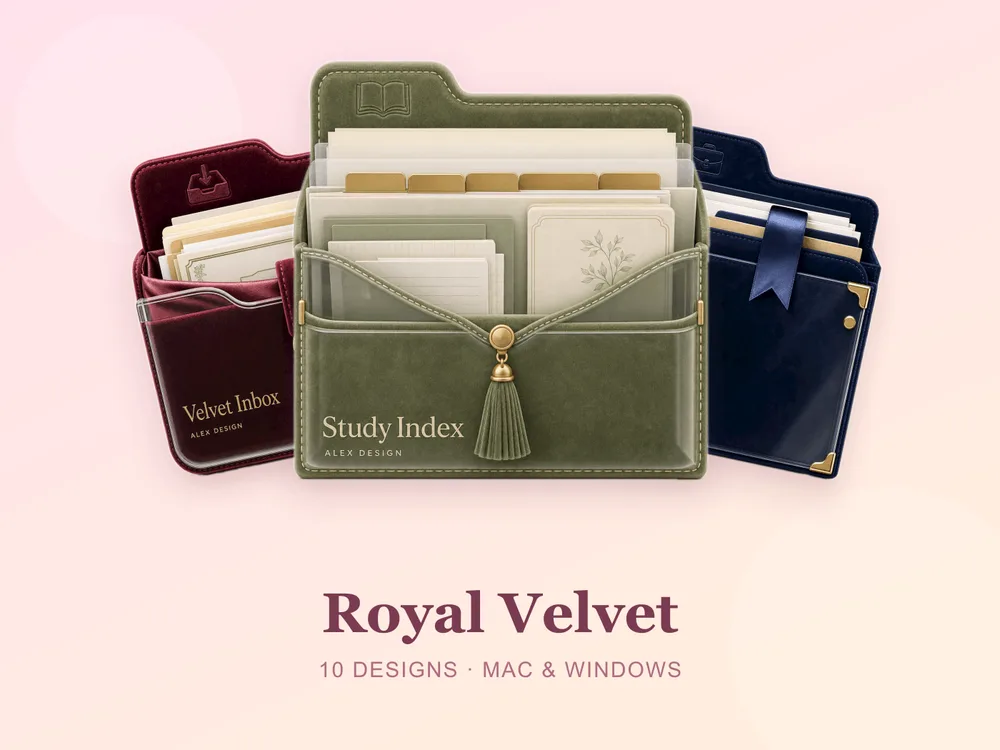
- Royal Velvet — jewel-toned vintage velvet; deep, plush and quietly luxurious.
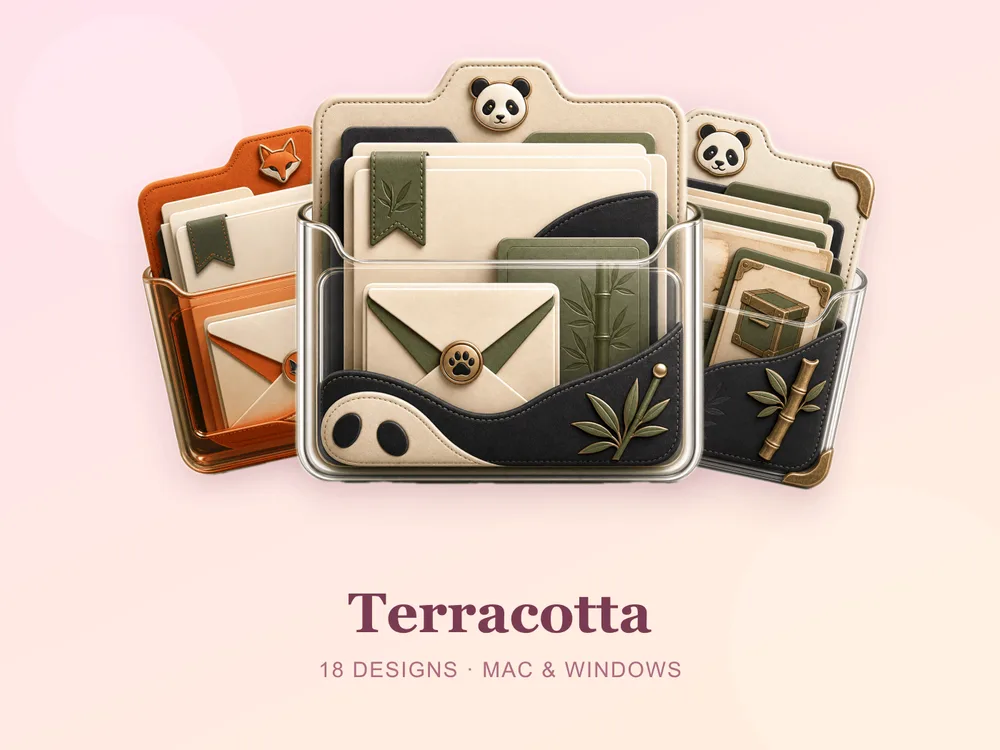
- Terracotta — earthy rust-red clay tones; muted, grounded and easy to live with all day.
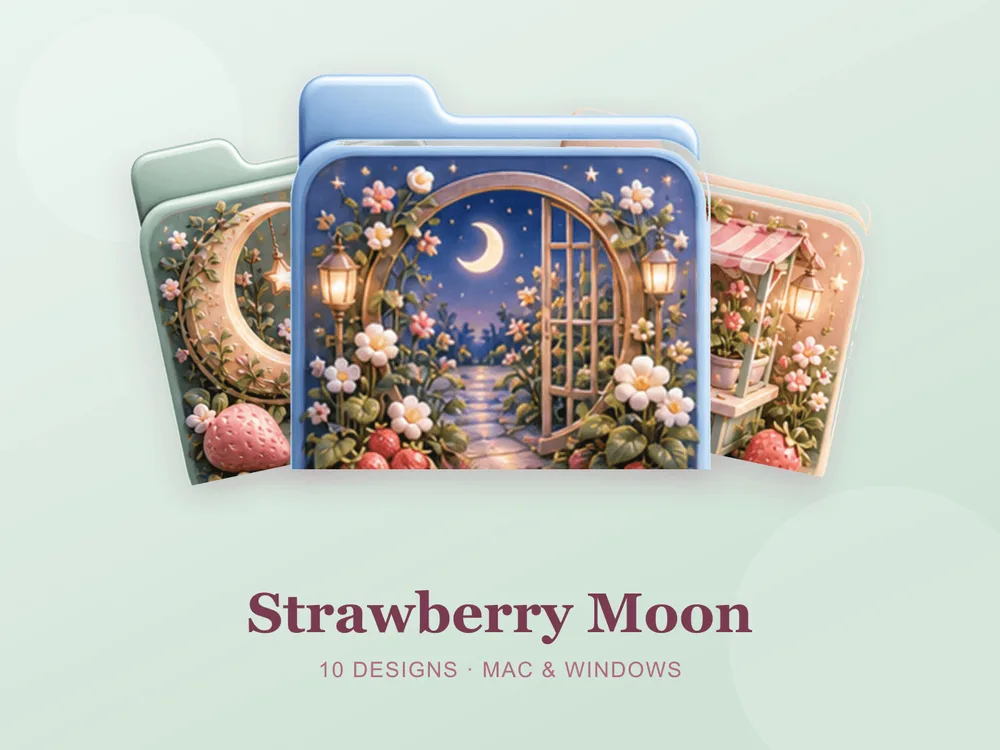
- Strawberry Moon — strawberries and star lights under a crescent moon; a soft, dreamy way into the red family.
Why a matching red set beats single icons
Most "free red folder icon" downloads disappoint because they're single PNGs from different designers — put a dozen on one desktop and one runs orange, one runs pink, one is a fire-engine red, and instead of a bold desktop you get a warning panel. No colour punishes mismatched sources as hard as red does. Starting from one coherent set means every folder shares the same hue, depth and finish, so the whole screen reads as one deliberate, confident choice from the first folder you change.
How to install them (60 seconds)
Once you've downloaded a set, applying it takes seconds:
- On Mac: Select a folder → press Cmd + I → drag the
.icnsfile onto the small icon in the top-left of the Get Info window. Full walkthrough: How to Change Folder Icons on Mac. - On Windows: Right-click the folder → Properties → Customize → Change Icon → pick the
.icofile. Full walkthrough: How to Change Folder Icons on Windows.
Want the new icons to turn into a genuinely tidy desktop? Follow our desktop organization guide.
Red folder icons: quick FAQ
Are red folder icons free? A few full sets on FolderIcons are free for every member (Kawaii Beauty, Coral Blush, Wild Print). The red sets above are premium — unlock them once with credits and own them forever, with no subscription and no expiry.
Isn't red too intense for a whole desktop? It can be, if every folder is the same flat bright red. The sets above avoid that by anchoring the red against black, bronze, cream or wood — or by using a muted terracotta or burgundy. If you want red for emphasis only, use one red set for your two or three most important folders and a neutral set for the rest.
Do they work on both Mac and Windows?
Yes. Every FolderIcons set ships .icns files for macOS and .ico/.png files for Windows, so the same red applies on either system in about 60 seconds.
Will they stay sharp on Retina or 4K? Yes. The sets are rendered at high resolution (up to 1024px), so edges and details stay crisp on Retina and 4K displays.
Can I undo it later? Always. On Mac, open Get Info and press Cmd + X on the icon to revert; on Windows, use Change Icon → Restore Defaults. Your files are never touched — only the folder's picture changes.
The shortcut to a bold, warm desktop
The fastest way to make red work is to pick one red and stop there. Go molten and dramatic, retro and bright, or deep and earthy — then apply it across your most-used folders and let a neutral wallpaper carry the rest. The screen ends up looking decisive instead of alarming.
Browse the full FolderIcons gallery — original, hand-crafted sets across every style above. Three skins are free for every member; unlock the red sets you love with credits and own them forever. No subscription, no expiry.
For more inspiration, see our black folder icons and autumn folder icons.
Your folders, bold on purpose.