Plant & Garden Folder Icons for Mac & Windows (2026)
The best plant and garden folder icons for Mac and Windows in 2026 — potting bench, botanical and outdoor green sets, hand-picked. With a 60-second install guide and FAQ.
Plants are the one decoration nobody argues with. They soften a room, they make a shelf look finished, and they do the same thing to a desktop — a little green breaks up a grid of rectangles and makes the whole screen easier to sit in front of. The catch is that most plant icons are the same flat leaf repeated twelve times.
This is our hand-picked roundup of the best plant and garden folder icons for 2026 — potting benches, botanical studies and proper outdoor green. Every set is a complete, matching pack with .icns files for Mac and .ico/.png for Windows, so one calm palette carries across your whole desktop.
What makes a plant folder icon set look good
Green is a wide range, and plant art fails in predictable ways. The sets that work share three things:
- More than one green. Real foliage moves between olive, sage, deep forest and fresh new growth. A set built on a single green looks printed rather than grown.
- Something to hold the plant. A pot, a shelf, a bench, a jar. The container gives each icon a defined base, which is what stops a leafy shape from dissolving at small sizes.
- Restraint with the leaves. A crowded jungle icon turns into a green blob at 64 pixels. The best sets keep one plant, clearly lit, per folder.
Best potting-bench & workshop sets
For the hands-in-the-soil half of the aesthetic:
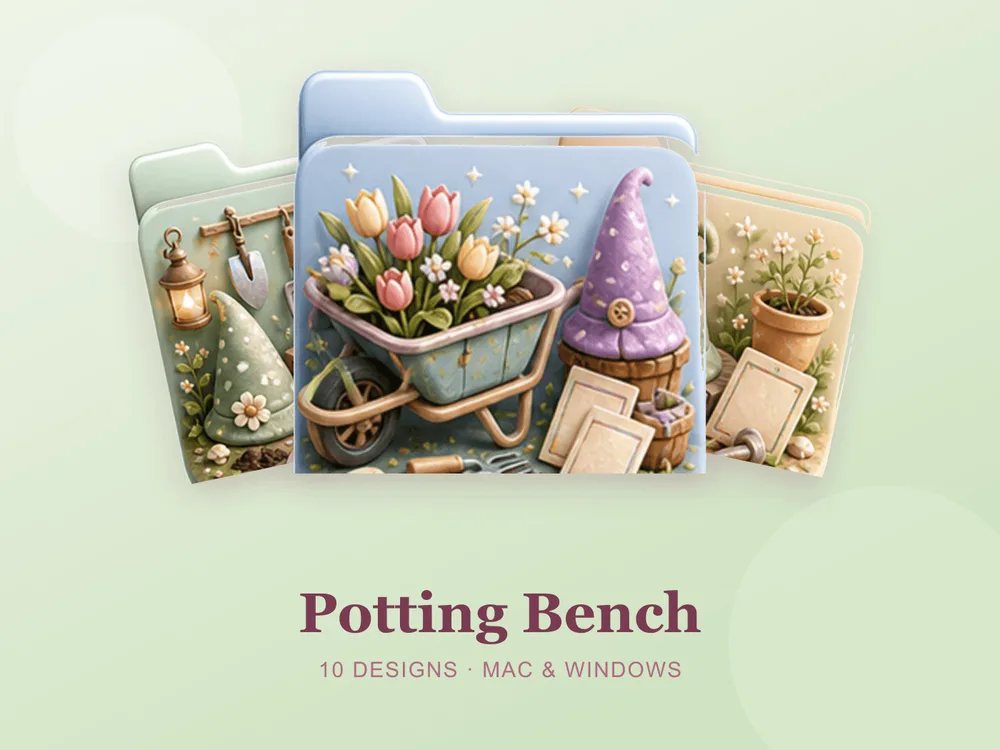
- Potting Bench — a garden bench with a gnome hat, trowels and a watering can; the most hands-on of the plant sets.
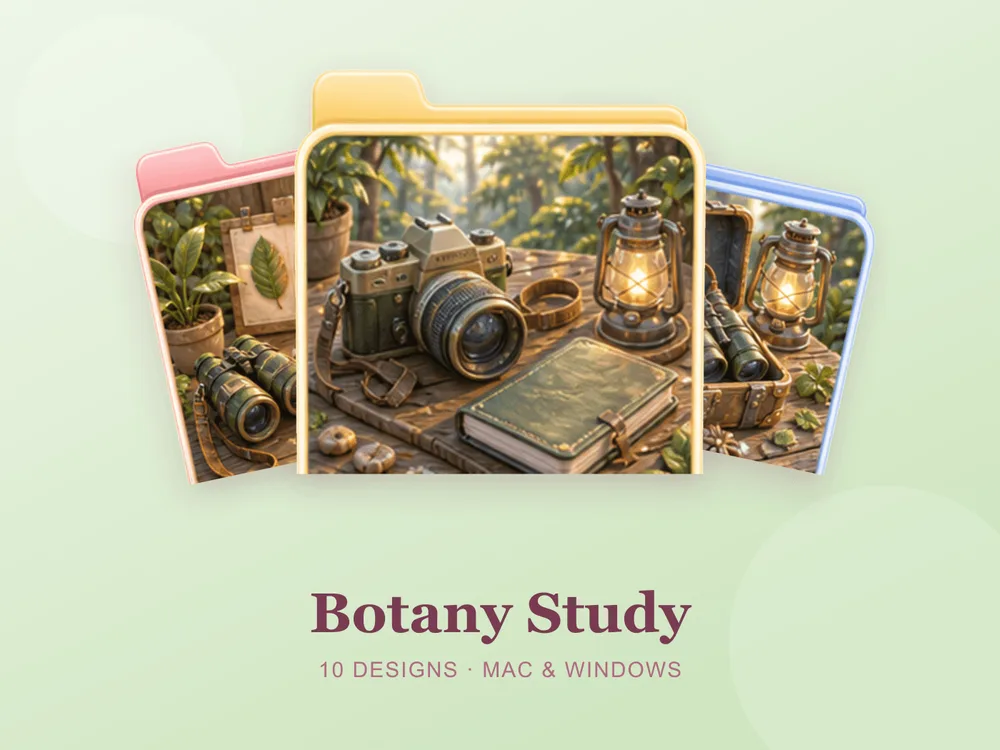
- Botany Study — pressed leaves, specimen jars and trailing greenery; detailed in a scientific way rather than a decorative one.
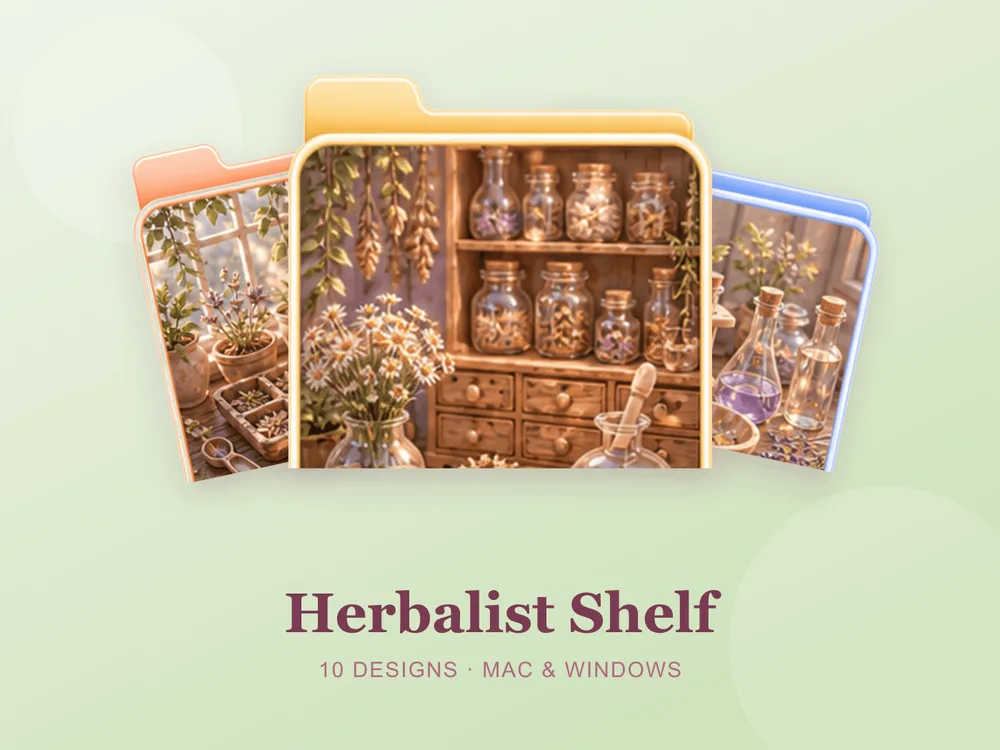
- Herbalist Shelf — dried botanicals, tinctures and apothecary jars; somewhere between a kitchen and a laboratory, with real old-world credibility.
Best flower & courtyard sets
For plants at their most decorative:
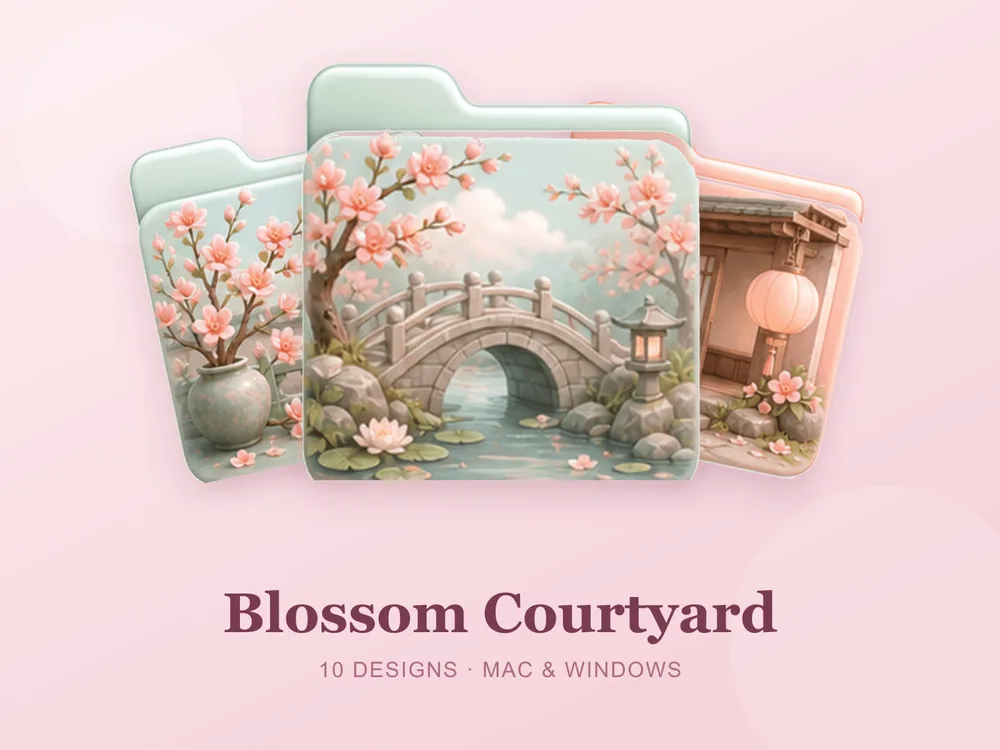
- Blossom Courtyard — blossoming branches and stone lanterns around a quiet courtyard; architecture gives it structure most floral sets lack.
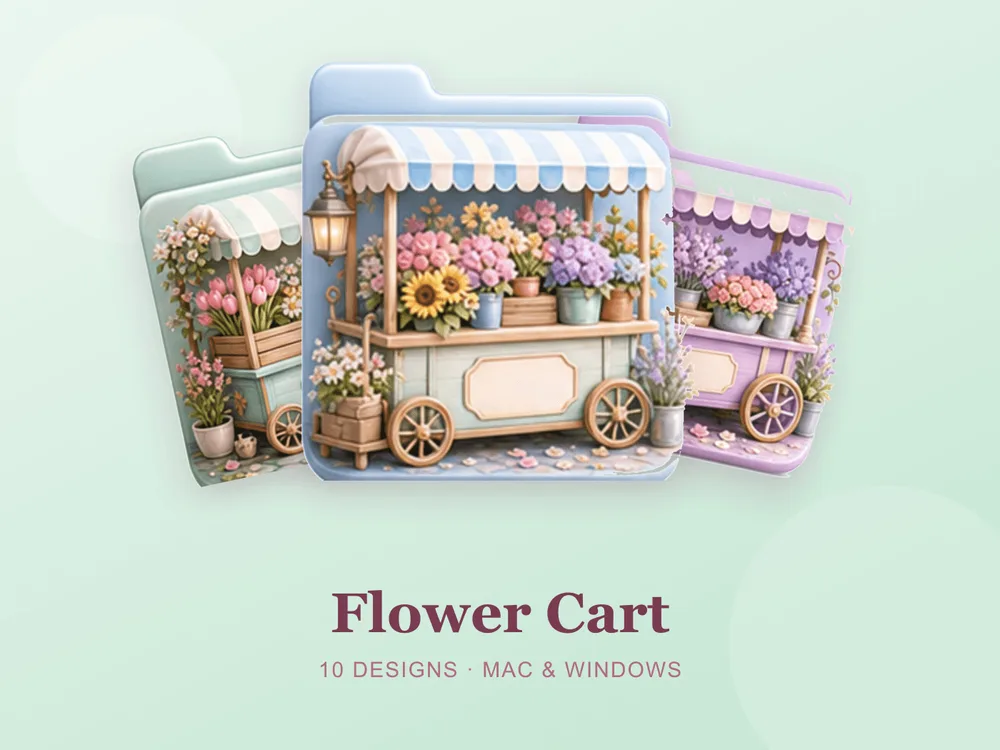
- Flower Cart — a pastel flower-market cart with tulips, wreaths and a striped awning; a florist rather than a garden, and tidier for it.
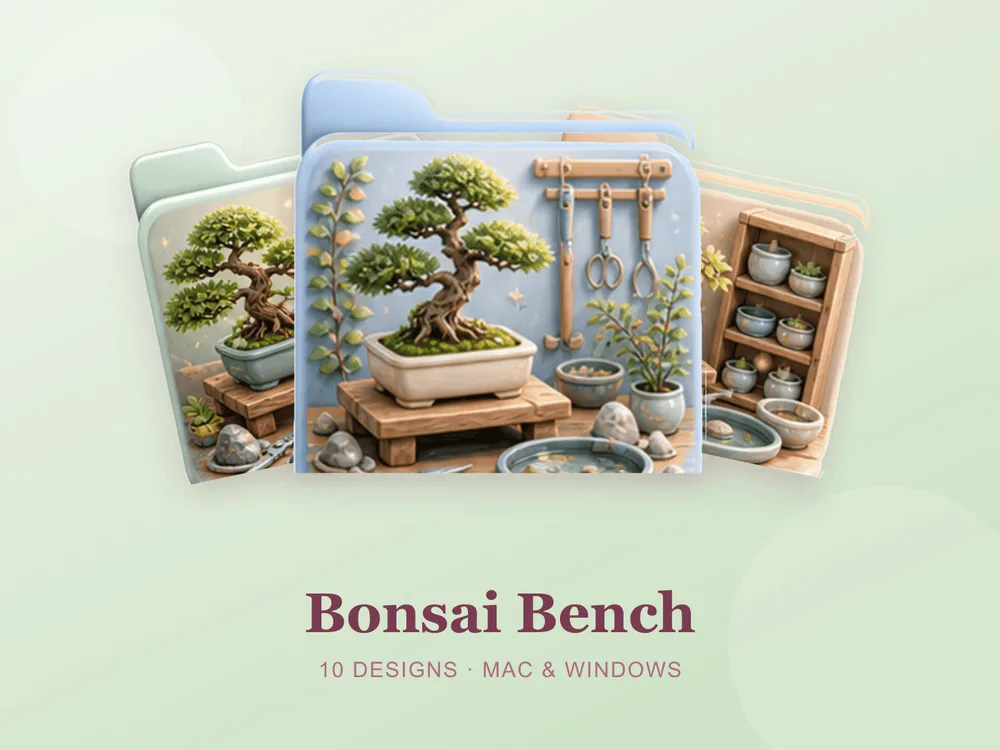
- Bonsai Bench — a sculpted bonsai, clay pots and a water basin; the calmest set in the library, and the most deliberate.
Best outdoor & wild-green sets
For green that has left the house:
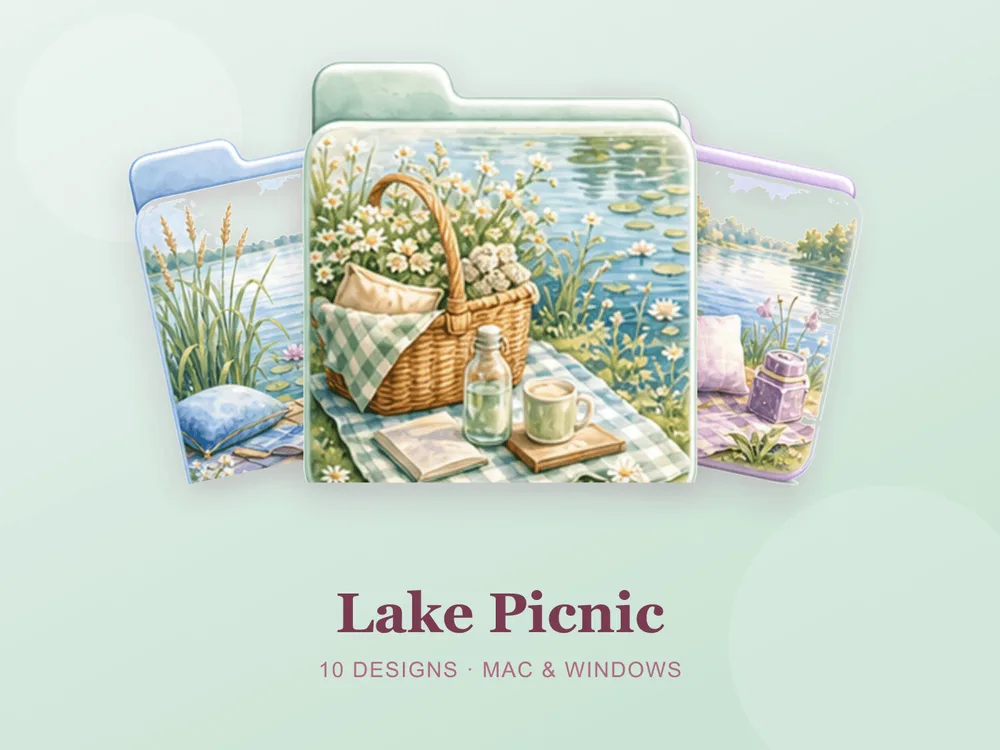
- Lake Picnic — a gingham blanket, a wicker basket and water lilies; the sunniest of the outdoor sets and the most nostalgic.
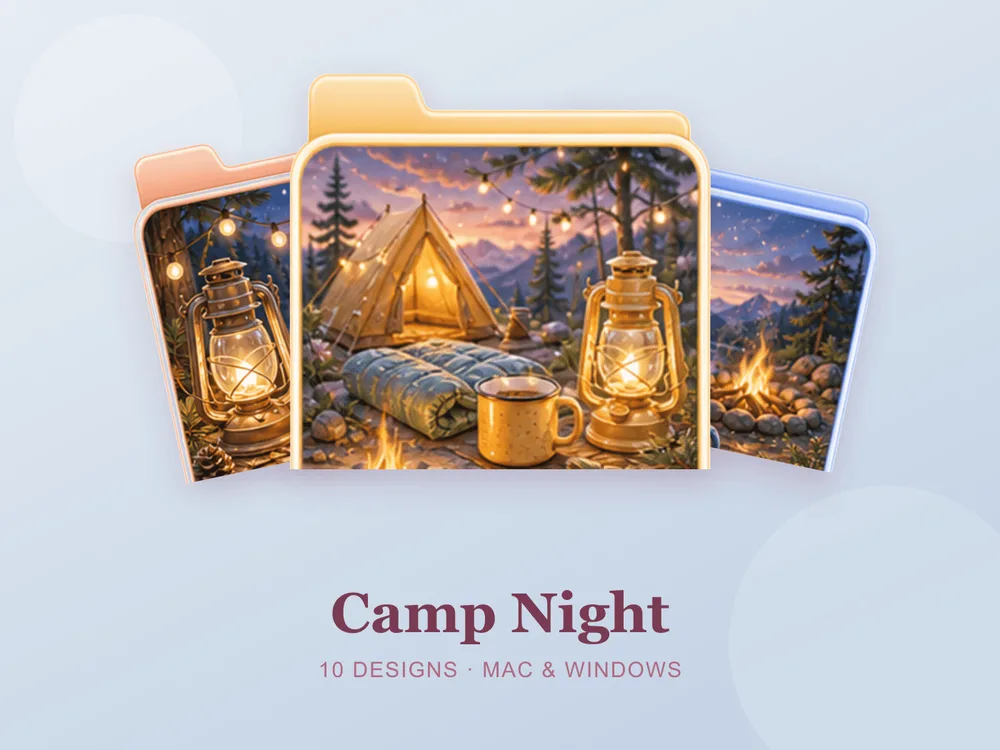
- Camp Night — a tent, a lantern glow and a starry forest; dark enough for a night-mode desktop, warm enough not to feel cold.
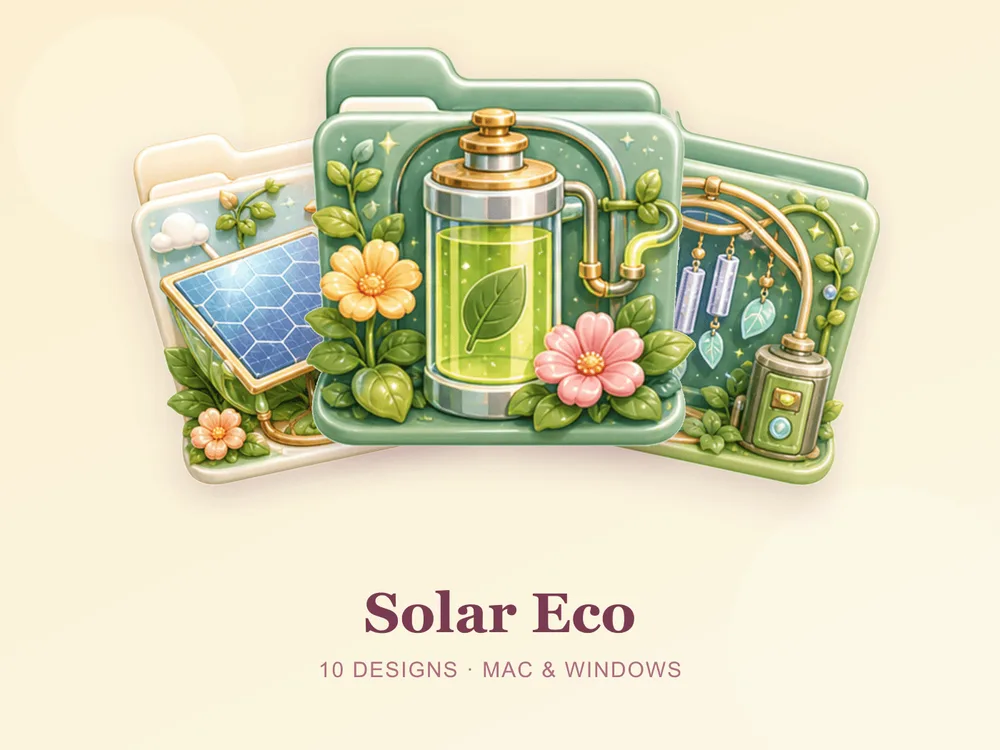
- Solar Eco — suns, leaves and solar motifs on warm cream; the most optimistic set here, and a natural fit for anything sustainability-related.
Why a matching plant set beats single icons
Most "free plant folder icon" downloads disappoint because they're single PNGs from different designers — put a dozen on one desktop and one is a flat vector monstera, one is a painted fern, one is a photo of a succulent, and instead of a calm green desktop you get a garden centre catalogue. Green is unusually sensitive to mismatched undertones. Starting from one coherent set means every folder shares the same palette and light, so the whole screen reads as one planted room.
How to install them (60 seconds)
Once you've downloaded a set, applying it takes seconds:
- On Mac: Select a folder → press Cmd + I → drag the
.icnsfile onto the small icon in the top-left of the Get Info window. Full walkthrough: How to Change Folder Icons on Mac. - On Windows: Right-click the folder → Properties → Customize → Change Icon → pick the
.icofile. Full walkthrough: How to Change Folder Icons on Windows.
Want the new icons to turn into a genuinely tidy desktop? Follow our desktop organization guide.
Plant folder icons: quick FAQ
Are plant folder icons free? A few full sets on FolderIcons are free for every member (Kawaii Beauty, Coral Blush, Wild Print). The plant and garden sets above are premium — unlock them once with credits and own them forever, with no subscription and no expiry.
How is this different from the green and sage sets? That roundup is about the colour — sage, olive, jade, used as a neutral. This one is about the subject: actual plants, pots, gardens and the tools that go with them. For the colour version, see our green & sage folder icons.
Do plant icons look good on a light wallpaper? Yes, and that is usually their best setting. Green reads cleanly against warm white or cream, and the pots and shelves give each folder enough edge to stay legible.
Do they work on both Mac and Windows?
Yes. Every FolderIcons set ships .icns files for macOS and .ico/.png files for Windows, so the same look applies on either system in about 60 seconds.
Can I undo it later? Always. On Mac, open Get Info and press Cmd + X on the icon to revert; on Windows, use Change Icon → Restore Defaults. Your files are never touched — only the folder's picture changes.
The shortcut to a greener desktop
The fastest way to make this work is to pick one kind of green and stay in it. Go potting-shed and earthy, floral and arranged, or outdoor and wild — then apply that set across your most-used folders and let a plain wallpaper carry the rest. The screen ends up feeling aired out instead of decorated.
Browse the full FolderIcons gallery — 217 original, hand-crafted sets across every style above. Three skins are free for every member; unlock the plant sets you love with credits and own them forever. No subscription, no expiry.
For more inspiration, see our green & sage folder icons and cottagecore folder icons.
Your folders, with something growing in them.