Liquid Glass Folder Icons for macOS Tahoe: Setup Guide & Best Translucent Packs (2026)
Master the new macOS Tahoe Liquid Glass translucent folder icons without sacrificing label readability. Discover top skins like Liquid Glass Prism and Apple Liquid Glass, plus pro tips on wallpaper pairing and Retina display clarity.

Liquid Glass Folder Icons for macOS Tahoe: Setup Guide & Best Translucent Packs (2026)
macOS Tahoe introduces a stunning new visual style centered around translucent, frosted "Liquid Glass" folder icons. While this aesthetic is sleek and modern, it presents a unique challenge: how to maintain crisp label readability on your desktop while embracing the translucent effect.
This guide covers everything you need to nail the Liquid Glass look on your Mac — from the best FolderIcons skins to smart wallpaper pairings and Retina display clarity tips.
Why Liquid Glass? The Tahoe Aesthetic
Apple’s macOS Tahoe update emphasizes translucency and depth, a natural evolution of their frosted glass motif. The folder icons now use subtle transparency and layered blur effects, simulating liquid glass surfaces.
However, translucency can blur text labels beneath icons, reducing legibility. Achieving the balance between style and usability requires carefully chosen folder skins and wallpapers.
Top Liquid Glass Folder Skins to Use
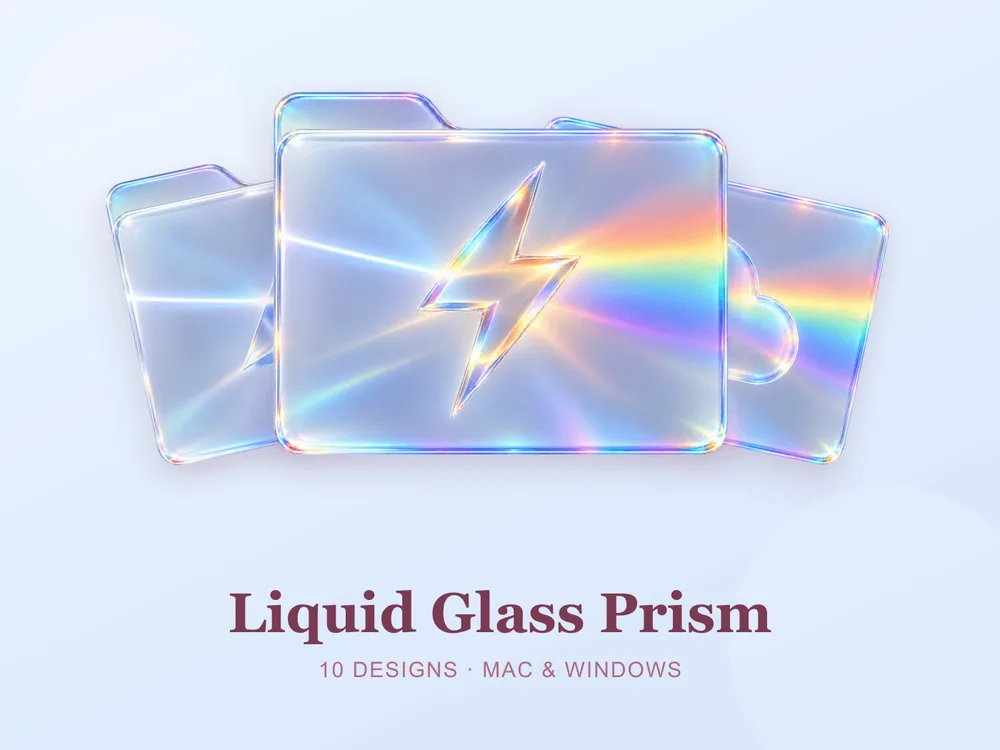
1. Liquid Glass Prism (Flagship, 3 credits)
Liquid Glass Prism is our premium translucent skin designed specifically for macOS Tahoe. It features sharp edges, realistic light refraction, and subtle color gradients that enhance depth without compromising label clarity.
- Works exceptionally well on both light and dark desktops.
- Ideal for users who want a striking, high-end look.
- View Skin Details
2. Apple Liquid Glass (Everyday Tints)
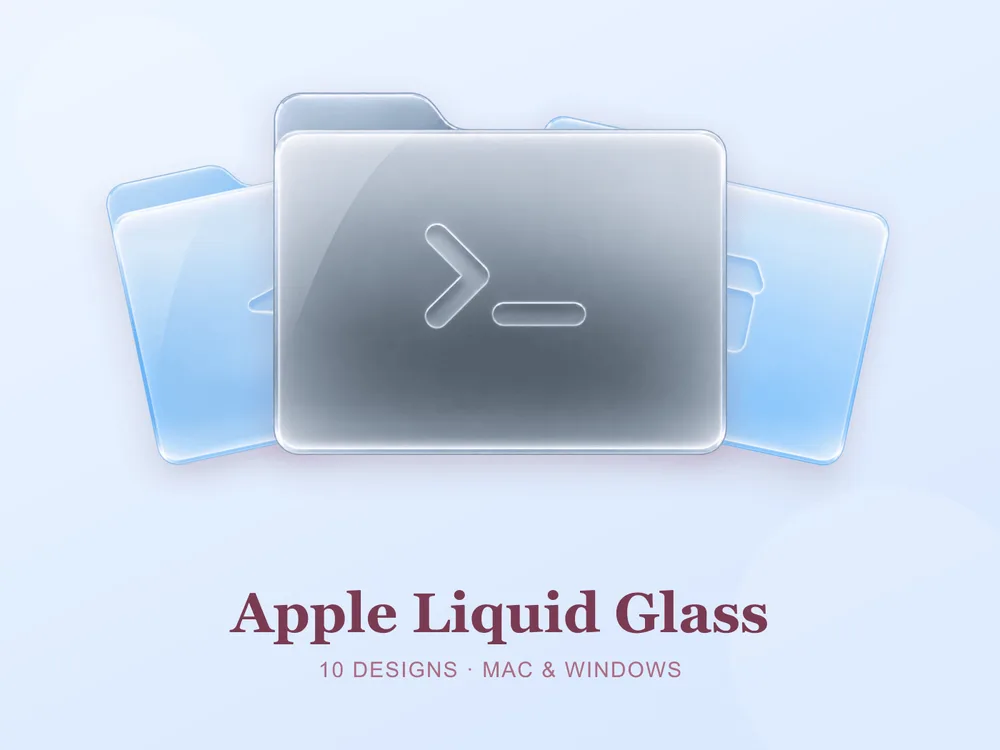
Apple Liquid Glass offers a versatile range of color tints with translucent effects, perfect for everyday use. It maintains excellent contrast against desktop backgrounds and keeps folder labels readable.
- Available in multiple hues to match your wallpaper.
- Lightweight and elegant style.
- Explore Apple Liquid Glass Skins
Pairing with Wallpapers for Maximum Clarity
Folder icons’ translucency means your wallpaper colors and brightness directly impact label visibility. For the best results, use wallpapers that complement the Liquid Glass effect.
Recommended Wallpaper: Liquid Glass Glacier
This free wallpaper features a cool blue gradient reminiscent of ice and glass, enhancing the translucent folder icons’ look without overwhelming the desktop.
Pair Liquid Glass Prism or Apple Liquid Glass skins with this wallpaper for a harmonious, visually balanced desktop.
Dark Mode Considerations
If you prefer dark mode, choose wallpapers with subtle dark gradients and avoid overly busy or high-contrast images. This maintains the folder icons’ glow and translucency while preserving label legibility.
Retina Display and Finder Label Clarity
macOS uses Retina displays for ultra-high resolution, which helps keep folder labels crisp even with translucent backgrounds. However, to avoid blur:
- Use FolderIcons skins optimized for Retina resolution.
- Avoid overly complex wallpaper patterns behind folder rows.
- Adjust Finder label font size and contrast in System Preferences if needed.
How to Apply Liquid Glass Folder Icons
- Download your preferred skin from FolderIcons Skins.
- Use the Folder Generator or Folder Maker tools for effortless customization.
- Replace your existing folder icons in Finder by selecting the folder, pressing
Cmd + I, and pasting the new icon.
For detailed steps, see our how to change folder icons on macOS guide.
Liquid Glass Folder Icons FAQ
How do I keep folder labels readable with translucent icons? Use wallpapers with consistent, subtle gradients and avoid high-contrast or busy images beneath icons. Also, select FolderIcons skins designed for clarity like Liquid Glass Prism.
Can I use these skins on non-Retina displays? Yes, but Retina displays provide sharper text labels. On standard screens, adjust Finder font settings for better legibility.
Are these folder icons compatible with dark mode? Absolutely. Pair translucent skins with darker wallpapers that have soft gradients to maintain the liquid glass glow.
Where can I find free matching wallpapers? We recommend the Liquid Glass Glacier wallpaper, freely available on our site alongside the skins.
Upgrade your macOS Tahoe desktop today with the best Liquid Glass folder icons and matching wallpapers. Browse the full collection at FolderIcons Skins or create your custom look with our Folder Generator.