Gaming & Gamer Folder Icons for Mac & Windows (2026)
The best gaming and gamer aesthetic folder icons for Mac and Windows in 2026 — RGB, neon, holographic and tech sets, hand-picked. With a 60-second install guide and FAQ.
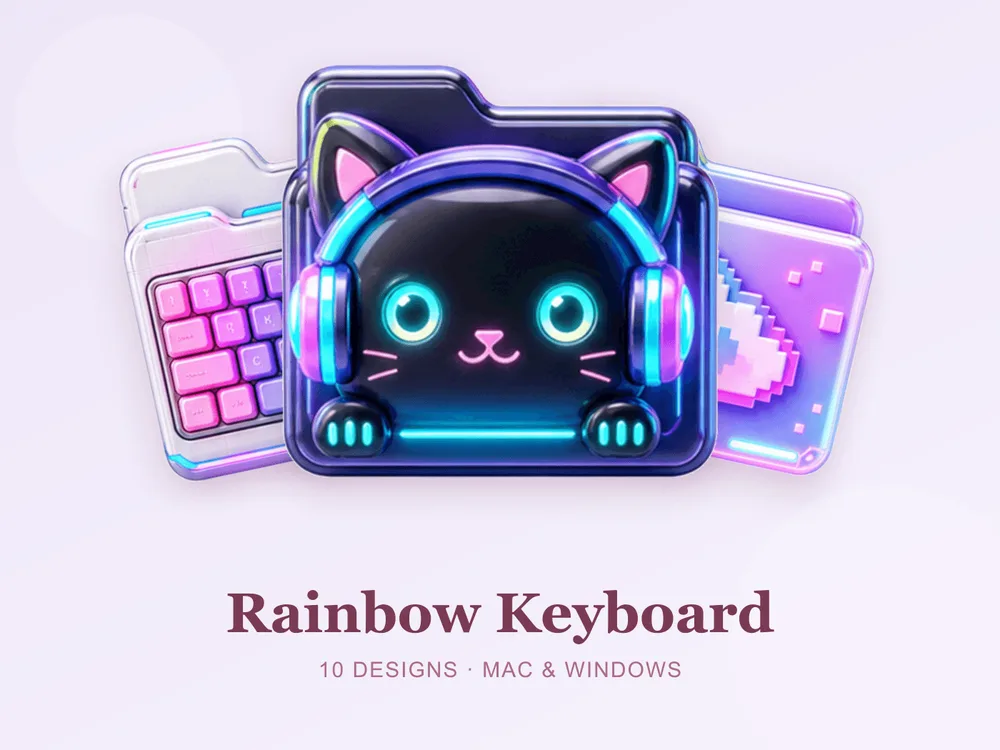
A gaming setup lives and dies on its vibe — RGB lighting, a sleek dark desk, that glow that makes everything feel high-tech. But the desktop behind the game is usually a mess of identical blue folders that ruins the whole look. A gamer folder set fixes that: neon RGB, holographic shine and sleek tech tones that match your rig. Swap the default folder for a matching gaming set and your desktop finally looks as good as your setup.
This is our hand-picked roundup of the best gaming and gamer aesthetic folder icons for 2026 — from RGB rainbow and neon to holographic glass and sleek tech. Every set is a complete, matching pack with .icns files for Mac and .ico/.png for Windows, so the high-tech look stays consistent across your whole desktop.
What makes a gaming folder icon set look good
"Gamer aesthetic" is easy to overdo — too much neon and it's a headache; too plain and it's just office folders. The sets that genuinely read as gaming-grade share three things:
- Glow with control. The best gamer sets use bright RGB and holographic shine against a clean base, so folders pop without turning into visual noise.
- A layered range. Good gaming packs vary the accent colours across the set so folders are easy to tell apart while still feeling like one rig.
- Consistency. Every folder shares the same finish, so the desktop looks like one cohesive high-tech setup rather than a mix of mismatched icons.
Best RGB & neon sets
For the full RGB, streamer-setup look:
- Rainbow Keyboard — vivid gamer-bright multicolour; bold, energetic and unmistakably RGB.
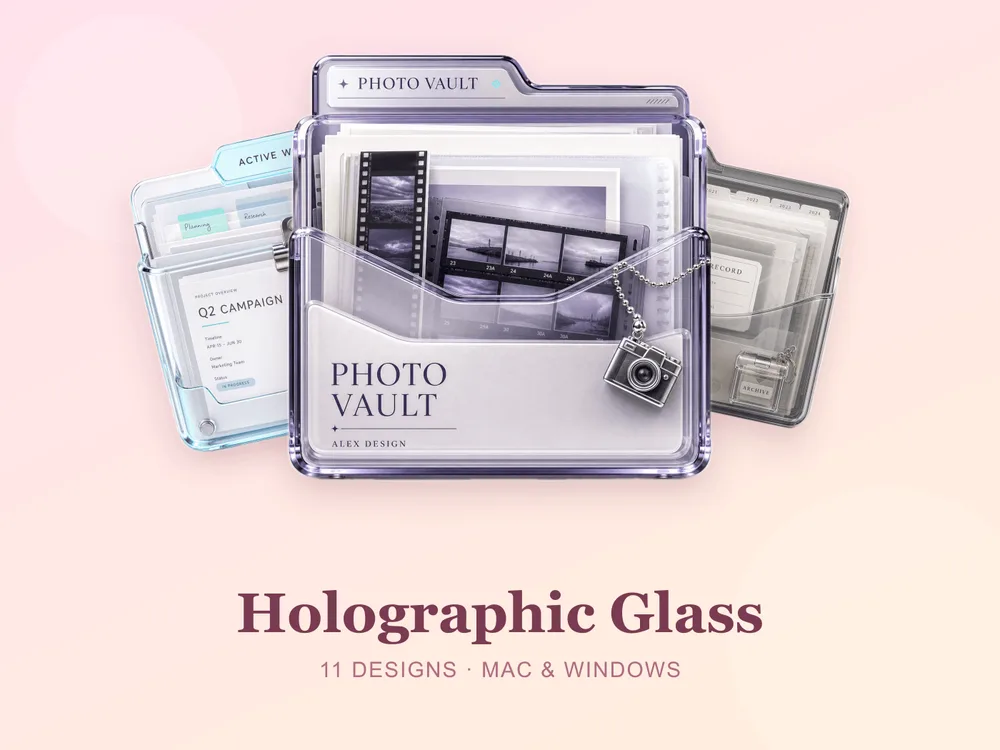
- Holographic Glass — shimmering holo tones that shift in the light; bold, glossy and eye-catching.
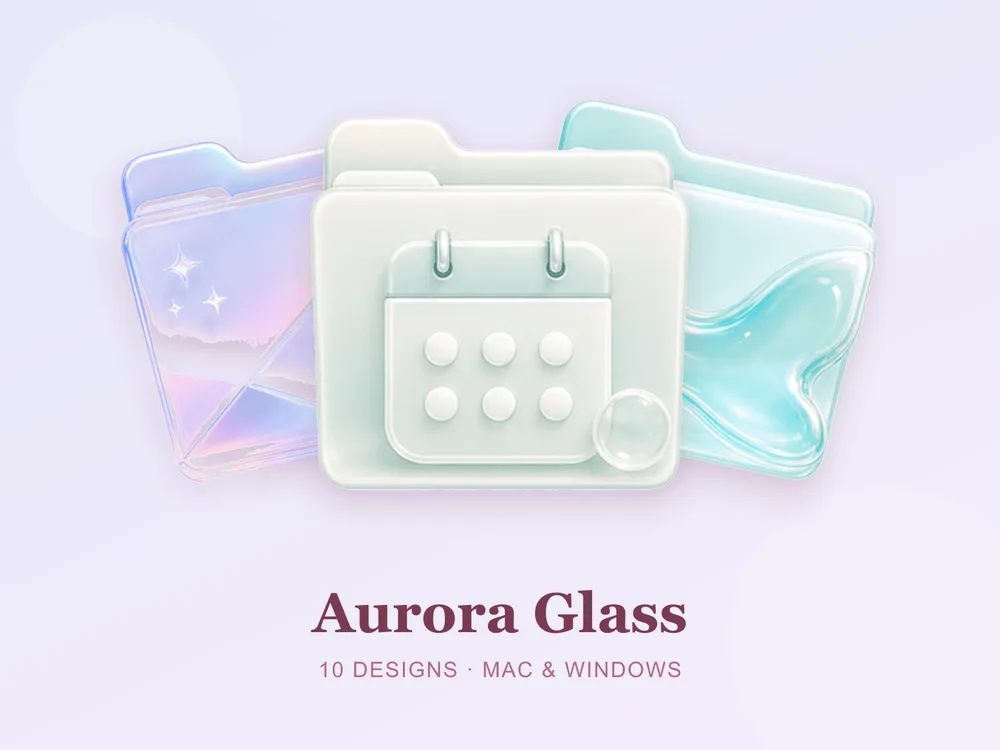
- Aurora Glass — iridescent blue-teal glass with a soft glow; modern, dreamy and quietly futuristic.
Best sleek tech sets
For a cleaner, dark-desk take on the gaming aesthetic:
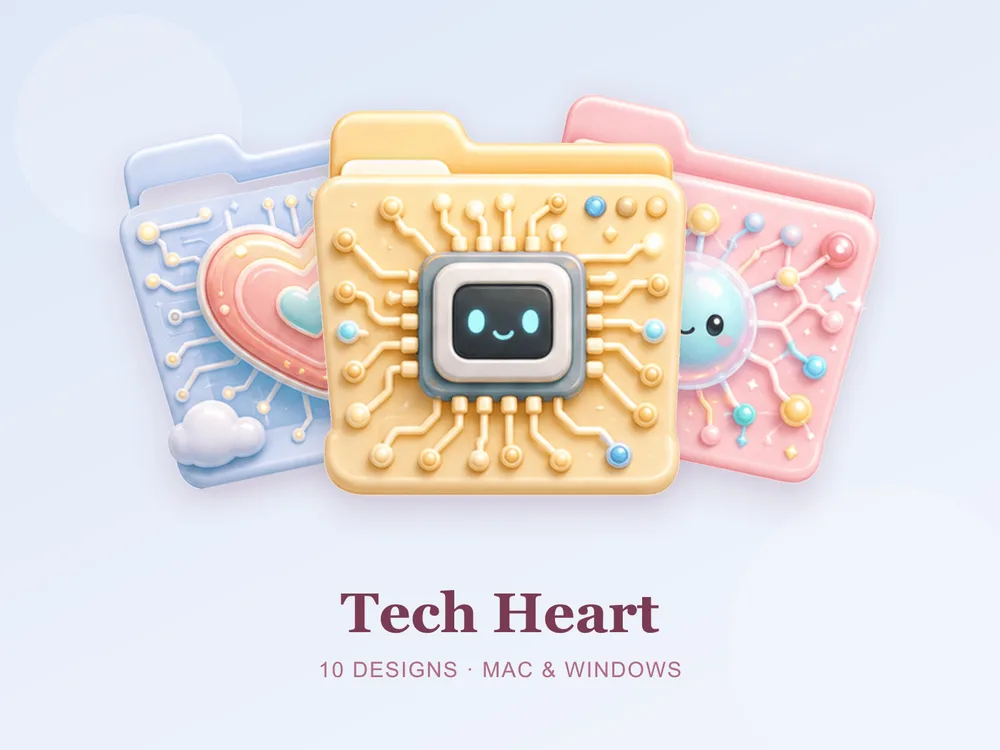
- Tech Heart — sleek tech tones with a soft glow; clean, contemporary and quietly futuristic.
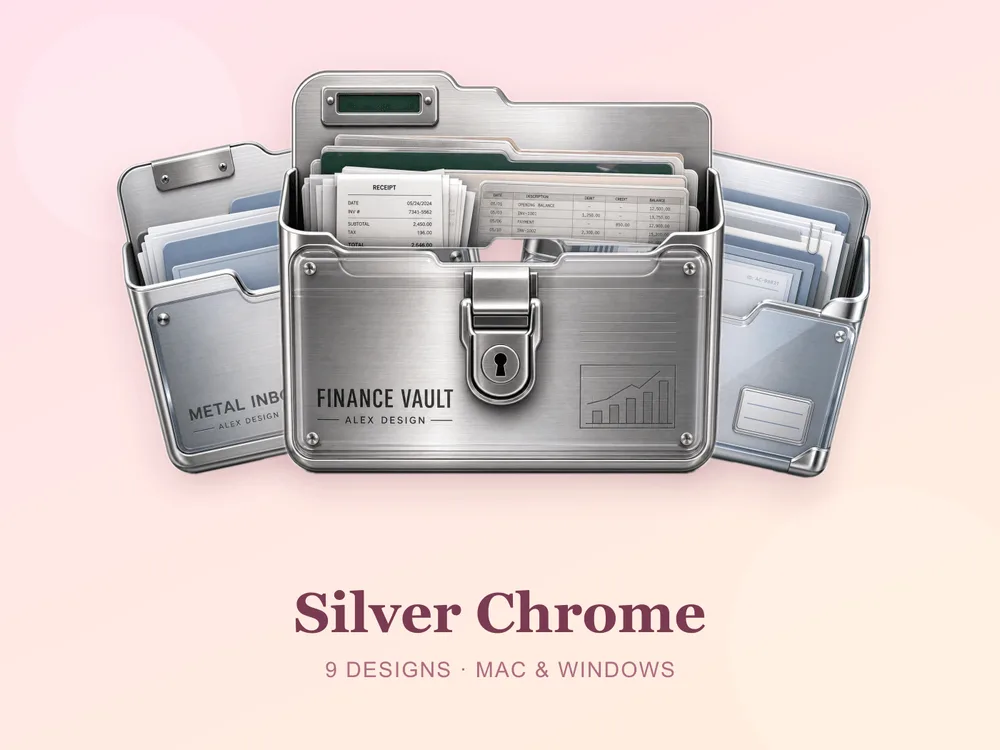
- Silver Chrome — cool metallic greys with a clean sheen; sleek, contemporary and quietly high-tech.
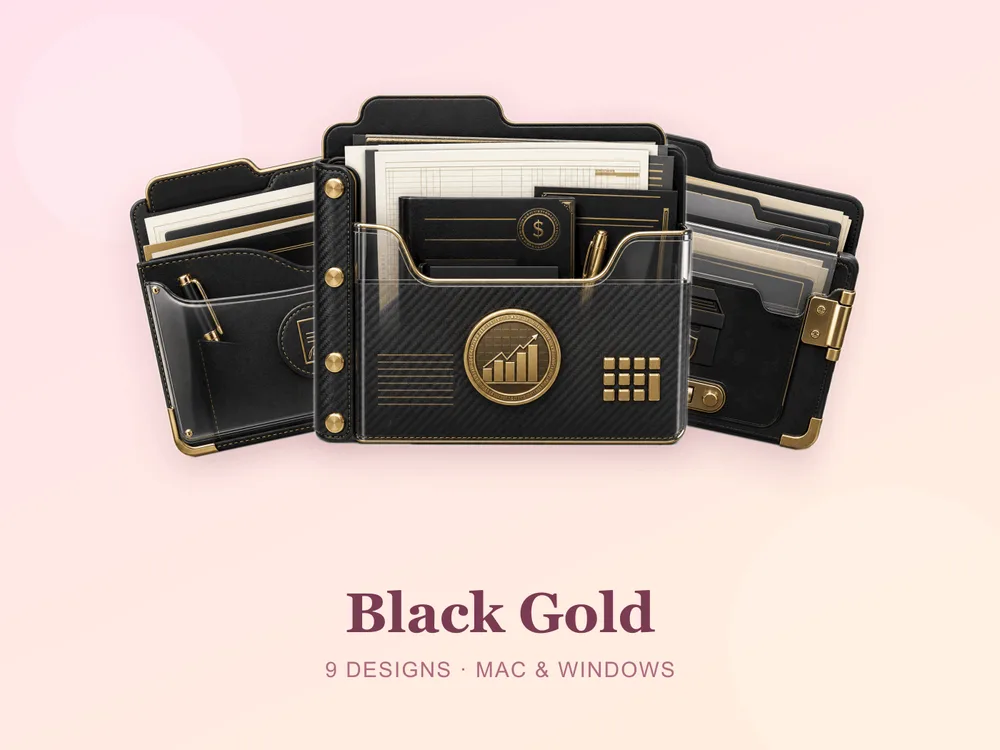
- Black Gold — matte black with gold accents; rich, confident and perfect for a dark-mode battlestation.
Why a matching gaming set beats single icons
Most "free gamer folder icon" downloads disappoint because they're single PNGs from different designers — put a dozen on one desktop and the neons clash, some read cheap and the high-tech effect collapses. Starting from one coherent set means every folder shares the same finish and glow, so the whole screen reads as one designed rig from the first folder you change.
How to install them (60 seconds)
Once you've downloaded a set, applying it takes seconds:
- On Mac: Select a folder → press Cmd + I → drag the
.icnsfile onto the small icon in the top-left of the Get Info window. Full walkthrough: How to Change Folder Icons on Mac. - On Windows: Right-click the folder → Properties → Customize → Change Icon → pick the
.icofile. Full walkthrough: How to Change Folder Icons on Windows.
Want the new icons to turn into a genuinely tidy desktop? Follow our desktop organization guide.
Gaming folder icons: quick FAQ
Are gaming folder icons free? A few full sets on FolderIcons are free for every member (Kawaii Beauty, Coral Blush, Wild Print). The gaming sets above are premium — unlock them once with credits and own them forever, with no subscription and no expiry.
Do gamer icons look good on a dark wallpaper? Absolutely — a dark desktop is exactly where they shine. RGB and holographic tones glow against a dark background, matching your setup's lighting, and folders stay clearly legible.
Do they work on both Mac and Windows?
Yes. Every FolderIcons set ships .icns files for macOS and .ico/.png files for Windows, so the same high-tech look applies on either system in about 60 seconds.
Will they stay sharp on Retina or 4K? Yes. The sets are rendered at high resolution (up to 1024px), so edges and glow stay crisp on Retina and 4K displays.
Can I undo it later? Always. On Mac, open Get Info and press Cmd + X on the icon to revert; on Windows, use Change Icon → Restore Defaults. Your files are never touched — only the folder's picture changes.
The shortcut to a setup-worthy desktop
The fastest way to a desktop that matches your rig is to commit to one gaming palette and apply it across your most-used folders. Pick a full RGB rainbow, a holographic shine or a sleek black-gold, stick to it, and the whole screen instantly reads high-tech, cohesive and streamer-ready.
Browse the full FolderIcons gallery — original, hand-crafted sets across every style above. Three skins are free for every member; unlock the gaming sets you love with credits and own them forever. No subscription, no expiry.
For more inspiration, see our rainbow & colorful folder icons and 3D folder icons.
Your folders, ready to play.