Best Dark Mode & Space Black Folder Icons for MacBook Pro (Free & Pro Packs)
Explore top-tier folder icon packs perfectly tailored for MacBook Pro Space Black and OLED/XDR displays, featuring free and premium options with matching dark mode wallpapers.
Best Dark Mode & Space Black Folder Icons for MacBook Pro (Free & Pro Packs)
If you’re using a MacBook Pro with a stunning Space Black finish or an OLED/XDR display, your folder icons deserve an upgrade that matches the sleek, dark aesthetics of your hardware. At FolderIcons, we’ve curated the ultimate collection of folder icon skins and matching wallpapers optimized for dark mode, boosting your desktop’s elegance and usability.
Why Choose Dark Mode Folder Icons on MacBook Pro?
Dark mode on macOS reduces eye strain and complements the vibrant OLED/XDR screens by providing deep blacks and high contrast. Standard folder icons, however, often clash with dark backgrounds, appearing washed out or overly bright. Custom dark-themed folder icons bring balance, improving visibility while blending seamlessly with your Space Black chassis.
Spotlight on Our Free Star: Space Black Titanium
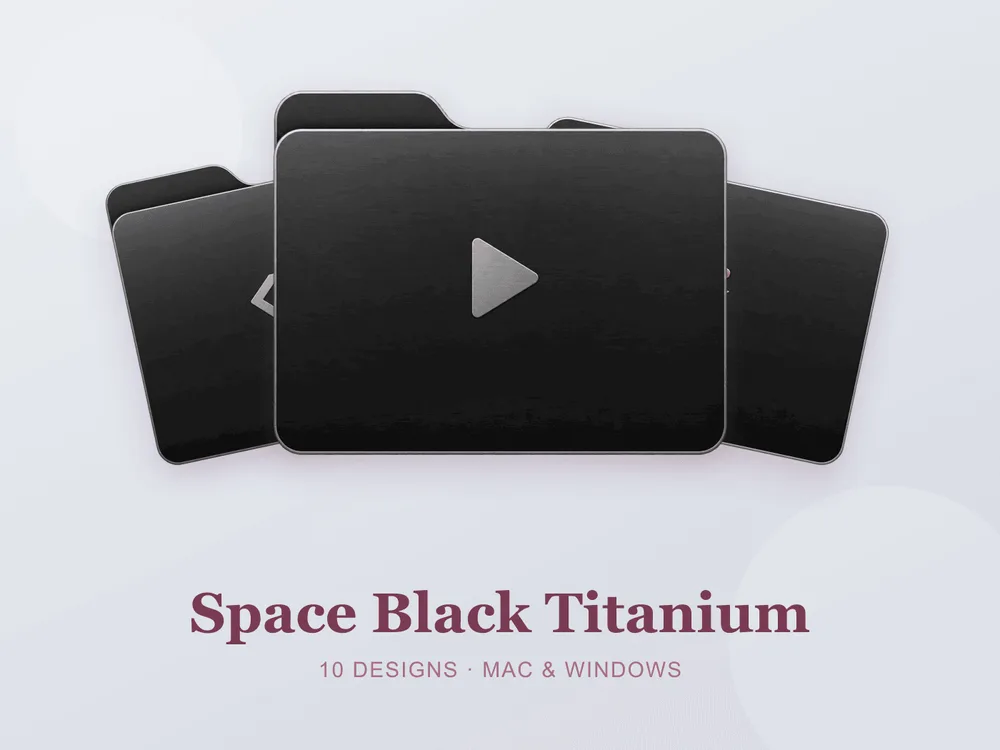
Our flagship free offering, Space Black Titanium, is a minimalist, titanium-inspired folder icon set designed specifically for Space Black MacBook Pros. It features subtle gradients and a matte finish that perfectly complements macOS’s system dark mode.
Pair it with the matching Space Black Titanium wallpaper for a cohesive look.
Pro Packs for Developers and Creatives
For power users seeking more intricate designs, our premium packs stand out:
-
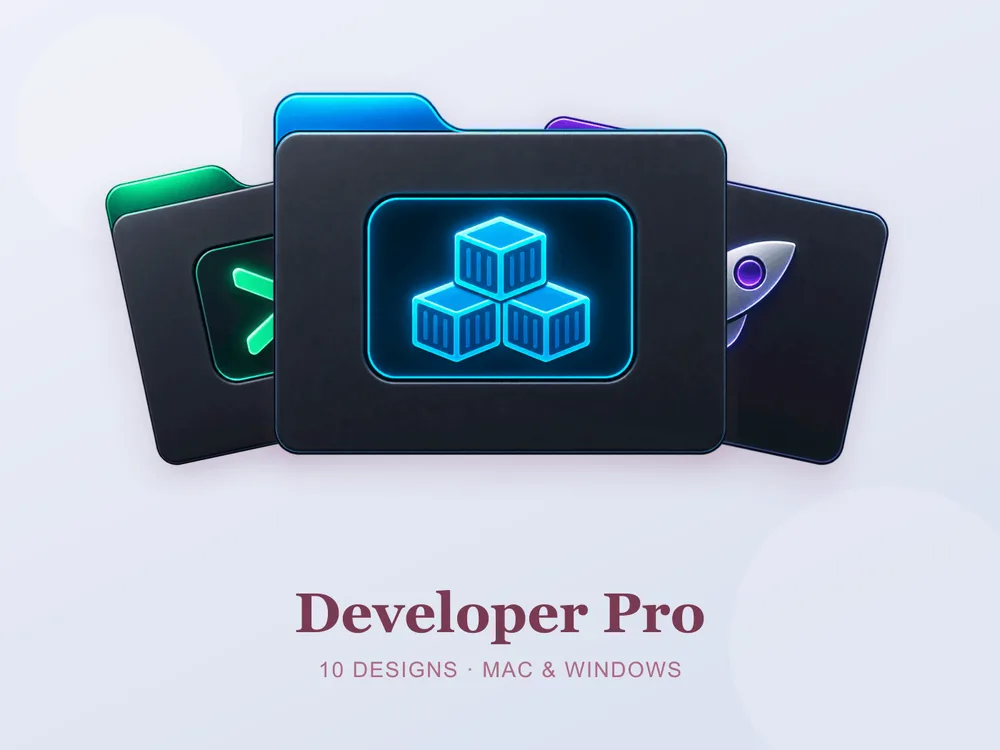
Developer Pro: Featuring a sophisticated dark mesh pattern with subtle blue highlights, it’s ideal for developers who want a professional yet personalized desktop. This pack pairs flawlessly with the Developer Midnight Mesh wallpaper.
-
Creator Studio Pro: Designed for artists and content creators, these icons include elegant yet functional designs with a touch of color to differentiate folders intuitively.
-
Executive Workspace: Perfect for corporate users who appreciate a clean, authoritative look with a hint of luxury.
Explore these premium skins at /skins and customize your folders precisely how you want.
Match Your Wallpaper for Maximum Impact
Matching your folder icons with your desktop wallpaper enhances the visual harmony of your workspace. Our collections come with perfectly coordinated wallpapers:

Try the Folder Generator to create custom folder icons that fit your style and workflow.
Installation Tips for macOS Users
- Download your chosen folder icon pack from /skins.
- Select a folder on your Mac, right-click and choose "Get Info."
- Drag the new icon image onto the small folder icon preview in the info window.
- Enjoy your personalized, dark mode-optimized folder icons.
For more minimalist options, check out our Minimalist Folder Icons and improve your Work Productivity Folder Icons.
Dark Mode Folder Icons FAQ
Are these folder icons compatible with all MacBook Pro models? Yes, these icons are designed for macOS and work seamlessly on all MacBook Pro models, especially those with Space Black finishes and OLED/XDR screens.
Can I customize the colors of the folder icons? While our packs come with predefined colors optimized for dark mode, you can use the Folder Maker or Folder Generator tools to create personalized icons.
Do these icons affect system performance? No, custom folder icons are lightweight and do not impact your Mac’s performance.
Is the Space Black Titanium pack truly free? Absolutely! The Space Black Titanium pack is 100% free to download and use.
Upgrade your desktop today with premium dark mode folder icons and wallpapers designed for your MacBook Pro. Browse all collections at /skins or generate your own with our Folder Generator.