5 Cozy Christmas Desktop Setup Ideas for Mac & Windows (2026)
Five refined Christmas desktop aesthetics for Mac and Windows — pairing free matching holiday wallpapers, original Christmas folder icon packs (Nordic gold, cozy hearth, dark night, gingerbread, cute pets) and a tidy 5-folder layout.

Most seasonal desktop makeovers fail for one simple reason: someone drops a busy Santa wallpaper behind twenty default blue folders and calls it a day. The result feels cluttered within ten minutes.
A genuinely cosy Christmas desktop works the same way a well-decorated room does — one quiet wallpaper, one cohesive folder palette, and generous empty space. Below are three refined 2026 holiday setups you can assemble on Mac or Windows in under ten minutes.
Setup 1: Evergreen & Candlelight (Classic Editorial Holiday)
Best for: Warm daylight rooms, wooden desks, neutral or pine-toned wallpapers.
- Wallpaper mood: Soft linen cream, misty pine forest, or subtle dark evergreen photography with wide uncluttered areas for icons.
- Primary folder pack: Cozy Christmas — deep pine green, holly berry crimson, and antique brass accents give everyday folders (Work, Projects, Archive, Invoices) a quiet vintage bookshop charm.
- Nice winter companions: Mix in Alpine Cabin or Candle Workshop for personal folders you want to keep well past New Year's.
- Layout tip: Place 4–6 core folders in a neat vertical column along the right edge (macOS) or left edge (Windows) so the center of your wallpaper breathes.
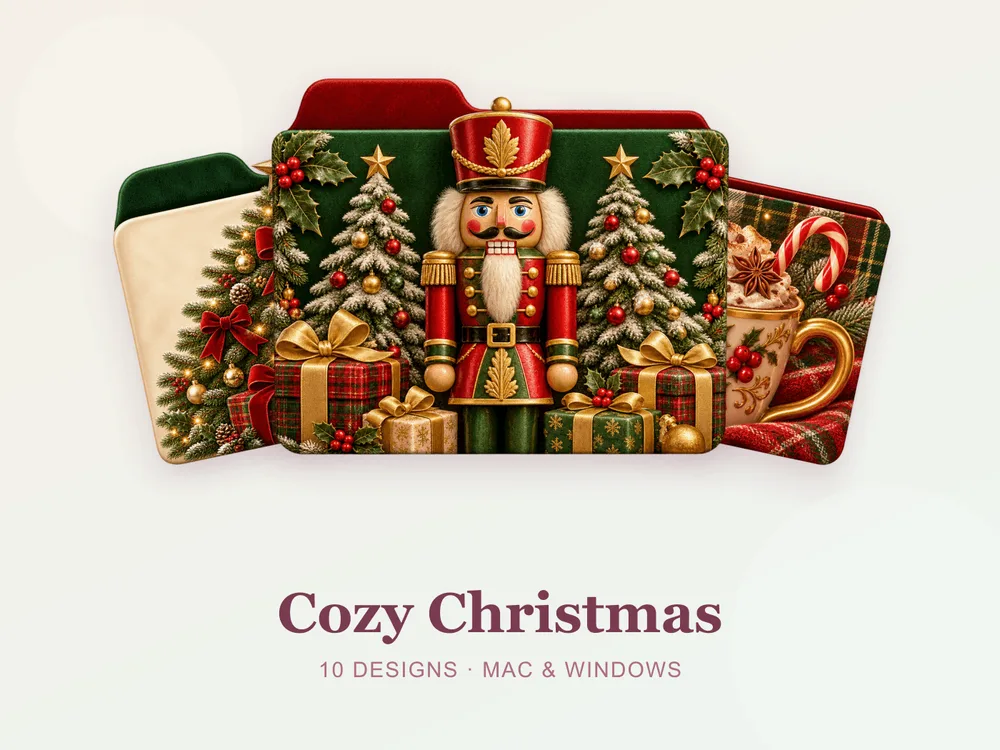
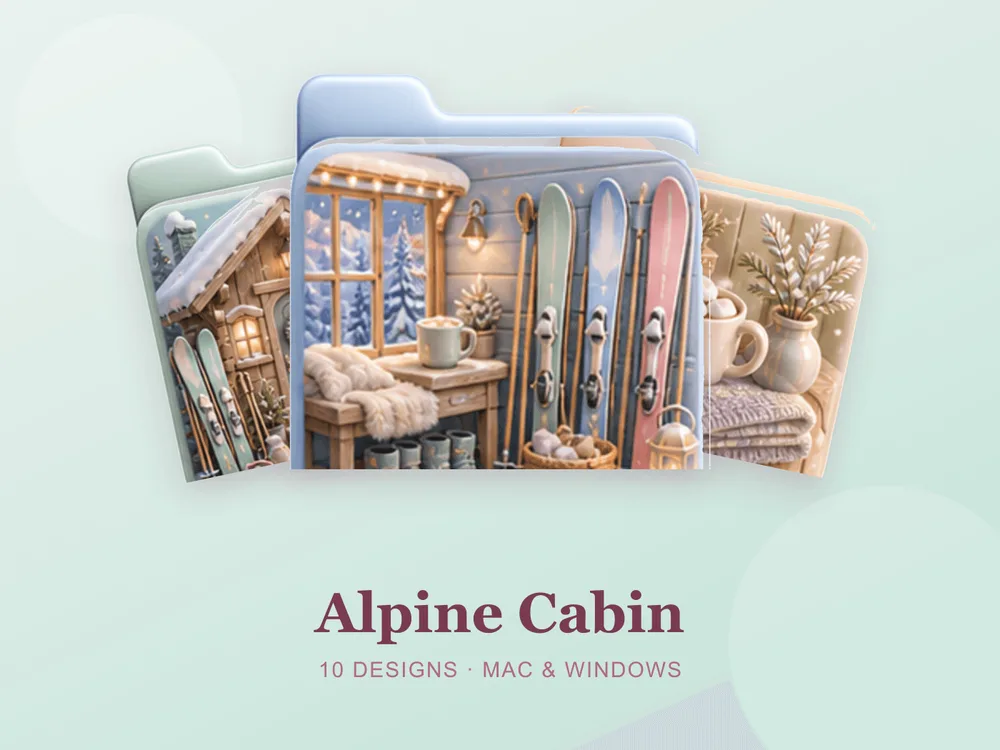
Setup 2: Gingerbread Bakery & Warm Cream (Soft Aesthetic & Study Desk)
Best for: Students, Notion lovers, cream/beige desktop setups, cozy light-mode users.
- Wallpaper mood: Warm oat milk, frosted pastry illustration, soft bokeh fairy lights in ivory and caramel.
- Primary folder pack: Gingerbread Bakery — frosted gingerbread houses, cinnamon rolls, marshmallow cocoa and biscuit tins in buttercream and toffee tones.
- Nice winter companions: Pair with Winter Mittens for soft knitted texture without breaking the warm light palette.
- Personal touch: Use the Folder Generator with the Clay style to create one signature icon for your December Goals or Holiday Recipes folder.
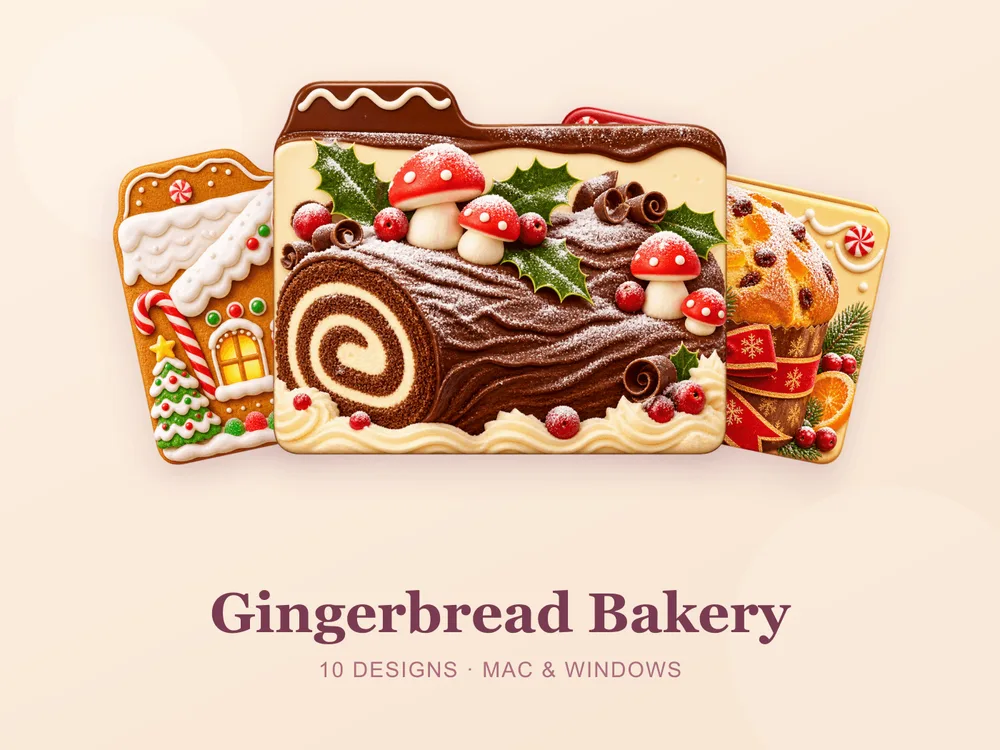
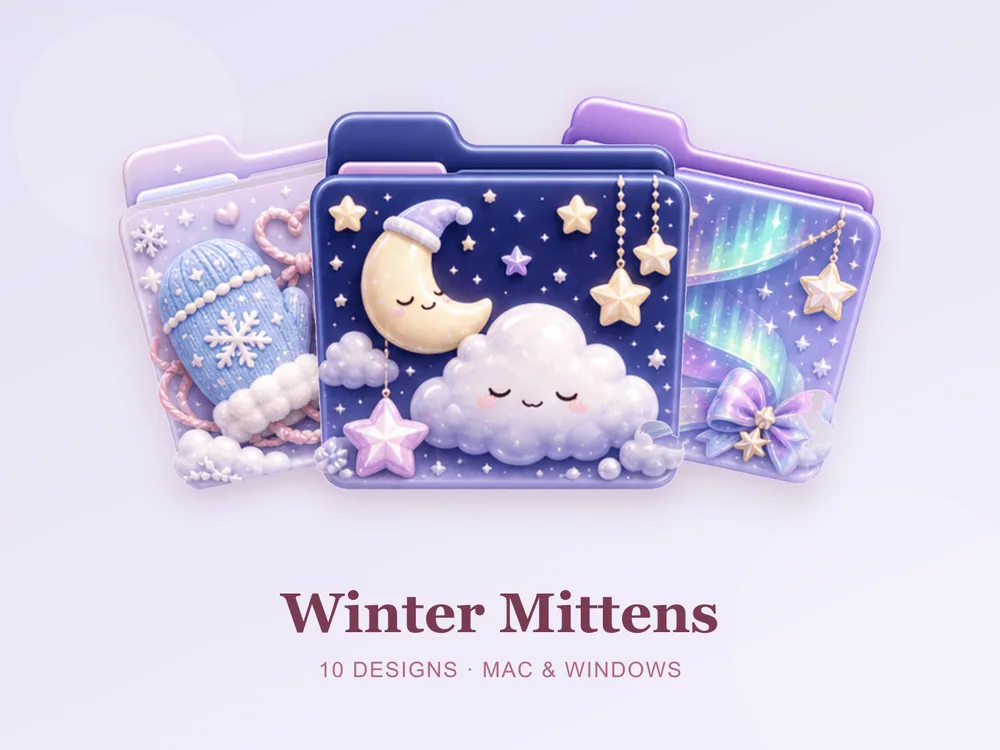
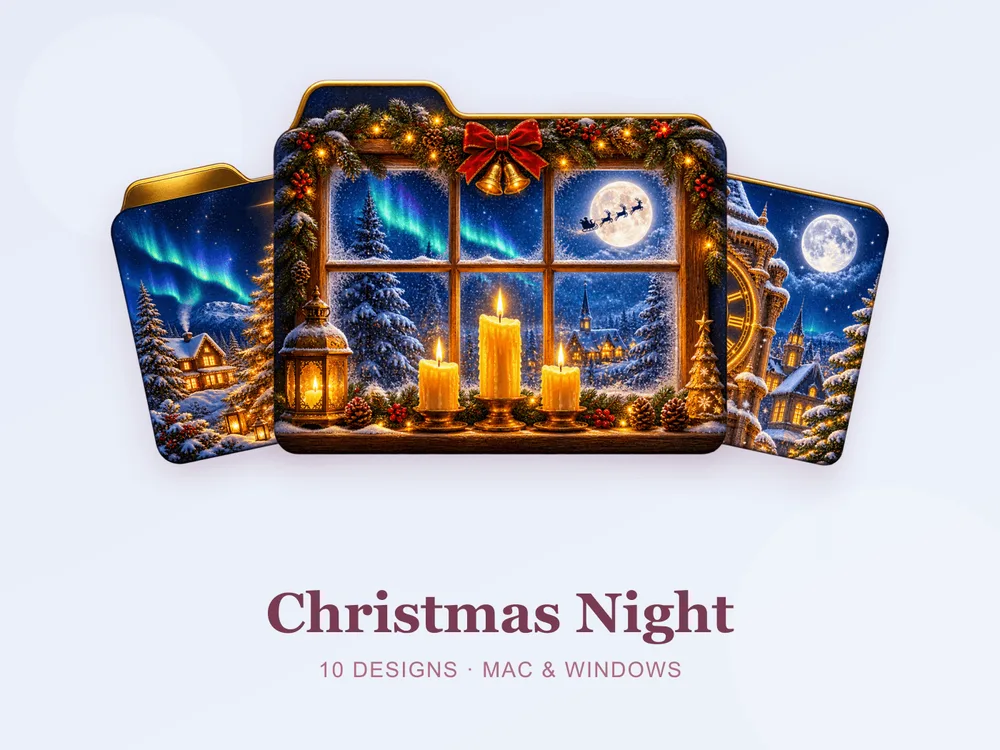
Setup 3: Starry Christmas Night (Dark Mode & Evening Makers)
Best for: Late-night work sessions, OLED / Retina screens, dark-mode macOS and Windows 11 desktops.
- Wallpaper mood: Deep midnight blue winter sky, subtle snowfall over dark evergreens, or minimalist charcoal textured backdrop.
- Primary folder pack: Christmas Night — midnight navy folders lit from within by golden fairy lights, brass lanterns, glowing church windows and aurora pines.
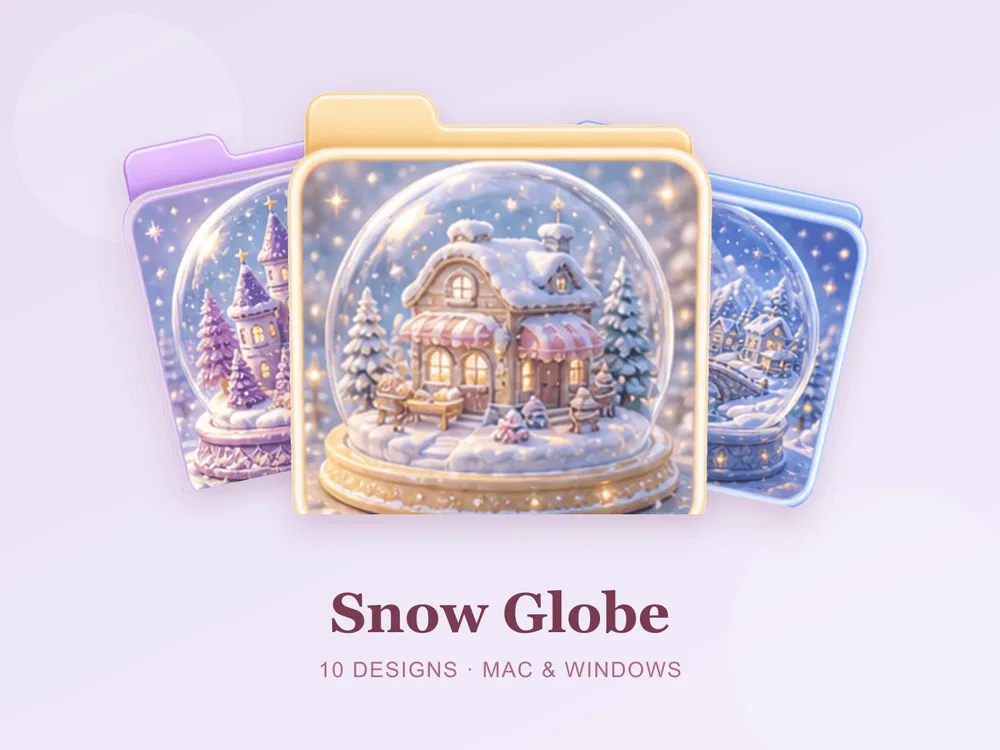
- Nice winter companions: Add Snow Globe or Aurora Glass for luminous highlights against dark walls.
- Layout tip: On macOS, set icon size slightly larger (around 72–80px) with generous grid spacing (
Cmd + Jon Desktop) — glowing lantern and fairy-light details look noticeably richer at medium-large scale.
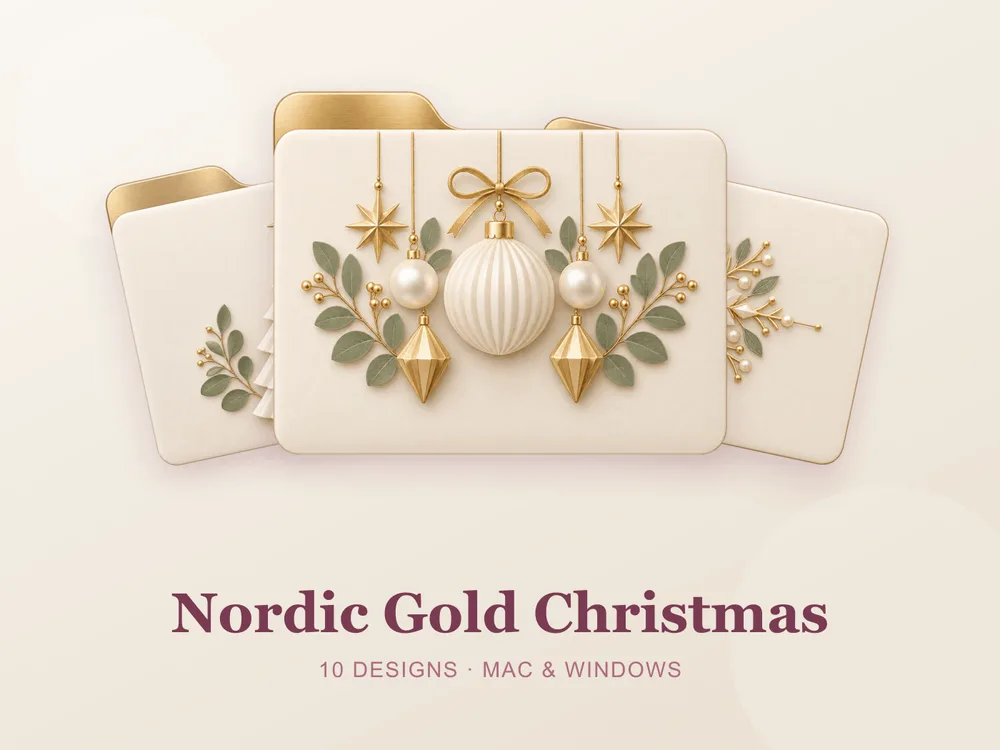
Setup 4: Nordic Gold Minimalist (Clean Work & Creative MacBook)
Best for: Designers, remote workers, minimalist white/beige workspaces, client screen-sharing.
- Free matching wallpaper: Download Nordic Gold Christmas Wallpaper (PNG) — calm porcelain ivory and brushed gold snowflakes with wide side space for icons.
- Primary folder pack: Nordic Gold Christmas — porcelain ivory, frosted linen, and brushed 24k gold accents that feel festive without looking busy.
- Nice glass companion: Mix in Crystal Glass Christmas for translucent modern contrast on macOS Tahoe Liquid Glass.

Setup 5: Cute Christmas Pets & Pastel Kawaii
Best for: Animal lovers, pastel/coquette desk setups, cozy student laptops.
- Wallpaper mood: Soft blush cream, gentle snowfall over pastel hills, or warm wood-desk flatlays.
- Primary folder pack: Christmas Pets (3D kittens, corgis, golden retrievers, bunnies in Santa hats) or Pastel Christmas (blush pink and mint holiday icons).
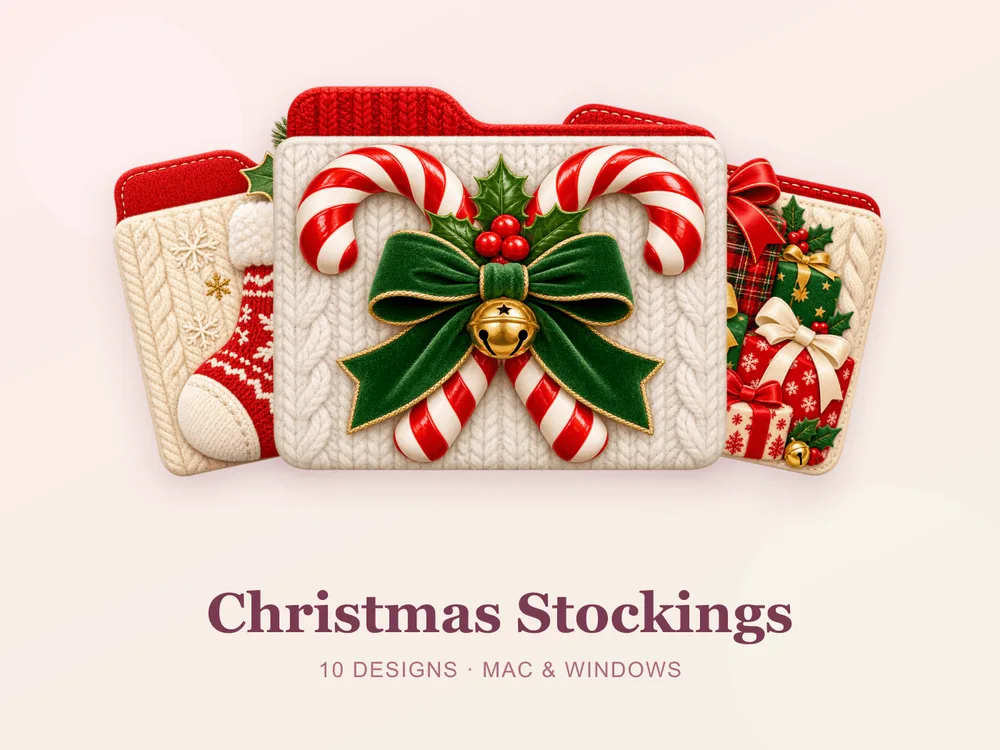
- Tactile companion: Pair with Christmas Stockings for handmade knit texture.

Keep your holiday desktop tidy with a 5-folder rule
Even the prettiest icons lose their magic if 40 random screenshots pile up beside them. Try grouping everything into five clean holiday-ready buckets:
- Inbox / Today — active files you are touching this week (clear it every Friday).
- Work / Study — client projects, semester notes, or writing drafts.
- Creative / Media — wallpapers, photos, reference boards, exports.
- Personal / Holiday — gift lists, travel bookings, recipes, year-end reviews.
- Archive — finished folders you rarely open.
Need deeper organization habits? See our desktop organization guide.
Switching seamlessly into January
When the holidays wrap up, you don't have to start over from scratch: keep your five-folder layout, swap pure Christmas folders for crisp winter sets like Crystal Ice or Frosted Sky — or revert to default icons in seconds. Every FolderIcons pack stays in your account permanently, ready to bring back next December.
Decorating holiday cards, digital planners, or chat packs alongside your desktop? Explore matching printable and transparent PNG holiday sets on our sister site Sticker World Christmas Stickers.
Christmas desktop setup: quick FAQ
Which Christmas folder set works best for dark mode? Christmas Night is crafted specifically for dark wallpapers and evening sessions, with deep midnight navy rims and glowing amber lantern and fairy-light details. Snow Globe and Aurora Glass also pair nicely on dark backgrounds.
Will changing folder icons slow down my Mac or Windows PC?
No. Custom folder icons are standard system metadata (.icns on macOS and .ico on Windows) — they do not run background apps or use extra memory.
Can I mix ready-made holiday packs with AI-generated Christmas folders? Yes. Using one full 10-design pack for everyday folders and adding 1–2 custom AI folders for December highlights keeps the desktop cohesive while adding a personal centerpiece.
Start building your setup: Explore All 13 Christmas Folder Icon Packs · Mac Christmas Icon Guide · Create a Custom AI Christmas Folder