Christmas Folder Icons for Mac (2026): Retina .icns Packs & 60-Second Setup
The best Christmas folder icons for Mac in 2026 — why 9-slot 144 DPI .icns files stay razor-sharp on MacBook Retina and macOS Tahoe, top holiday packs for Light & Dark Mode, and how to swap icons with Cmd + I.
Swapping the default blue macOS folders for festive Christmas icons is the fastest way to give a MacBook or iMac a cozy December refresh — without installing heavy desktop widgets or third-party theme apps.
Yet many free Christmas icon packs online suffer from two frustrating Mac issues: they look blurry on Retina displays after dragging into Get Info (Cmd + I), or they sit too small and uneven next to native Apple folders. Here is how to avoid both and pick the best Christmas folder icons for macOS in 2026.
Why Retina 144 DPI .icns matters on macOS
When you drag an .icns file onto the small folder preview inside Finder's Get Info (Cmd + I) window, macOS writes that archive directly into the folder's icon resource. If an .icns file omits Apple's @2x 144 DPI frames (ic13 256×256@2x and ic14 512×512@2x), IconServices falls back to a tiny 64px frame and stretches it — leaving pine needles, fairy lights, and knitted textures soft and blurry.
Every pack in the FolderIcons Christmas 2026 Collection solves this at the file level:
- All 9 native Apple
.icnsslots (16pxthrough512×512@2xwith explicit72 DPIand144 DPImetadata). - Native macOS folder geometry alignment matching Apple's
GenericFolderIcon.icnswidth, body height, and bottom baseline — so 10 holiday folders sit perfectly level in Finder Icon View and on the Desktop. - Zero background apps required — icons live as native macOS metadata with zero RAM or battery impact.
Best Christmas folder icon packs for Mac in 2026
Choose a pack matched to your Mac wallpaper and Light/Dark Mode preference:
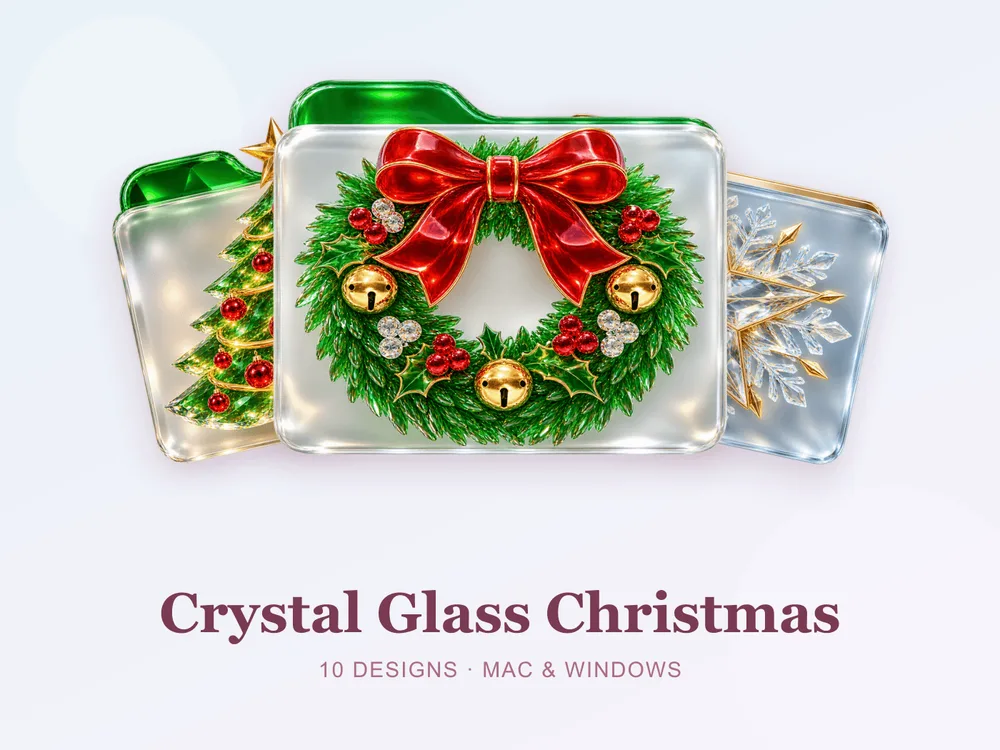
- Best for macOS Liquid Glass & modern desktops: Crystal Glass Christmas — translucent frosted ice folders with emerald crystal trees and prism snowflakes.
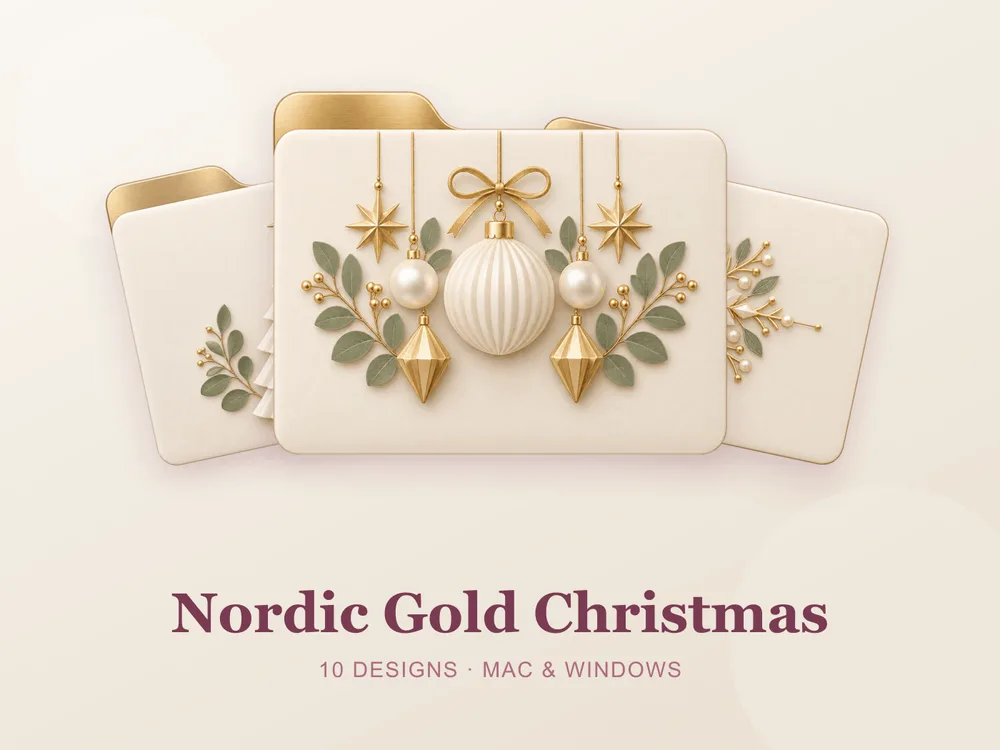
- Best for clean minimalist MacBooks (Work & Creative): Nordic Gold Christmas — porcelain ivory, frosted linen, and brushed 24k gold silhouettes; pairs with our free Nordic Gold Christmas Mac wallpaper.
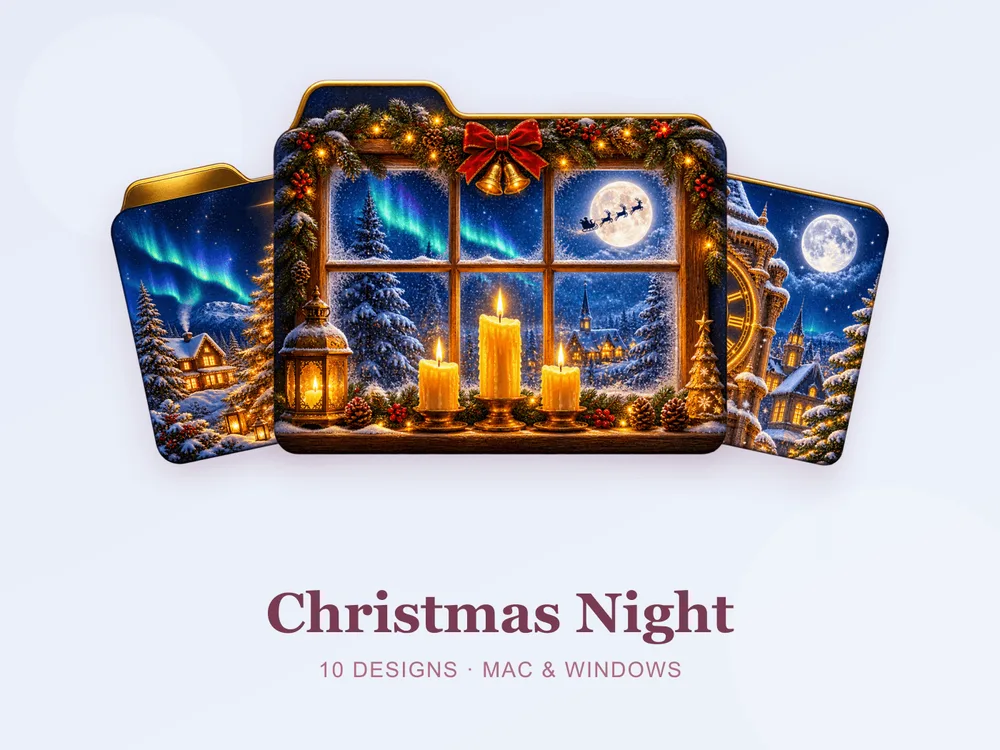
- Best for macOS Dark Mode & OLED screens: Christmas Night — midnight navy folders illuminated by warm amber snow lanterns and starry aurora pines; pairs with our free Starry Christmas Night wallpaper.
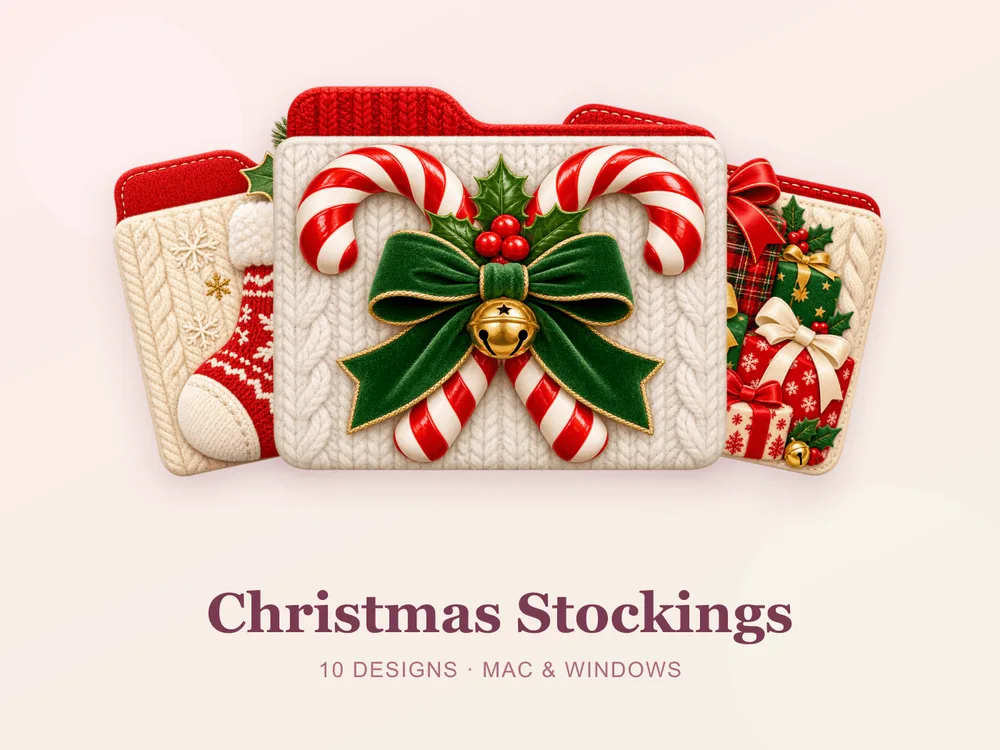
- Best tactile Nordic holiday look: Christmas Stockings — cable-knit wool stockings, felt snowmen, candy canes, brass bells, and tartan gifts.
- Best cheerful classic 3D Mac pack: Santa's Workshop and Classic Christmas Trees — unmistakable holly red and pine green silhouettes that read clearly even in Finder List View.
- Best cute & kawaii Mac desktop: Christmas Pets, Gingerbread Bakery, and Pastel Christmas.
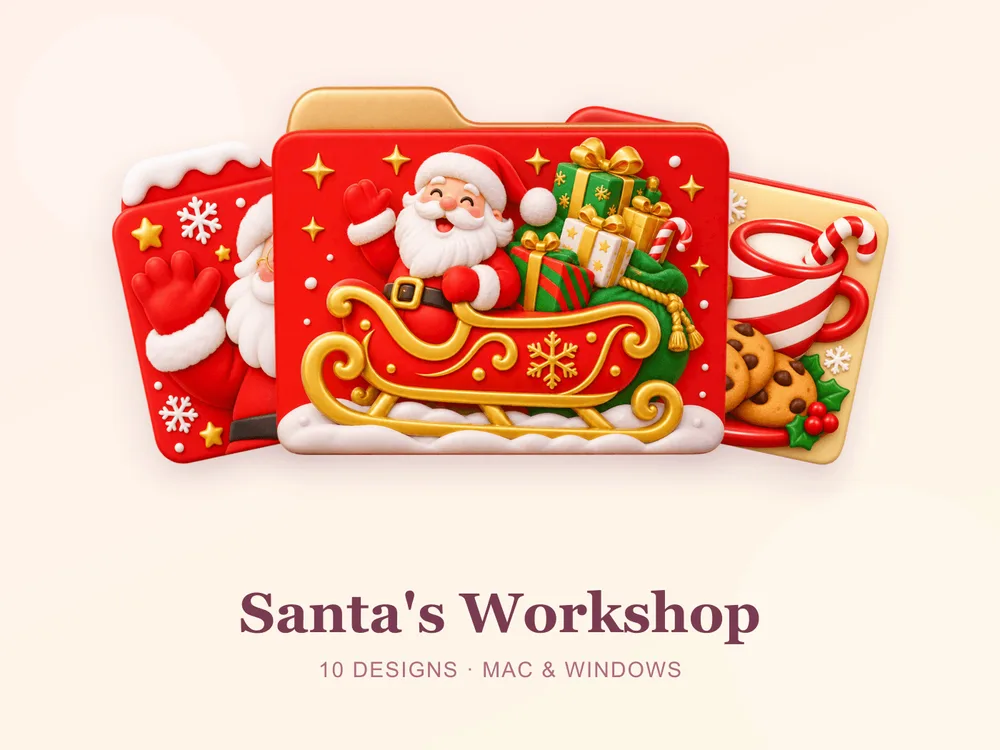
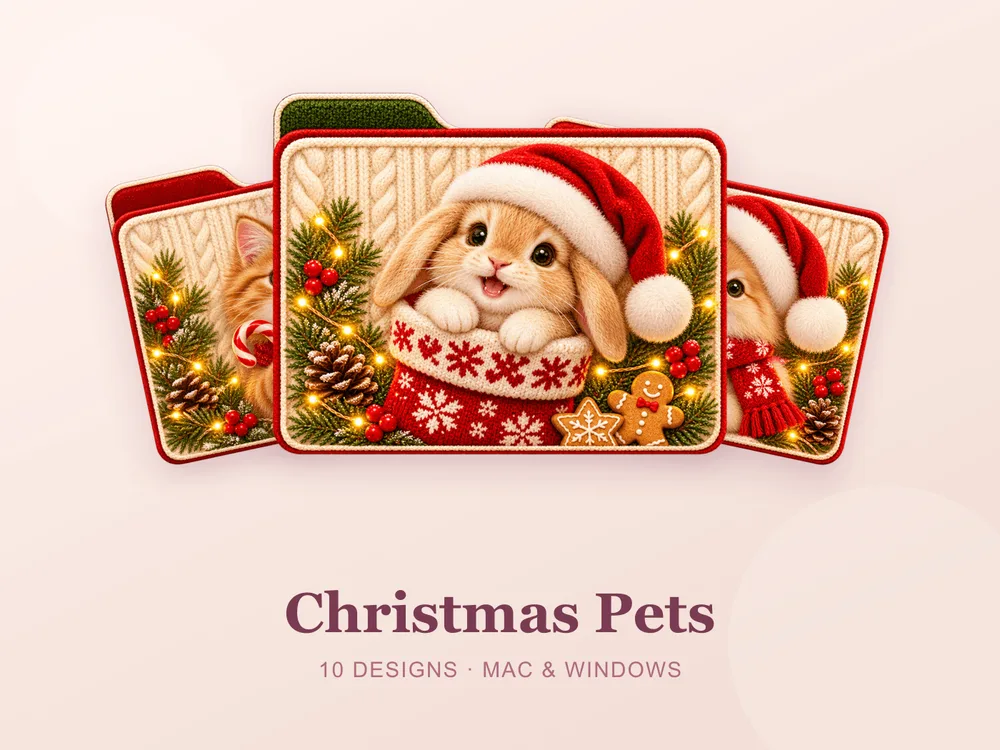
Compare all 13 pure Christmas sets side by side on our Christmas Folder Icons Hub.
How to put Christmas folder icons on Mac (60 seconds)
Works identically on macOS Tahoe, Sequoia, Sonoma, Ventura, and earlier macOS releases:
- Unzip your pack and open the
Macfolder containing the.icnsfiles. - Select a folder on your Desktop or inside Finder and press Cmd + I to open Get Info.
- Drag the
.icnsfile directly onto the small blue folder icon in the top-left corner of the Get Info window. - (Optional) Adjust Desktop spacing with Cmd + J (View Options): setting Icon Size to
72–80pxwith slightly wider Grid Spacing lets 3D clay, knit, and lantern details shine.
Need to apply a custom transparent .png exported from our AI Folder Generator or Folder Maker? Open the PNG in Preview, press Cmd + A then Cmd + C, click the small top-left icon in Get Info (Cmd + I), and press Cmd + V. Full walkthrough: How to Change Folder Icons on Mac.
Mac Christmas folder icons: quick FAQ
Do Christmas folder icons work on macOS Tahoe and Sequoia?
Yes. Every FolderIcons pack uses Apple's standard 9-slot .icns format and native Finder Get Info (Cmd + I) customization, which works cleanly on macOS Tahoe, Sequoia, Sonoma, and older versions without third-party apps.
Why did my downloaded Mac Christmas icons look blurry before?
Most third-party icon packs either provide flat PNGs or strip out Apple's 144 DPI @2x slots (ic13/ic14) from .icns files. Using full 9-slot 144 DPI .icns icons guarantees sharp edges on Retina MacBooks and 5K Studio Displays.
Can I try a Christmas folder icon pack on Mac for free?
Yes. Every member receives 5 free starter packs, and new accounts also get 2 welcome credits upon sign-up — enough to unlock any 2-credit Christmas pack (10 Retina .icns icons) or generate 1 custom AI Christmas folder immediately.
How do I restore the default blue Mac folder icon after Christmas?
Select the folder, press Cmd + I to open Get Info, click the small custom icon at the top-left corner, and press Delete (or Cmd + X). Your files inside the folder are never touched.
Will my unlocked Christmas packs stay available next year? Yes. Credits never expire and unlocked packs remain in your account permanently so you can re-download them every December at no cost.
Ready to refresh Finder? Browse all 13 Christmas Folder Icon Packs or generate a custom AI Mac Christmas folder.