Cute Cat Folder Icons for Mac & Windows: Cozy Cat Cafe & Holiday Pet Packs
Explore our Cozy Cat Cafe folder icon pack alongside festive Christmas Pets and Chunky Knit & Crochet themes. Learn to build a cozy 5-folder desktop workflow and customize cat icons with our folder generator.
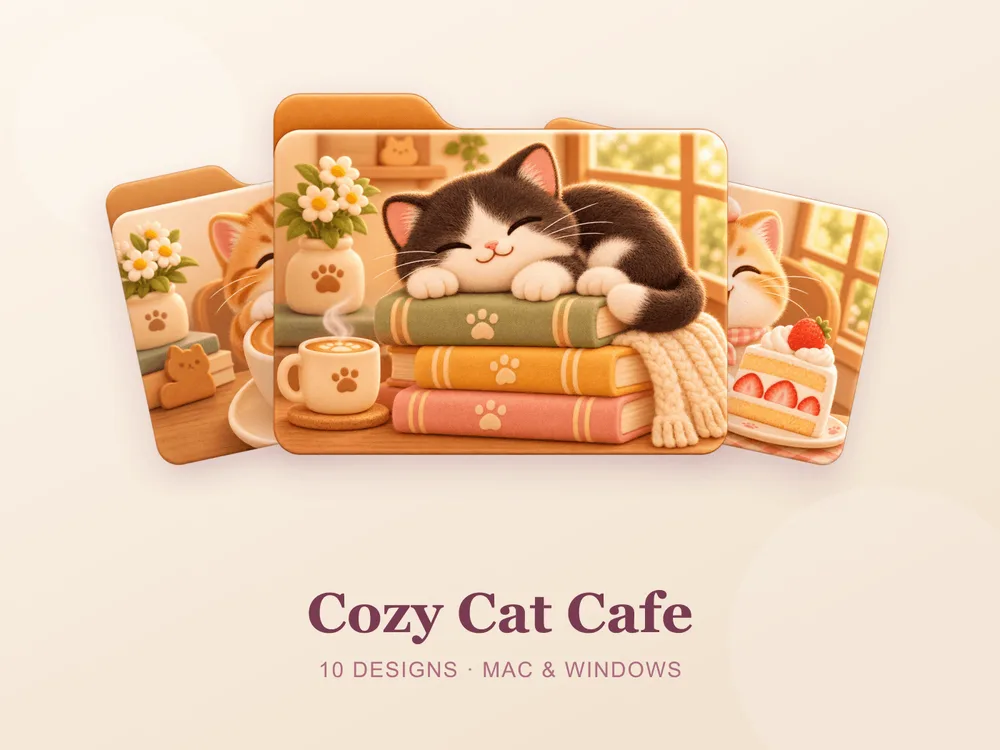
If you’re craving a desktop refresh that’s both charming and functional, our Cozy Cat Cafe folder icon pack is just the ticket. Designed for Mac and Windows alike, this 10-icon 3D set brings soft latte-cream palettes and expressive kittens to your workspace. Paired with our festive Christmas Pets and warm Chunky Knit & Crochet packs, you’ve got a cohesive trio to brighten your desktop year-round.
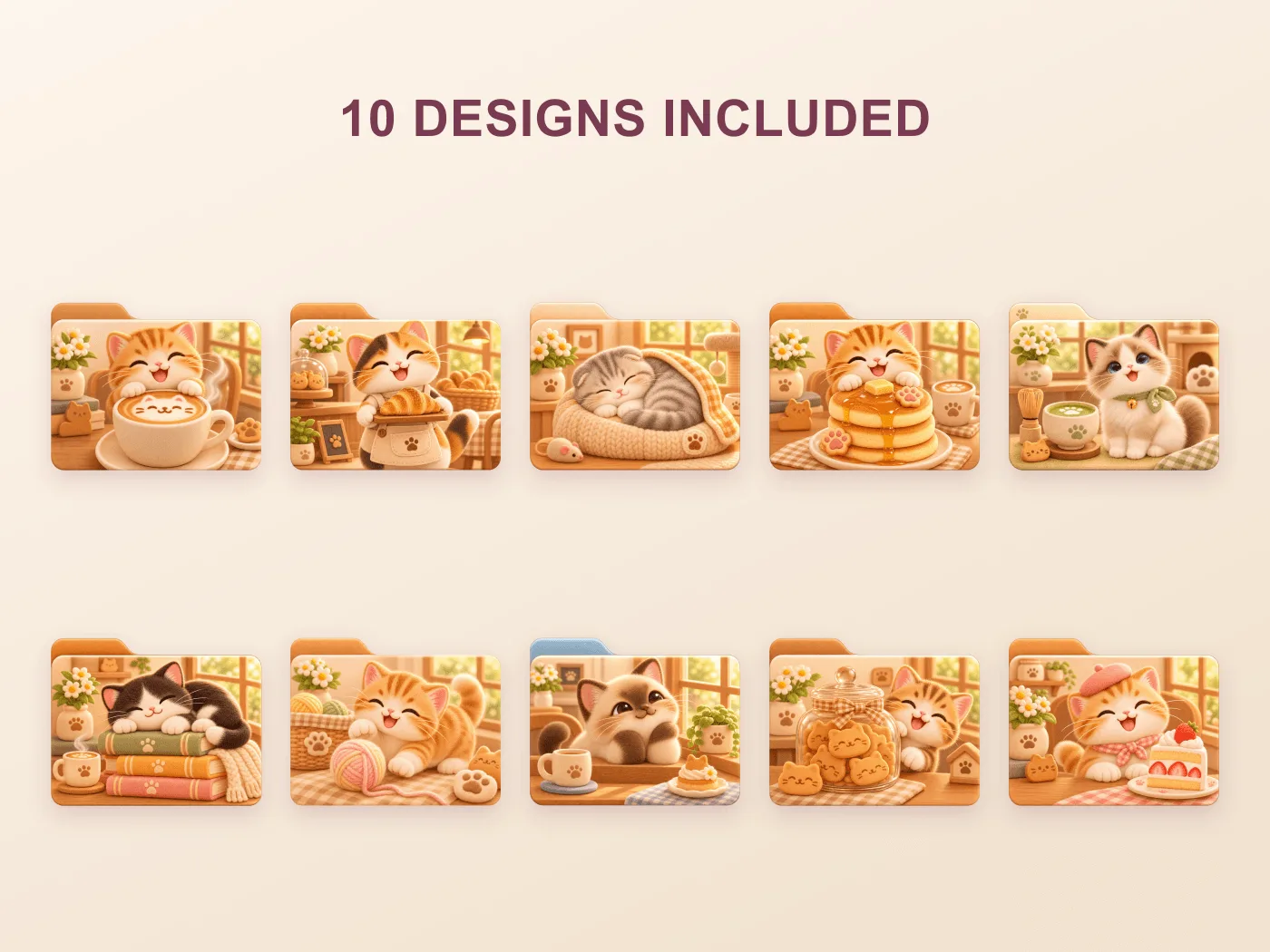
Why Choose Cat Cafe & Holiday Pet Folder Icons?
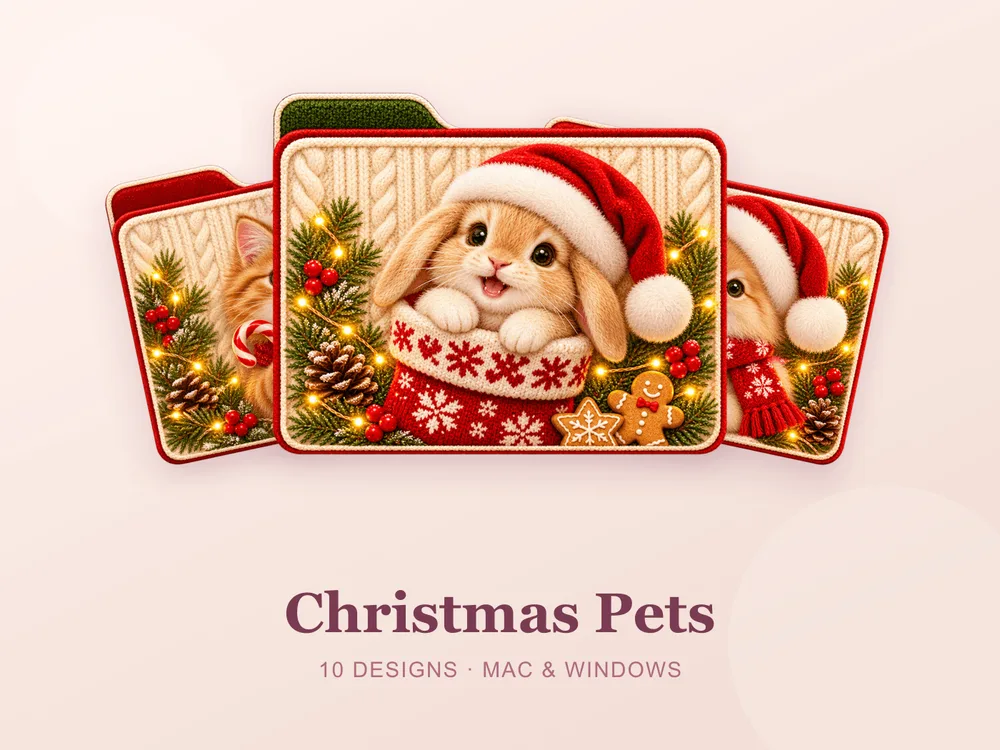
Cats bring a sense of calm and playful companionship, making them ideal for organizing your files with personality. Our Cozy Cat Cafe pack features warm oat-latte tones, cafe croissants, latte art, and adorable kittens that turn everyday folders into warm focal points on your screen. Meanwhile, Christmas Pets adds festive cheer with holiday kittens, corgis, and golden puppies for seasonal organization.
Complement these with Chunky Knit & Crochet, which uses tactile merino wool yarn and handmade amigurumi details to create a comforting, homey feel. Together, these packs help you craft a desktop that’s both adorable and intuitively structured.
Build a Cozy 5-Folder Workflow
To maximize productivity and aesthetic harmony, try this simple five-folder system using our cat-themed icons:
- Inbox – Mark new files with the playful orange tabby peeking over a latte cup from Cozy Cat Cafe.
- Work in Progress – Use the kitten batting a pastel yarn ball to represent active projects.
- Completed – Assign the sleeping Scottish Fold cat on a wool cushion to finished tasks.
- References – Choose the tuxedo cat napping on storybooks for notes and reading material.
- Archive – Use a festive icon from Christmas Pets for seasonal or archived files.
This system balances visual delight with clear visual cues, making file retrieval effortless.
Customize Your Own Cat Folder Icons
Want a folder starring your own pet’s coat color or breed? Visit the Folder Generator to create personalized cat-themed folder icons in Clay, Watercolor, Anime, or Pixel styles and export crisp .icns and .ico files in seconds.
For step-by-step installation instructions, see our guide on how to change folder icons on Mac.
Pair With Free Matching Wallpapers
Pair your cat folder icons with a calm, uncluttered wallpaper so your icons stay legible:
-
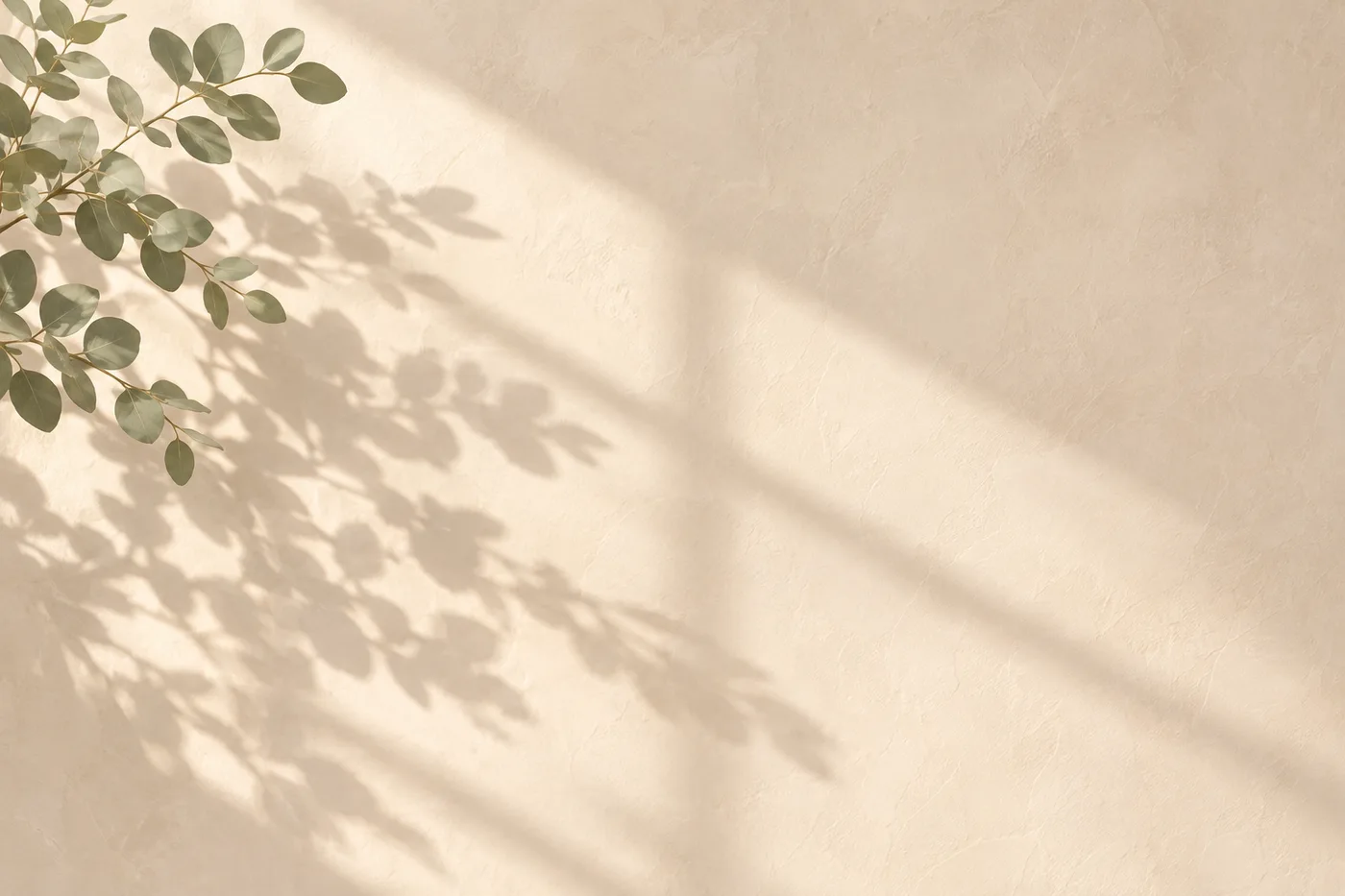
Beige Linen Sunlight: A warm, creamy linen texture that complements the latte-cream tones of Cozy Cat Cafe.
-
Notion Cream Paper: A soft off-white paper backdrop that pairs beautifully with Chunky Knit & Crochet.

Looking for more inspiration? Explore cute animal folder icons or browse our free aesthetic folder icons guide.
Want matching cute stickers for your iPad planner, chats, or notebooks too? Browse transparent PNG and printable packs on our sister site Sticker World.
Cozy Cat Folder Icons FAQ
Can I use these folder icons on both Mac and Windows?
Yes, all FolderIcons packs — including Cozy Cat Cafe, Christmas Pets, and Chunky Knit & Crochet — include crisp Retina macOS .icns files, Windows .ico files, and an illustrated install guide.
How much do the Cozy Cat Cafe and Chunky Knit & Crochet packs cost? Each 10-icon pack is 2 credits (and every new FolderIcons account receives 2 welcome credits on sign-up, plus free starter packs like Beige Linen Minimal and Space Black Titanium).
How do I apply these icons to my folders?
Mac users can follow our Mac folder icon guide (drag the .icns file onto the small folder thumbnail in Cmd + I). Windows users can right-click any folder, open Properties > Customize > Change Icon, and pick the .ico file.
Can I create custom cat icons for my own pet? Yes! Use the Folder Generator to describe your cat’s breed, colors, and favorite cozy props, then export transparent Retina-ready icons immediately.
Ready to make your desktop irresistibly cozy? Browse All Folder Skins · Create a Custom Cat Icon