Stained Glass & Crystal Terrarium Folder Icons: Luminous Art for Retina Displays
Discover how our flagship 3-credit Stained Glass Cathedral and Crystal Terrarium folder icons bring jewel-toned brilliance to macOS Retina displays with true 144 DPI 512px .icns files, perfectly paired with the Emerald Moss Dew wallpaper.
Stained Glass & Crystal Terrarium Folder Icons: Luminous Art for Retina Displays
When it comes to desktop customization, nothing elevates your macOS experience like folder icons that combine artistic craftsmanship with technical precision. Our flagship folder skins, Stained Glass Cathedral and Crystal Terrarium, are designed as 3-credit masterpieces to transform your file system into a luminous gallery. These icons leverage true 144 DPI 512px .icns files, ensuring every jewel-toned detail shines crisply on Retina displays.
Why True 144 DPI 512px Matters for Retina Displays
Retina displays on Macs demand high-resolution assets to avoid blur and loss of detail. Many icon sets compromise by using smaller or lower DPI images scaled up by the system, causing fuzziness especially in intricate designs. Our folder icons are crafted with precise 512×512 pixel images at 144 DPI, the macOS standard for Retina .icns slots. This guarantees sharp edges and vivid color gradients that capture the essence of fine leaded glass art.
The Artistry Behind Stained Glass Cathedral
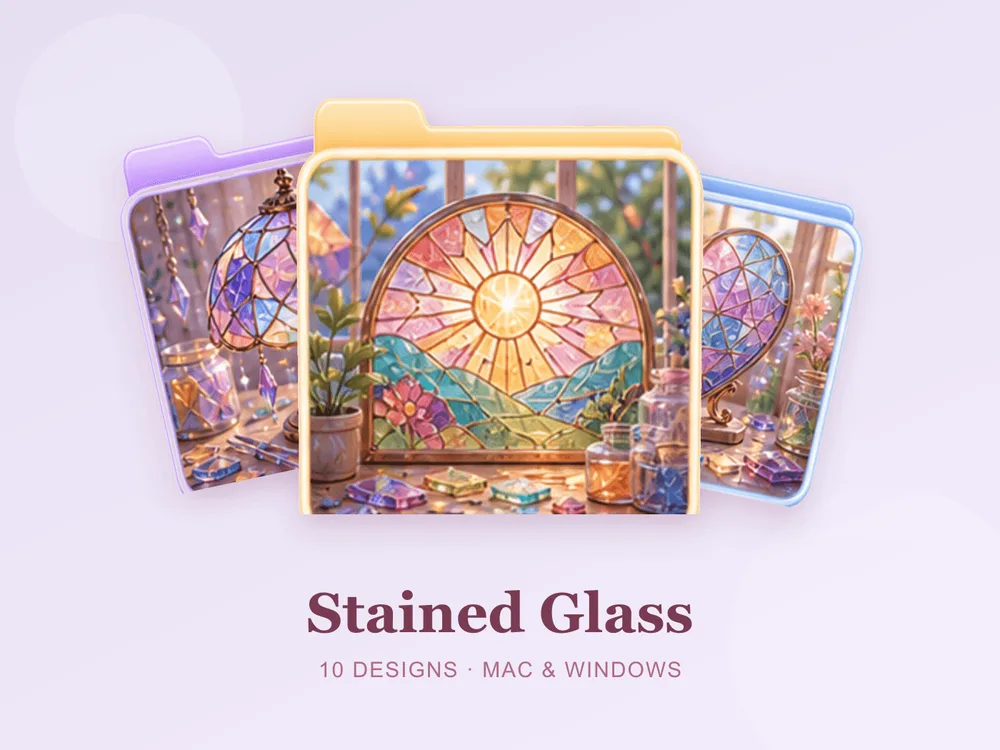
Inspired by the grandeur of classic stained glass windows, the Stained Glass Cathedral skin features vibrant, jewel-like panes segmented by delicate leaded lines. Each color block is rendered with subtle highlights and shadows to simulate light refracting through colored glass. This skin transforms your folders into miniature cathedrals of light, merging tradition with digital elegance.
Crystal Terrarium: Nature’s Radiance Captured
Our Crystal Terrarium icon skin evokes the magic of a miniature glass ecosystem. Faceted crystal shapes and verdant emerald moss details interplay with soft sunlight reflections, creating a 3D effect that feels alive. The icon’s palette is carefully balanced to enhance depth and luminosity, ideal for users who appreciate nature-inspired desktop aesthetics.
Matching Wallpaper: Emerald Moss Dew
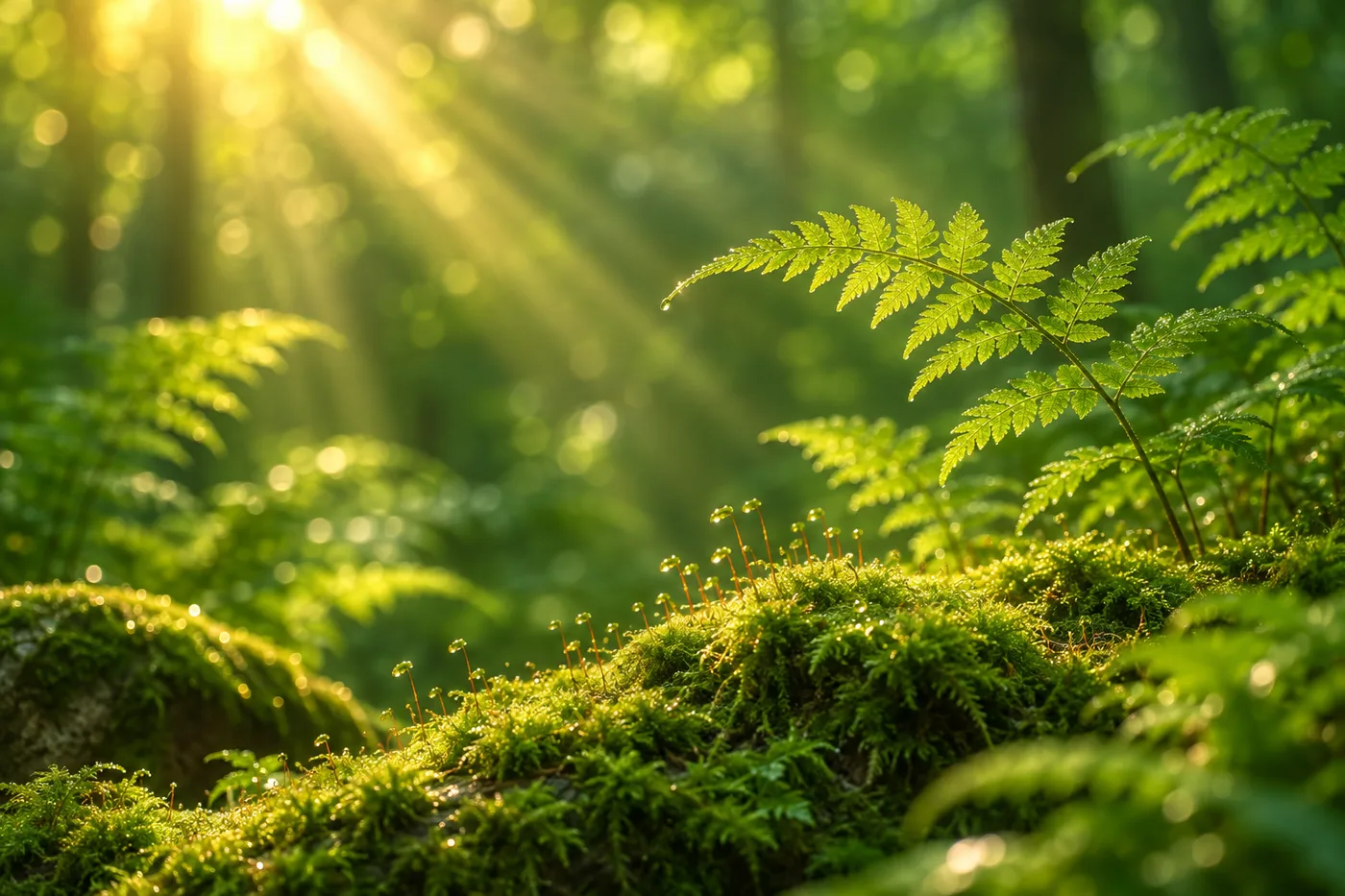
To complete the visual harmony, try our Emerald Moss Dew wallpaper, designed specifically to complement the Crystal Terrarium icon. This wallpaper features soft sunlight filtering through dew-laden moss, rendered in jewel tones that echo the icon’s color scheme.
How to Apply These Masterpieces
- Visit the Stained Glass Cathedral skin page or the Crystal Terrarium skin page.
- Download and install the
.icnsfiles, ensuring you replace your folder icons via macOS Finder’s “Get Info” > “Paste” method. - Pair with the Emerald Moss Dew wallpaper for a cohesive desktop look.
If you want to customize further, explore our folder generator or folder maker tools to tweak colors or add personal flair.
Why Choose FolderIcons’ High-Resolution Folder Skins?
- True Retina Optimization: No blurry edges or pixelation.
- Artisanal Detail: Handcrafted designs inspired by fine art.
- Seamless macOS Integration: Uses Apple’s recommended
.icnsformats.
For more tips about folder icon clarity, see our Why Are My Folder Icons Blurry? blog.
Stained Glass & Crystal Terrarium Folder Icons FAQ
Why do these folder icons look better on Retina displays?
They use true 512×512 pixel .icns files at 144 DPI, matching macOS Retina requirements, which preserves fine details and prevents blurring.
Can I use these icons on non-Retina Macs? Yes, but the visual benefits are most noticeable on Retina displays where pixel density is higher.
Are these icons compatible with macOS Ventura and later? Absolutely. They follow Apple’s current icon standards and work seamlessly on the latest macOS versions.
Can I customize the colors of these folder icons? You can use our folder generator to create color variants or add personal touches.
Elevate your desktop artfully with our full collection of skins and create your own unique folders using the folder generator.